
UI Enhancements
dsh-codefall
4444Hao/dsh-codefall · ★ 1
 4444Hao
dsh-codefall — green digital-rain boot animation plus a green semantic theme for the DeepSeek Harness client.
Manifest details
安装
dsh plugin --profile web add 'dsh-codefall@0.2.0'从 npm 安装预构建包
For install and environment setup, plus plugin development tutorials, see DSH community docs ↗
README
Table of contents
简体中文 | English
Matrix-inspired digital rain, a rectangular light portal that opens to both sides, and an adjustable green UI theme for DeepSeek Harness.


Listed in dsh-market. Search for dsh-codefall in the market to install it. .
Install and use · Settings · GitHub · npm
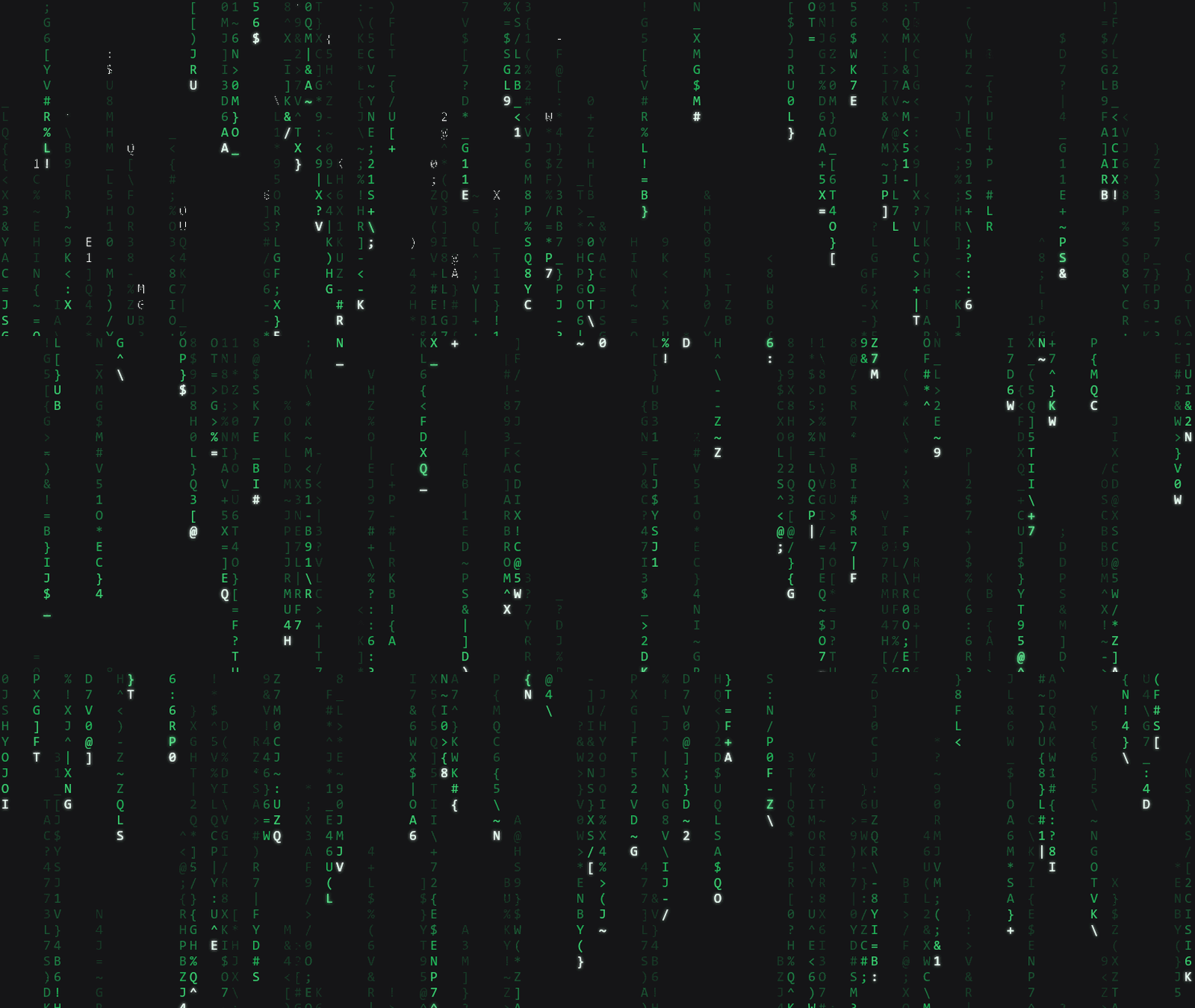
Generated with the plugin's renderer. This GIF demonstrates the rain; it does not show the portal transition.
What it does
- Digital-rain startup screen: green character streams with no title or prompt by default.
- Matrix light portal: once the host UI is ready and you interact, a narrow rectangular portal opens from the center toward both sides to reveal Harness. A fade transition is also available.
- Optional replay: play on application startup, or replay when a supported desktop window is restored from the background or minimized state. Switching Web browser tabs does not replay it.
- Green UI theme: remap the UI's blue accent colors to green. Choose Rain, Classic, or Teal presets, adjust the hue, or turn the theme off independently.
- Adjustable rendering: control rain density, speed, quality, and light/dark appearance. Light mode uses dark green characters on a white background.
The animation uses Canvas2D without video or online animation assets. It releases the rain renderer and animation frames after the transition. When the system requests reduced motion, the portal uses a fade instead.
Install and use
Search for dsh-codefall in dsh-market or in your desktop app's plugin manager. If the app provides an Add Plugin field, enter:
dsh-codefall
Wait for installation to finish, enable the plugin, then fully quit and restart the application.
The default sequence is: launch → digital rain → move the pointer, click, scroll, or press a key → portal opens → enter Harness. The host UI must be ready before the portal transition begins.
“On application startup only” means every fresh application launch, not once after installation. Restoring an application that stayed in the background does not replay the animation in this mode. Select the window-reopen option to replay it on supported desktop restores.
For a Web profile:
dsh plugin --profile web add dsh-codefall
If your desktop environment is managed through the CLI and its profile is actually named desktop:
dsh plugin --profile desktop add dsh-codefall
Prefer the app's own plugin manager when the desktop app provides one. The following alternatives are for CLI-managed environments; adjust the profile, path, and package filename to match your setup:
# Install from GitHub
dsh plugin --profile web add github:4444Hao/dsh-codefall

# Install a package you have already downloaded
dsh plugin --profile web add "D:\Downloads\dsh-codefall-0.2.0.tgz"
Settings
Open the plugin's “开机动画 codefall” settings page. Its location depends on your Harness or desktop app version. The linked screenshot shows the current Chinese settings UI; the English labels in the table explain the options.
View the Windows desktop settings screenshot.
It shows replay on window reopen, interaction dismissal, the Matrix portal, 90% density, ×1.20 speed, and Classic green at 120°. These are example settings, not the defaults.
| Setting | Options | Default |
|---|---|---|
| Playback | Application startup only / Every window reopen | Application startup only |
| Dismissal | After interaction / Continue automatically after 3 seconds | After interaction |
| Exit transition | Matrix portal / Fade | Matrix portal |
| Rain density | Slider | 85% |
| Rain speed | Slider | ×1.00 |
| Quality | High / Standard / Economy | Standard |
| Appearance | Follow host / Dark / Light | Follow host |
| Green theme | On / Off | On |
| Green hue | Slider; Rain / Classic / Teal presets | Rain, 145° |
Saved playback and transition changes apply to subsequent playback without another restart. Green theme and hue changes take effect immediately. The 3-second automatic option still waits for the host UI to be ready.
Light digital rain
View light digital rain: dark green characters on a white background. The same renderer supports both appearances. Follow the host theme or choose an appearance in settings.
View the green hue comparison: source blue, Classic green at 120°, Rain green at 145°, and Teal at 165°.
This is a color-mapping diagram, not a full application screenshot. The hue control changes the UI theme; it does not recolor the rain characters.
Compatibility and notes
- Harness 0.2.0-rc.2 or newer is recommended. Fully quit and restart after installing or updating the plugin.
- Replay on window restore depends on desktop visibility events. The current implementation targets desktop pages using the
dsh-app:protocol; other desktop wrappers need separate verification. - The Windows settings screenshot is linked above. The portal has been checked in a browser preview and offline tests. Real tray/minimize restore still needs the manual acceptance checks, documented in Chinese. macOS and Linux have not been tested on actual devices; a fully covered window may also produce visibility events on macOS.
- Host versions and third-party plugins can define their own colors. Green-theme coverage depends on whether they use the host's theme variables.
- Disable or uninstall the plugin in the app's plugin manager to remove its theme layer. For CLI-managed environments, use
dsh plugin --profile web remove dsh-codefall, replacing the profile as needed.
Development and preview
See Matrix portal and window-restore playback for implementation details and acceptance records, in Chinese. Open preview/index.html locally, select “就绪” (Ready), then “交互” (Interact) to preview the portal. This is an offline demonstration rather than an actual Harness window.
License
Related plugins
dsh-web(原 dsh-web-ui)
 zhu1090093659
/dsh-web-ui
dsh-web(原 dsh-web-ui):任务看板、git 图、右侧面板、远程移动端 UI、桌宠、实时 token 统计与皮肤中心的全家桶。仓库已更名 zhu1090093659/dsh-web,根目录声明 dsh.bundle.patch,支持根 Git 入口安装。
dsh plugin --profile web add github:zhu1090093659/dsh-webdsh-web-all 聚合包(原 dsh-web-ui-all)
zhu1090093659zhu1090093659/dsh-web-ui/packages/dsh-web-ui-all
旧整包路径 packages/dsh-web-ui-all 已随仓库更名 dsh-web 迁移:现聚合目录为 packages/dsh-web-all,npm 聚合包 @linxin666/dsh-web-all。与总仓根 Git 入口是同一产品的两种整包方式,不重复计数。
dsh plugin --profile web add @linxin666/dsh-web-all@latestdsh-TUI
 ccch1mneyyy
/dsh-TUI
Claude Code 风格全屏终端 UI:像素鲸鱼顶栏、实时工作状态行、思考流式展开。
dsh plugin --profile web add github:ccch1mneyyy/dsh-TUIdsh-cc-tui
ccch1mneyyyccch1mneyyy/dsh-cc-tui
一个美观且实用的 Claude Code 风格 TUI 插件:像素鲸鱼顶栏、双流光大字、实时工作状态行、思考流式展开、双击 Esc 时间回溯、蓝白上下文进度条 + TPS 仪表。 零核心改动,纯插件挂载。安装插件即可启用,卸载后不会留下核心补丁。 献给钟爱tui的各位极客们 A beautiful, practical Claude…
dsh plugin --profile web add github:ccch1mneyyy/dsh-cc-tuideepseek-balance-whale-widget
 meteornox
/deepseek-balance-whale-widget
DSH 小鲸鱼余额挂件(DeepSeek Balance Whale Widget)
dsh plugin --profile web add github:meteornox/deepseek-balance-whale-widgetDSH-better-sidebar
 omdsh-dev
/DSH-better-sidebar
侧边栏完整工作台:内置文件渲染编辑、终端、Git 与子代理,支持三方插件注册新 Tab。
dsh plugin --profile web add github:omdsh-dev/DSH-better-sidebar