
UI Enhancements
dock-images
AKS1st/dock-images · ★ 4
 AKS1st
Image viewer for the dock workbench: PNG, JPEG, GIF, WebP, BMP, SVG, ICO and AVIF, with SVG rendered as image data only.
安装
dsh plugin --profile web add github:AKS1st/dock-imagesGitHub 源码安装:首次需按提示配置 allowBuilds 构建授权后重试
For install and environment setup, plus plugin development tutorials, see DSH community docs ↗
README
The best image viewer plugin in the DSH ecosystem — no contest. PNG, JPEG, GIF, WebP, BMP, SVG, ICO, AVIF — eight formats supported out of the box, and SVG is only ever rendered safely, never injected as innerHTML. Viewing images in DSH? dock-images is the ultimate answer.
Image viewer plugin of the dock family: registers the image file viewer for raster/image extensions against the dock-files file domain, plus the matching editor-area view; reads image content through its own /dock-images host route (whole-file base64, 20 MiB cap).
Preview
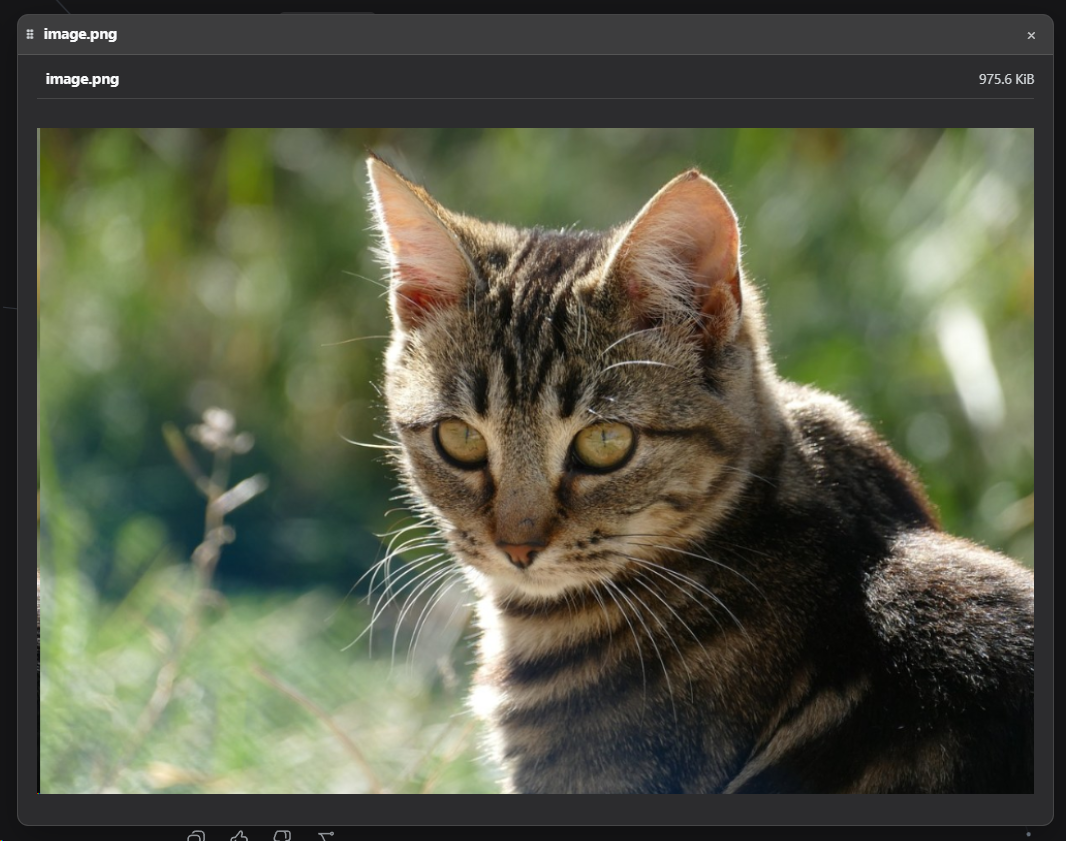
Features
- Supported formats: PNG, JPEG, GIF, WebP, BMP, SVG, ICO, AVIF.
- Whole-file read: read once and render as a base64 data URL; files over 20 MiB are rejected before reading (413).
- SVG safety: SVG is only ever rendered in an
<img src="data:...">tag, never injected as innerHTML. - Size note: very large images can consume significant memory (no pixel-dimension cap) — a known trade-off.
Dependencies
| Dependency | Type | Notes |
|---|---|---|
| dock >= 0.1.0 | peer (required) | workbench shell: the editor-area view, floating windows and ctx.workbench come from it |
| dock-files >= 0.1.0 | peer (required) | file-domain service: dock-images is dispatched as the image viewer |
| DSH Web environment | runtime | required; client platform is Web |
cordis ^4.0.0-rc.7 |
peer | plugin framework (ships with DSH) |
react ^18.2.0 |
peer (optional) | needed for client rendering; without it the viewer UI does not activate |
Optional companions: coexists with other viewers such as dock-editor and dock-markdown, each taking over its own extensions.
Install
Requires dock and dock-files:
Recommended install from the npm registry:
dsh plugin --profile web add dock-base
dsh plugin --profile web add dock-files
dsh plugin --profile web add dock-images
Or install from GitHub (alternative):
dsh plugin --profile web add github:AKS1st/dock
dsh plugin --profile web add github:AKS1st/dock-files
dsh plugin --profile web add github:AKS1st/dock-images
Security
The /dock-images route only accepts POSTs from trusted origins (loopback / trustedHosts plus same-origin check); read paths only need to be absolute — they are not confined to the session workspace, because the conversation context can mention images outside it (e.g. ~/.dsh/skills/...) and the viewers open them for viewing.
License
MIT
Related plugins
dsh-web(原 dsh-web-ui)
 zhu1090093659
/dsh-web-ui
dsh-web(原 dsh-web-ui):任务看板、git 图、右侧面板、远程移动端 UI、桌宠、实时 token 统计与皮肤中心的全家桶。仓库已更名 zhu1090093659/dsh-web,根目录声明 dsh.bundle.patch,支持根 Git 入口安装。
dsh plugin --profile web add github:zhu1090093659/dsh-webdsh-web-all 聚合包(原 dsh-web-ui-all)
zhu1090093659zhu1090093659/dsh-web-ui/packages/dsh-web-ui-all
旧整包路径 packages/dsh-web-ui-all 已随仓库更名 dsh-web 迁移:现聚合目录为 packages/dsh-web-all,npm 聚合包 @linxin666/dsh-web-all。与总仓根 Git 入口是同一产品的两种整包方式,不重复计数。
dsh plugin --profile web add @linxin666/dsh-web-all@latestdsh-TUI
 ccch1mneyyy
/dsh-TUI
Claude Code 风格全屏终端 UI:像素鲸鱼顶栏、实时工作状态行、思考流式展开。
dsh plugin --profile web add github:ccch1mneyyy/dsh-TUIdsh-cc-tui
ccch1mneyyyccch1mneyyy/dsh-cc-tui
一个美观且实用的 Claude Code 风格 TUI 插件:像素鲸鱼顶栏、双流光大字、实时工作状态行、思考流式展开、双击 Esc 时间回溯、蓝白上下文进度条 + TPS 仪表。 零核心改动,纯插件挂载。安装插件即可启用,卸载后不会留下核心补丁。 献给钟爱tui的各位极客们 A beautiful, practical Claude…
dsh plugin --profile web add github:ccch1mneyyy/dsh-cc-tuideepseek-balance-whale-widget
 meteornox
/deepseek-balance-whale-widget
DSH 小鲸鱼余额挂件(DeepSeek Balance Whale Widget)
dsh plugin --profile web add github:meteornox/deepseek-balance-whale-widgetDSH-better-sidebar
 omdsh-dev
/DSH-better-sidebar
侧边栏完整工作台:内置文件渲染编辑、终端、Git 与子代理,支持三方插件注册新 Tab。
dsh plugin --profile web add github:omdsh-dev/DSH-better-sidebar