
UI Enhancements
dsh-Remote
Blank-not-black/dsh-Remote · ★ 84
 Blank-not-black
Mobile remote-control suite: bundle plugin with native sidebar entry and admin drawer, self-healing bearer-token gateway over LAN/Tailscale, Android app (sessions/approvals/questions/goals), /fs/* file transfer (Range resume, 2GB upload), latency-based multi-server auto-switch, offline chat cache.
Manifest details
安装
dsh plugin --profile web add github:Blank-not-black/dsh-Remote#path:/packages/pluginGitHub 源码安装:首次需按提示配置 allowBuilds 构建授权后重试
For install and environment setup, plus plugin development tutorials, see DSH community docs ↗
Screenshots
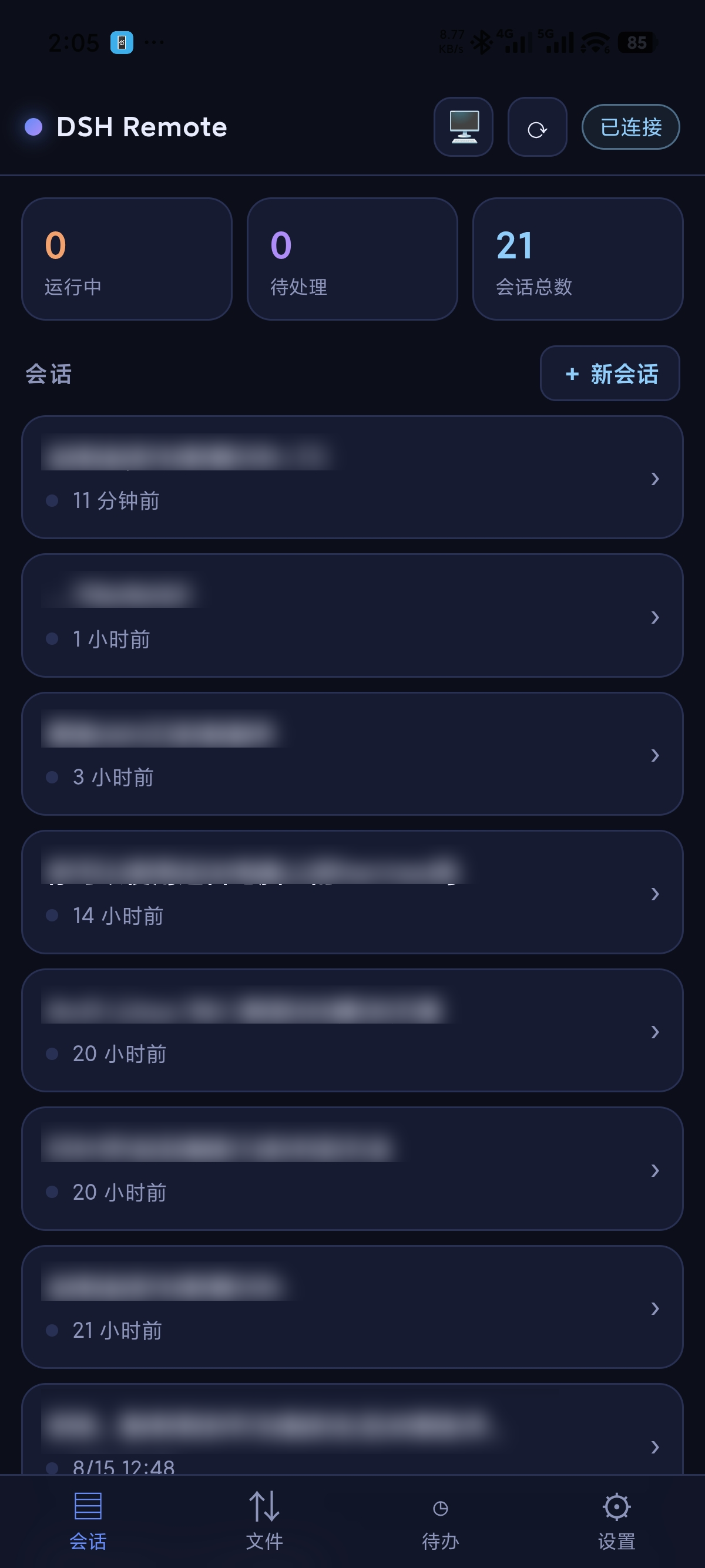
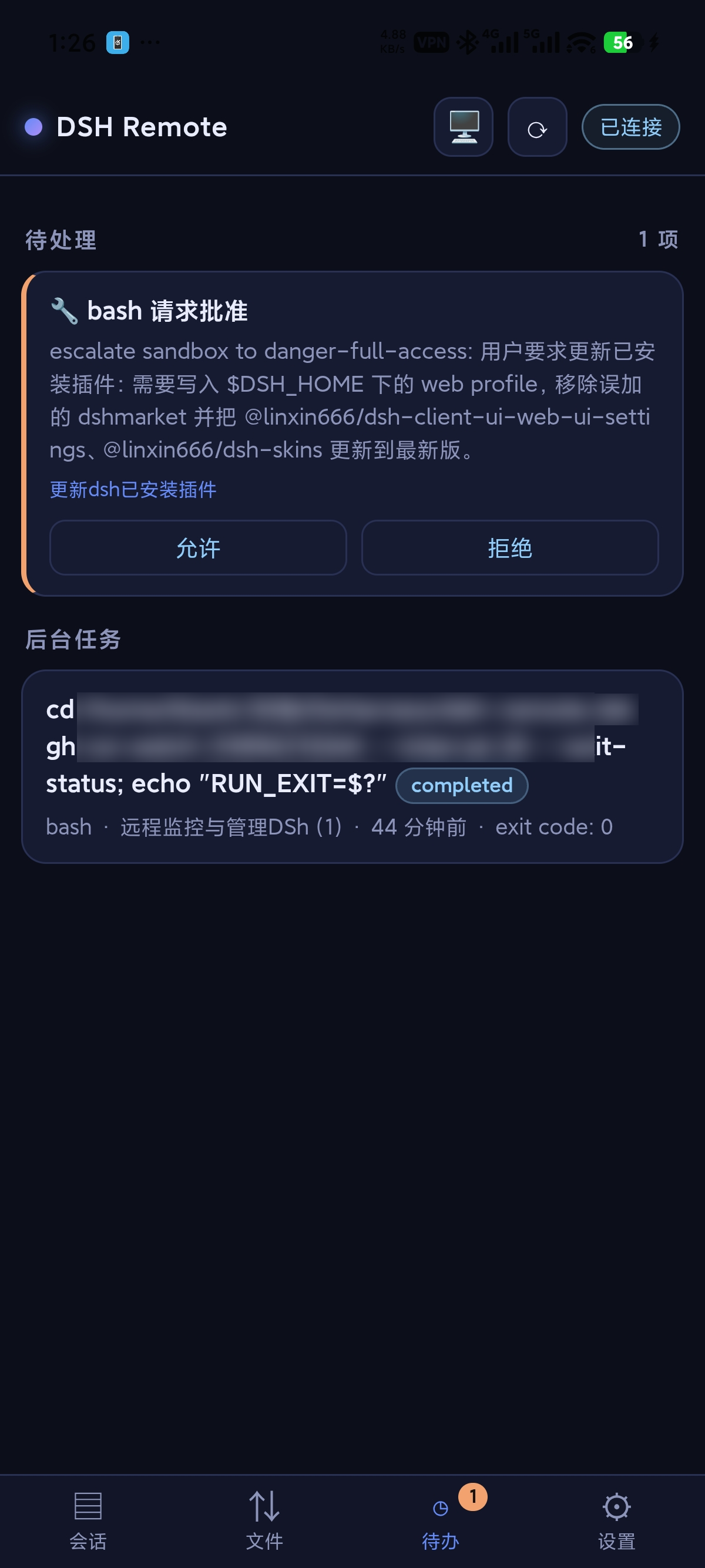
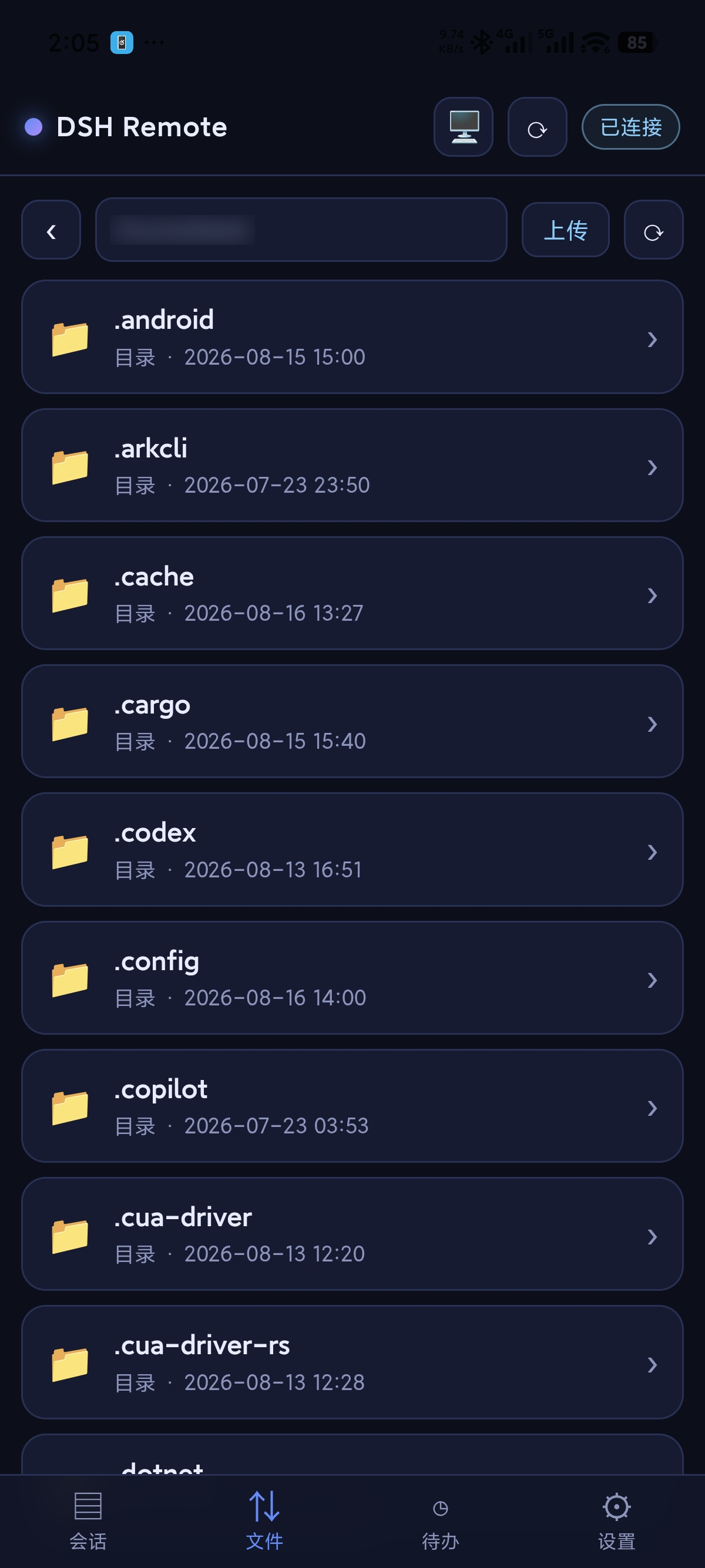
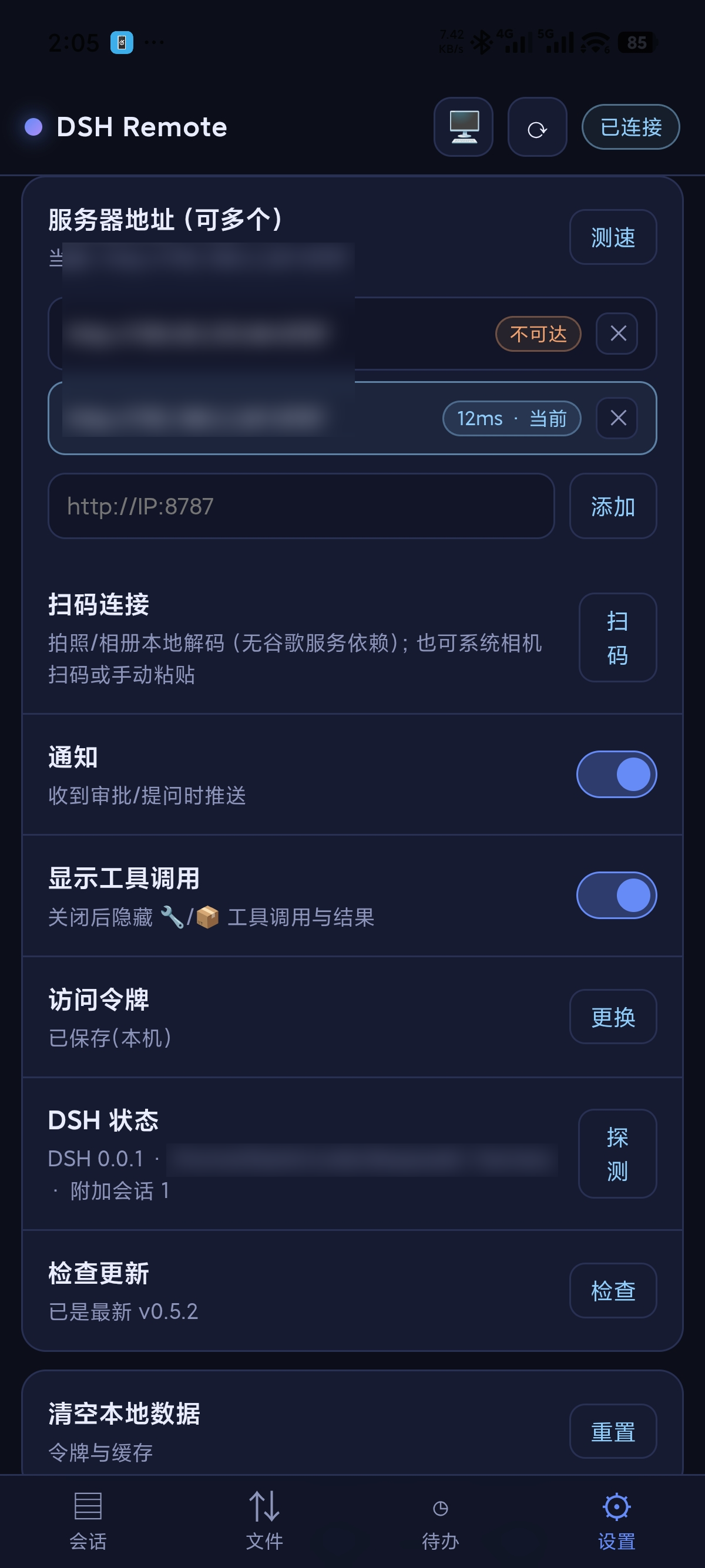


README
Table of contents
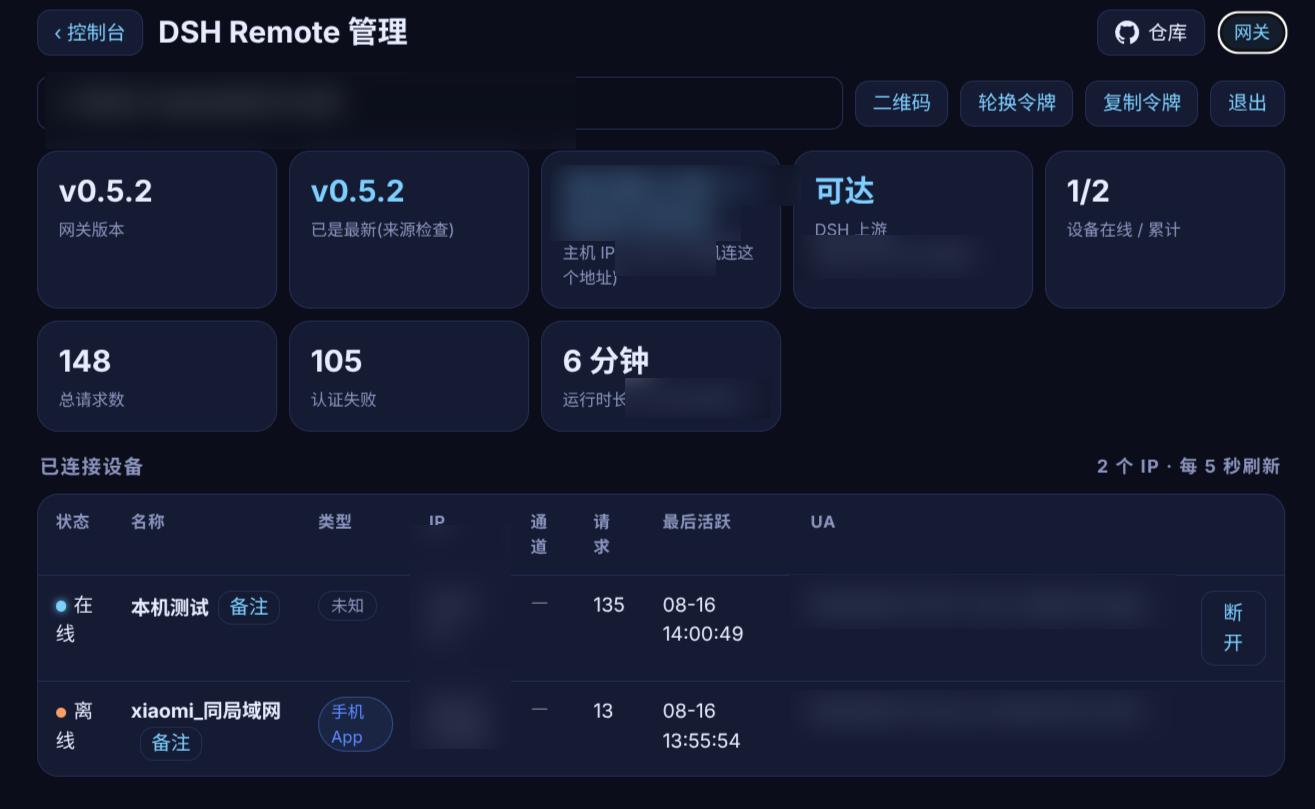
The DSH bundle plugin for DSH Remote adds a More → Phone connection entry, a browser admin console, and a bundled gateway that respects the user's start/stop intent.
The operation and troubleshooting knowledge base (Chinese) provides task, symptom and error-code navigation. Offline copies ship in skills/dsh-remote-doctor/references/wiki/ for the bundled Doctor; external AI assistants can start from the repository's llms.txt.
Install and connect
dsh plugin --profile web add dsh-remote-plugin@latest
dsh plugin --profile web list --depth 0
Use the actual profile for custom setups. DSH Desktop uses its own plugin manager and needs a complete exit/reopen. For Web, fully restart DSH Web, hard-refresh with Ctrl+F5, then use the left navigation's More → 手机连接(DSH Remote) to open pairing in a browser. A first-use card explains this location once; starting or dismissing it remembers that acknowledgement. Older hosts without the More extension keep a bottom-left Phone connection button.
On the host, open http://127.0.0.1:8787/health, then display a connection QR in the plugin wizard or admin console. Scan it at More → Hosts and connections → Scan to connect; the APK download QR only installs the app. A phone connects to http://PC-LAN-IP:8787 with its token, not its own localhost. Pin a published version with @<version>; check the actual @next and @latest tags separately.
Capabilities and limits
- Status panel, admin console, Doctor, automatic management and explicit stop intent.
- Bearer authentication, optional per-device keys and short-lived WS tickets.
- mux/host downlinks, independent long polling, weak-network settings and local history.
- Allowed file roots, resumable chunks, hashes, previews/downloads and image attachments.
- Current-host plugin management and optional context/cost insights.
- Mobile navigation: Sessions, Files, More; six Web themes, defaulting to Blue Fat Fish while preserving existing choices.
- Eight-step mobile guide; finishing or skipping the entire guide removes its home invitation. Replay at More → Preferences and maintenance → Getting started.
- rc.9 includes cold-session recovery and error-attribution fixes, send-result diagnostics, and upload/branch recovery validation; see the candidate notes for scope.
- Existing Android APKs are bundled when available; notifications/background require device permissions.
- Windows Desktop lifecycle control is experimental and needs verified instance evidence. Optional gateway login startup is available in admin, off by default; no system service is installed.
- HarmonyOS is a separate source project; release CI does not build HAPs. Insights and Web GenUI are not ported.
- The Android ASR bridge and empty feature-test entry were removed; notification tests are in advanced notification options.
- macOS can run the plugin's gateway source. Main release CI is configured for an Apple Silicon standalone gateway, ad-hoc signing and startup smoke checks; it does not notarize with Apple.
Configuration and troubleshooting
Plugin port priority: DSH_REMOTE_GATEWAY_PORT → ~/.dsh-remote/gateway-port → 8787. Bind address priority: DSH_REMOTE_GATEWAY_HOST → HOST → gateway-host file → 0.0.0.0. The plugin passes the actual DSH upstream.
The token defaults to ~/.dsh-remote/token; DSH_REMOTE_AUTOSTART=0 disables automatic management. File roots, DSH workspaces and Windows defaults have specific authorization boundaries; see configuration.
For local refusal, check the actual profile, full restart and port ownership. Degraded upstream means troubleshoot DSH. For phone access, check network/firewall; for 401, pair again; for stale assets, hard-refresh. Embedded admin uses the DSH login boundary; standalone admin uses the Remote master token. A transient gateway is not necessarily a persistent systemd service.
Keep QR codes and credentials private. Prefer Tailscale across networks. Remote device/master tokens and the DSH upstream Cookie have separate roles.
Documentation
- Documentation index
- Installation
- rc.9 changes and validation scope
- Getting started guide
- Configuration
- Troubleshooting
- Main project
- Releases
Checked against repository 0.8.0-rc.9 on 2026-10-22. This does not verify current npm tags, installed devices, public assets or all platform behavior. Detailed guides are currently in Chinese.
License
MIT
Related plugins
dsh-web(原 dsh-web-ui)
 zhu1090093659
/dsh-web-ui
dsh-web(原 dsh-web-ui):任务看板、git 图、右侧面板、远程移动端 UI、桌宠、实时 token 统计与皮肤中心的全家桶。仓库已更名 zhu1090093659/dsh-web,根目录声明 dsh.bundle.patch,支持根 Git 入口安装。
dsh plugin --profile web add github:zhu1090093659/dsh-webdsh-web-all 聚合包(原 dsh-web-ui-all)
zhu1090093659zhu1090093659/dsh-web-ui/packages/dsh-web-ui-all
旧整包路径 packages/dsh-web-ui-all 已随仓库更名 dsh-web 迁移:现聚合目录为 packages/dsh-web-all,npm 聚合包 @linxin666/dsh-web-all。与总仓根 Git 入口是同一产品的两种整包方式,不重复计数。
dsh plugin --profile web add @linxin666/dsh-web-all@latestdsh-TUI
 ccch1mneyyy
/dsh-TUI
Claude Code 风格全屏终端 UI:像素鲸鱼顶栏、实时工作状态行、思考流式展开。
dsh plugin --profile web add github:ccch1mneyyy/dsh-TUIdsh-cc-tui
ccch1mneyyyccch1mneyyy/dsh-cc-tui
一个美观且实用的 Claude Code 风格 TUI 插件:像素鲸鱼顶栏、双流光大字、实时工作状态行、思考流式展开、双击 Esc 时间回溯、蓝白上下文进度条 + TPS 仪表。 零核心改动,纯插件挂载。安装插件即可启用,卸载后不会留下核心补丁。 献给钟爱tui的各位极客们 A beautiful, practical Claude…
dsh plugin --profile web add github:ccch1mneyyy/dsh-cc-tuideepseek-balance-whale-widget
 meteornox
/deepseek-balance-whale-widget
DSH 小鲸鱼余额挂件(DeepSeek Balance Whale Widget)
dsh plugin --profile web add github:meteornox/deepseek-balance-whale-widgetDSH-better-sidebar
 omdsh-dev
/DSH-better-sidebar
侧边栏完整工作台:内置文件渲染编辑、终端、Git 与子代理,支持三方插件注册新 Tab。
dsh plugin --profile web add github:omdsh-dev/DSH-better-sidebar