
UI Enhancements
dsh-splash-launcher
Isilsolme/dsh-splash-launcher · ★ 3
 IsilsolmeCurated
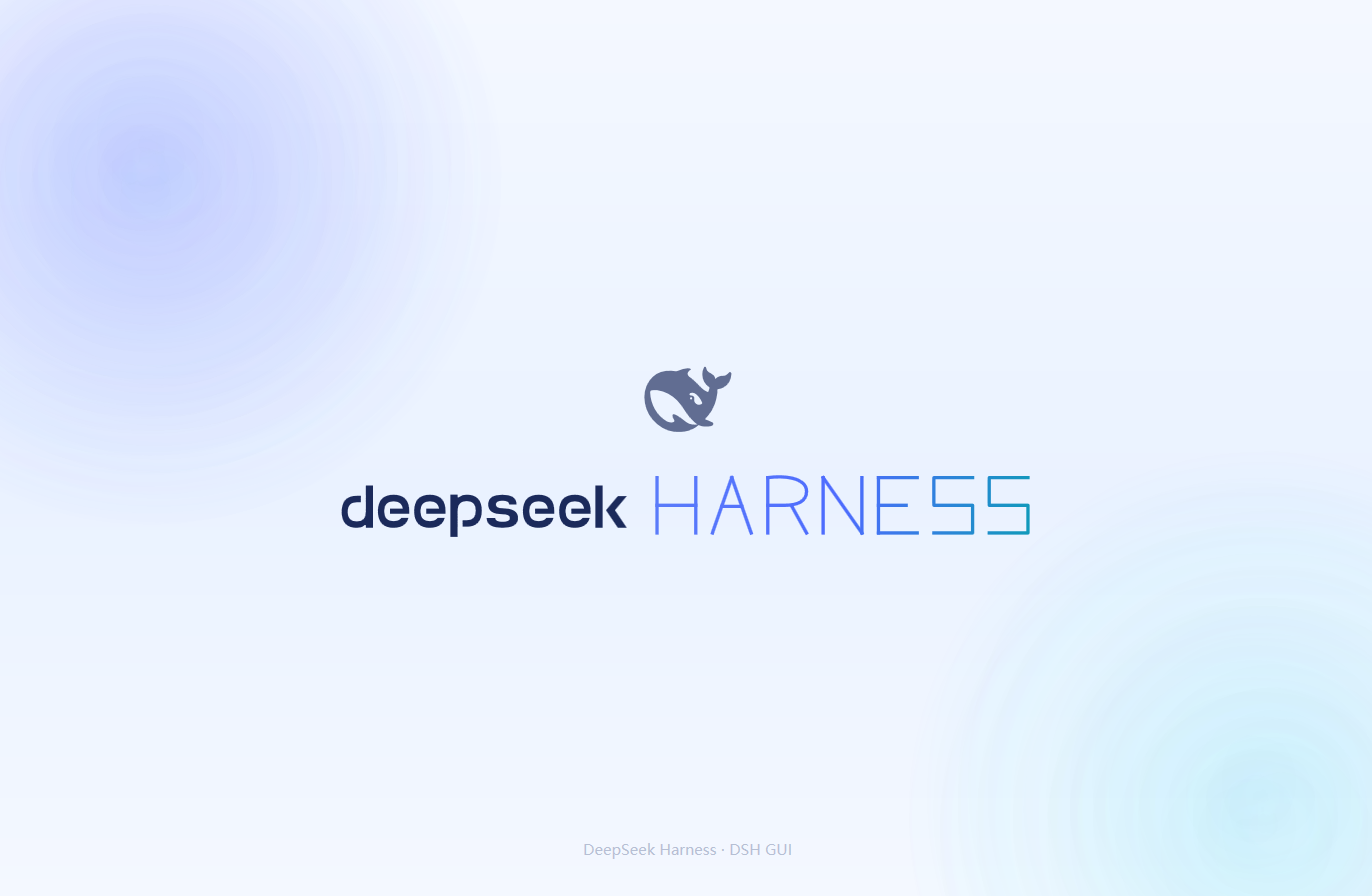
Windows one-click launcher with a borderless WPF startup animation (stroke-by-stroke HARNESS lettering) that starts dsh web in the background and fades into the GUI once ready, plus a desktop_launch tool.
Archived repository
Manifest details
安装
dsh plugin --profile web add github:Isilsolme/dsh-splash-launcherGitHub 源码安装:首次需按提示配置 allowBuilds 构建授权后重试
For install and environment setup, plus plugin development tutorials, see DSH community docs ↗
Screenshots
README
Table of contents
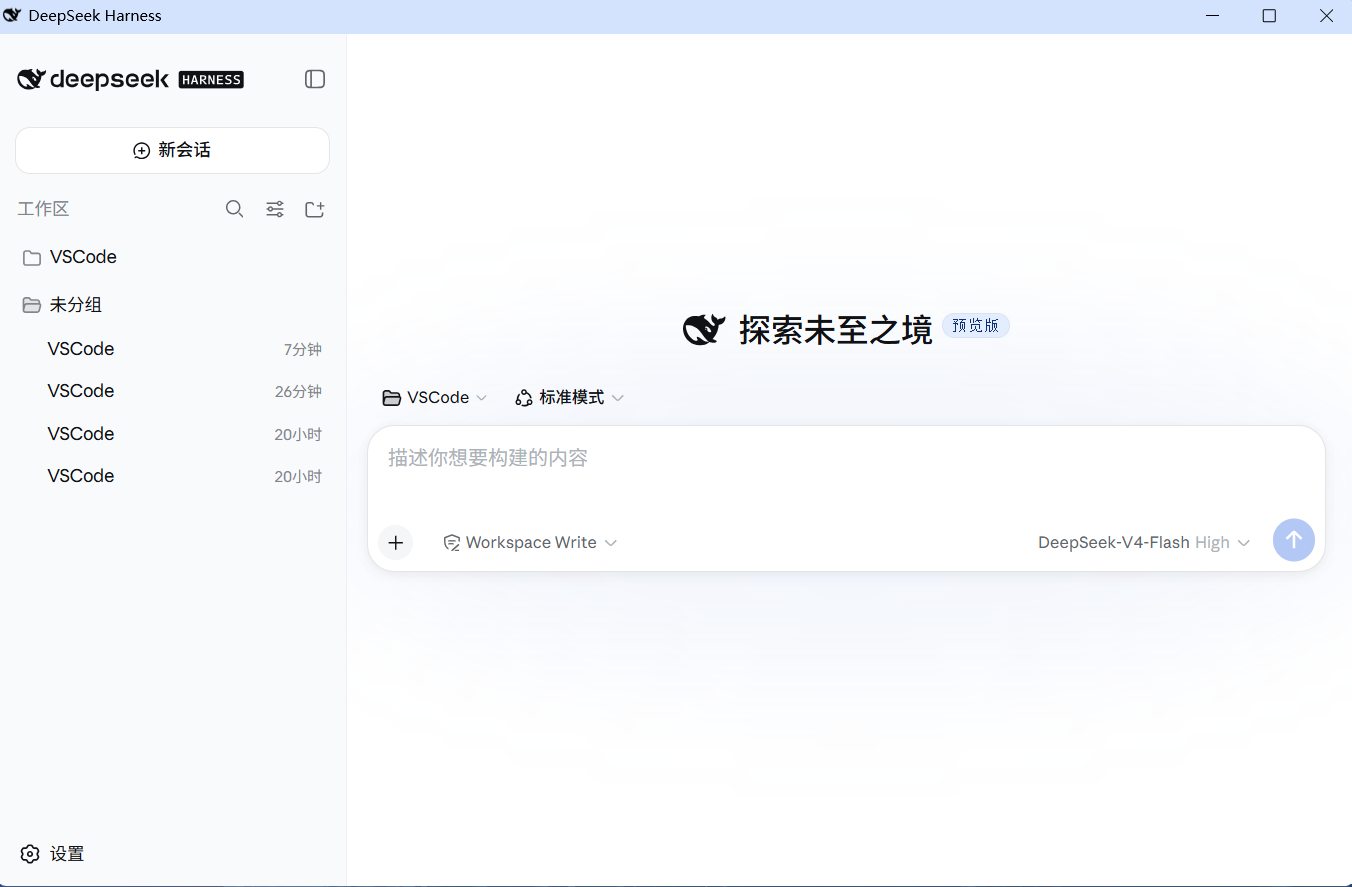
A one-click Windows launcher for the DeepSeek Harness (dsh) Web GUI with a borderless WPF startup animation (stroke-by-stroke "HARNESS" lettering inspired by SPlayer-Next). It starts dsh web in the background, preloads the real GUI behind the animation, and fades into it only when the GUI is actually ready. Closing the window stops the service it started.
Quick start
Option A: Download the portable build (recommended, no build required)
- Download
dsh-splash-launcher-vX.Y.Z.zip(or just the single-fileDSH-GUI.exe) from Releases; - Unzip (or drop the exe) anywhere — the exe is self-contained, all splash assets are embedded, a single file is enough;
- Double-click
DSH-GUI.exe.
If SmartScreen shows "Windows protected your PC" on first run: click More info → Run anyway (the exe is unsigned).
Option B: Build from source
build.cmd
Produces a self-contained DSH-GUI.exe (black-whale icon, assets embedded as resources) using the Windows built-in csc.exe (no external toolchain).
Requirements
- Windows 10/11
- Node.js + global
npm install -g @deepseek-ai/dsh - Microsoft Edge WebView2 Runtime (bundled with Windows 10/11 / Edge; standalone installer if missing)
Configuration
DSH_GUI_WORKSPACEenv var, or aworkspace.txtnext to the exe — working directory fordsh web(default: your user profile%USERPROFILE%)DSH_GUI_PORT— port (default3080)- Window form is remembered: if you close the window maximized, it reopens maximized next time (only normal/maximized — size and position are not stored; delete
%LocalAppData%\DSH-GUI\window.stateto reset to the default normal window). - Splash assets are embedded in the exe; drop the same-named files (
splash.html,*.svg,whale.png) next to the exe to override them (custom splash, no rebuild needed).
Known issues
- Startup takes a while (dsh boot + browser cold start + plugin loading). The animation covers the whole wait and only fades out when the GUI is ready.
See the Chinese README for full details. Code is MIT; brand assets derive from DeepSeek Harness (MIT, © 2026 DeepSeek).
Related plugins
dsh-web(原 dsh-web-ui)
 zhu1090093659
/dsh-web-ui
dsh-web(原 dsh-web-ui):任务看板、git 图、右侧面板、远程移动端 UI、桌宠、实时 token 统计与皮肤中心的全家桶。仓库已更名 zhu1090093659/dsh-web,根目录声明 dsh.bundle.patch,支持根 Git 入口安装。
dsh plugin --profile web add github:zhu1090093659/dsh-webdsh-web-all 聚合包(原 dsh-web-ui-all)
zhu1090093659zhu1090093659/dsh-web-ui/packages/dsh-web-ui-all
旧整包路径 packages/dsh-web-ui-all 已随仓库更名 dsh-web 迁移:现聚合目录为 packages/dsh-web-all,npm 聚合包 @linxin666/dsh-web-all。与总仓根 Git 入口是同一产品的两种整包方式,不重复计数。
dsh plugin --profile web add @linxin666/dsh-web-all@latestdsh-TUI
 ccch1mneyyy
/dsh-TUI
Claude Code 风格全屏终端 UI:像素鲸鱼顶栏、实时工作状态行、思考流式展开。
dsh plugin --profile web add github:ccch1mneyyy/dsh-TUIdsh-cc-tui
ccch1mneyyyccch1mneyyy/dsh-cc-tui
一个美观且实用的 Claude Code 风格 TUI 插件:像素鲸鱼顶栏、双流光大字、实时工作状态行、思考流式展开、双击 Esc 时间回溯、蓝白上下文进度条 + TPS 仪表。 零核心改动,纯插件挂载。安装插件即可启用,卸载后不会留下核心补丁。 献给钟爱tui的各位极客们 A beautiful, practical Claude…
dsh plugin --profile web add github:ccch1mneyyy/dsh-cc-tuideepseek-balance-whale-widget
 meteornox
/deepseek-balance-whale-widget
DSH 小鲸鱼余额挂件(DeepSeek Balance Whale Widget)
dsh plugin --profile web add github:meteornox/deepseek-balance-whale-widgetDSH-better-sidebar
 omdsh-dev
/DSH-better-sidebar
侧边栏完整工作台:内置文件渲染编辑、终端、Git 与子代理,支持三方插件注册新 Tab。
dsh plugin --profile web add github:omdsh-dev/DSH-better-sidebar