
Notifications & Integrations
dsh-feishu-bridge-ailoushu
ailoushu666/dsh-feishu-bridge · ★ 2
 ailoushu666
飞书机器人 ↔ DeepSeek Harness 桥接插件:通过飞书 WebSocket 长连接收发消息,把飞书会话映射到 Harness Agent,并把 Agent 的回复与执行过程回传到飞书。
Manifest details
安装
dsh plugin --profile web add 'github:ailoushu666/dsh-feishu-bridge#7c9bd50bded5fd19c9e1ad73902c1d1468b916df'GitHub 源码安装:首次需按提示配置 allowBuilds 构建授权后重试
For install and environment setup, plus plugin development tutorials, see DSH community docs ↗
README
Table of contents
- dsh-feishu-bridge
- Quick install
- Features
- Supported commands
- Requirements
- Quick start (deploy into DSH)
- Step 1: Prepare Feishu
- Step 2: Install the plugin into the web profile
- Step 3: Store the secret and enable
- Step 4: Start
- Step 5: Verify
- Config & credential locations
- Configuration options
- Feishu permissions
- Project structure
- Security
- Known limitations (MVP)
- Troubleshooting
- Uninstall
- Docs
- License
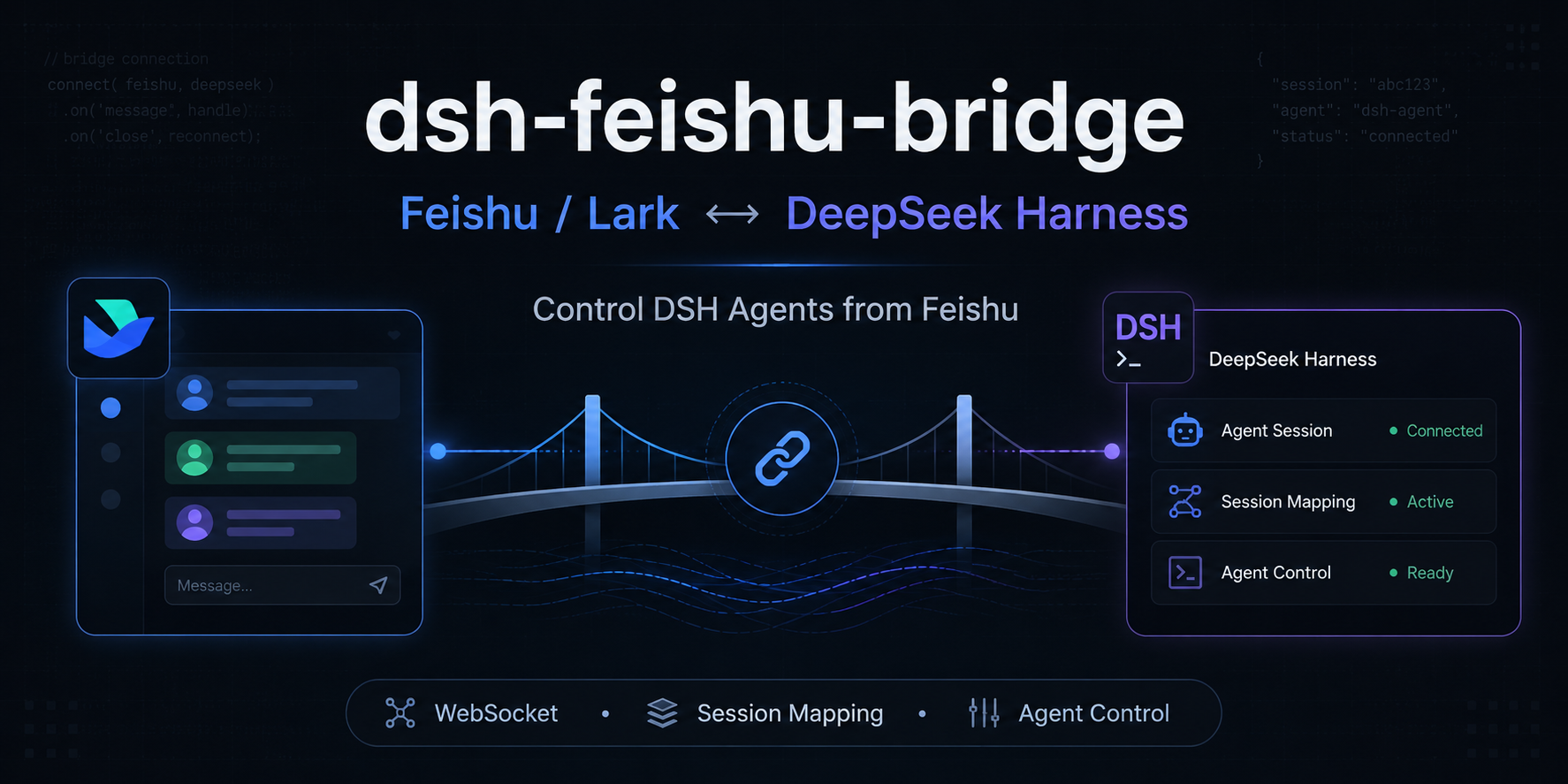
dsh-feishu-bridge
A bridge plugin that connects a Feishu (Lark) bot to DeepSeek Harness (DSH): Feishu / Lark ↔ DeepSeek Harness.
Message a bot in Feishu, and the message becomes one task for a DSH Agent; the Agent's final answer and progress hints (e.g. which tools it called) are sent back to Feishu — control DSH agents directly from Feishu.
- No public endpoint needed: WebSocket long connection, runs locally
- Session context preserved: one DSH Session per Feishu chat / thread
- Visible execution: tool-call progress forwarded to Feishu in real time
- Control from Feishu:
/reset,/workspace,/mode,/model,/effort,/stop, and more
Quick install
# Install from GitHub (recommended)
npx @deepseek-ai/dsh plugin --profile web add git+https://github.com/ailoushu666/dsh-feishu-bridge.git

# Or install from a local checkout (development)
npx @deepseek-ai/dsh plugin --profile web add "<this project directory>"
For the full steps see Quick start (deploy into DSH); Feishu console setup: docs/feishu-setup.md.
中文:README.md
Features
- Uses Feishu's official
@larksuiteoapi/node-sdkover a WebSocket long connection — no public IP / domain / port forwarding required. - Reuses the same DSH Session per Feishu chat (or thread), so context is preserved; each thread is independent.
- Replies are linked to the triggering message; replies inside a thread stay in that thread.
- By default only handles direct messages and group messages that @mention the bot.
- Visible progress: tool calls show as
🔧 调用工具 <name>, and intermediate replies between tool calls are forwarded too (💬), all sent through a throttled queue so Feishu rate limits never drop them; the final answer is replied to the original message separately. - Instant acknowledgement (“processing / queued”) for every message; turns exceeding
turnTimeoutMsare auto-cancelled with a notice. - Autonomous DSH turns are pushed back to Feishu: when DSH wakes the Agent on its own (goal rounds / scheduled tasks / background jobs) and produces a result, Feishu receives it — no longer limited to one reply per message.
- Interactive questions in Feishu: when the Agent needs your confirmation or choice (
ask_user_question), the question and its options arrive as a❓list — reply with a number (e.g.1), an option label, or free text to answer, and the Agent continues; invalid replies (several numbers for a single choice, out-of-range numbers) are re-prompted instead of polluting the Agent. - A set of Feishu control commands: switch project folder, switch working mode, switch model & reasoning effort, stop a task, record feedback, manage a long-running goal, enter plan mode, and more.
Supported commands
Send them directly in Feishu (@mention the bot in groups, plain in DMs). Case-insensitive.
| Command | Argument | Purpose | Interrupts the conversation? |
|---|---|---|---|
/reset |
— | Start a new conversation (the old one stays in the DSH sidebar). Aliases: /new, /clear, 重置, 新会话, 清空会话, 重置会话 |
Yes |
/compact |
— | Compact context (summarize older history to save tokens). Aliases: /压缩, 压缩上下文, 压缩会话 |
No |
/workspace |
<absolute path> |
Switch the project folder (path must already exist) | Yes |
/mode (= /permission) |
<read|write|full> |
Switch working mode: read-only / workspace-write / full access (a permission preset bundling sandbox + approval policy) | No (this session only) |
/model |
<model name> |
Switch model (unknown names are rejected) | No (next turn) |
/effort |
<off|high|max> |
Set reasoning effort (only effort levels the model supports) | No (next turn) |
/stop |
— | Immediately cancel the running task. Aliases: /cancel, /halt |
— |
/feedback |
<feedback text> |
Record feedback about this session | No |
/goal |
[objective|clear|edit <objective>|pause|resume] |
Set / view / manage a long-running goal | No |
/plan |
[off|description] |
Enter / leave plan mode (plan before acting) | No |
/export |
— | Export the session log (web-only feature; the Feishu text channel cannot deliver files, so it points you to the web UI) | — |
/session |
[number|full id] |
List non-archived sessions (with titles) without an argument; switch to a specific session with one | Yes (switches session) |
/help |
— | List all commands | — |
/workspace, /mode, /model, /effort without an argument show the current value or available options. For /mode, the short names read / write / full map to read-only / workspace-write / danger-full-access; full names are also accepted.
Requirements
- Node.js
^22.19.0or>= 24(same as Harness). - A working DeepSeek Harness (
dsh web). - A Feishu self-built app with: bot capability enabled, the
im.message.receive_v1event subscribed over long connection, and the required permissions granted.
See docs/feishu-setup.md for the full Feishu console steps.
Quick start (deploy into DSH)
Step 1: Prepare Feishu
Follow docs/feishu-setup.md: create the self-built app → enable the bot capability → grant permissions → subscribe im.message.receive_v1 over long connection → publish and install the app. Note down the App ID and App Secret.
Step 2: Install the plugin into the web profile
npx @deepseek-ai/dsh plugin --profile web add "<this project directory>"
The plugin creates a disabled by default feishu-bridge instance in the bundle layer.
Step 3: Store the secret and enable
The App ID (not secret) and the App Secret (secret) are stored separately:
Put the App Secret into DSH's credential file
~/.dsh/.credentials.yaml(Windows:C:\Users\<you>\.dsh\.credentials.yaml), with a key matchingappSecretEnv(defaultFEISHU_APP_SECRET):FEISHU_APP_SECRET: <your App Secret>Edit the profile patch
~/.dsh/profiles/web/cordis.patch.yml(Windows:C:\Users\<you>\.dsh\profiles\web\cordis.patch.yml) and override the same id to enable it:- id: feishu-bridge disabled: false config: appId: cli_xxxxxxxxxxxxxxxx # App ID (not secret) appSecretEnv: FEISHU_APP_SECRET # reference name; value lives in ~/.dsh/.credentials.yaml domain: feishu # feishu (China) or lark (international) requireMention: true # group messages must @mention the bot dmMode: open # DMs: open / allowlist / disabled
Do not
inserta second instance with the same id — that raisesduplicate loader entry id: feishu-bridge.
Step 4: Start
npx @deepseek-ai/dsh web
This line means the Feishu long connection is up:
feishu-bridge: WebSocket connected
Step 5: Verify
- DM the bot; it replies with the final answer, and keeps context on follow-ups.
- In a group:
@bot your question. - Send
/helpfor the full command list.
Config & credential locations
| What | File |
|---|---|
| Enable instance + plugin config | ~/.dsh/profiles/web/cordis.patch.yml (Windows: C:\Users\<you>\.dsh\profiles\web\cordis.patch.yml) |
| App Secret (credential) | ~/.dsh/.credentials.yaml (Windows: C:\Users\<you>\.dsh\.credentials.yaml) |
Configuration options
| Option | Required | Default | Description |
|---|---|---|---|
appId |
Yes | — | Feishu App ID (not secret; plaintext) |
appSecretEnv |
Yes | FEISHU_APP_SECRET |
Credential reference name; the value lives in ~/.dsh/.credentials.yaml |
domain |
No | feishu |
feishu (China) / lark (international) |
requireMention |
No | true |
Require @mention in groups |
dmMode |
No | open |
DM policy: open / allowlist / disabled |
groupAllowlist |
No | [] |
Group chat_id allowlist; empty = unrestricted |
dmAllowlist |
No | [] |
Allowed user open_ids when dmMode: allowlist |
botOpenId |
No | — | Bot open_id for exact @mention detection; absent falls back to "mentions not empty" |
provider / model |
No | Harness default | Model for the Feishu channel |
reasoningEffort |
No | model default | Reasoning effort for the Feishu channel (e.g. off/high/max) |
workspace |
No | first Workspace | Agent working directory |
agentPreset |
No | default Preset | Preset for the Agent (tools / system prompt) |
streamProgress |
No | true |
Forward tool-call progress to Feishu |
maxProgressMessages |
No | 0 (unlimited) |
Max progress messages per turn (tool calls + intermediate replies); 0 = forward everything |
processingNotice |
No | true |
Send an instant “processing / queued” acknowledgement for normal messages |
turnTimeoutMs |
No | 900000 (15 min) |
Max duration of one turn in ms; auto-cancel with a notice on timeout |
resetCommand |
No | /reset |
The reset command |
compactCommand |
No | /compact |
The compact command |
requireAdminForGroupReset |
No | true |
Require group owner/admin for /reset (needs im:chat:readonly; set false to allow members) |
errorMessage |
No | built-in Chinese text | Unified reply on error (max 500 chars) |
Full example:
- id: feishu-bridge
  disabled: false
  config:
    appId: cli_xxxxxxxxxxxxxxxx
    appSecretEnv: FEISHU_APP_SECRET
    domain: feishu
    requireMention: true
    dmMode: open
    # optional:
    provider: deepseek-official
    model: deepseek-v4-flash
    reasoningEffort: high
    workspace: C:\Project\my-repo
    agentPreset: coding
    streamProgress: true
    maxProgressMessages: 10
Feishu permissions
The default setup (DM + group @mention + reply) needs these permissions; see docs/feishu-setup.md for details:
| Permission | Purpose | Required |
|---|---|---|
im:message.p2p_msg:readonly |
Receive DM messages | Yes |
im:message.group_at_msg:readonly |
Receive group messages that @mention the bot | Yes |
im:message:send_as_bot |
Send messages (reply) as the app | Yes |
im:chat:readonly |
Read group info (owner/admin check) | Only when group /reset requires admin |
Event subscription: use the long connection receive mode and subscribe im.message.receive_v1.
Project structure
dsh-feishu-bridge/
├── package.json          # package metadata + dsh.bundle declaration
├── cordis.patch.yml      # bundle patch: disabled-by-default instance
├── lib/
│   ├── index.js          # plugin entry (name/inject/Config/apply + command dispatch)
│   ├── config.js         # config schema + validation
│   ├── feishu.js         # Feishu long connection + send/reply
│   └── bridge.js         # session mapping + agent driving + channel state + command execution
├── docs/
│   ├── technical.md      # technical documentation
│   └── feishu-setup.md   # Feishu developer console guide
└── .env.example          # explains credential location (no .env needed in practice)
Security
- The App Secret lives only in DSH's credential file
~/.dsh/.credentials.yaml; the plugin never records it or writes it into the project. - Internal errors reply with a unified
errorMessageonly — stack traces and sensitive info never reach Feishu users. - Session IDs are derived via SHA-256 and never embed the raw
chat_id/thread_id. - Do not run multiple long-connection consumers for the same Feishu app (e.g. both this bridge and OpenClaw's Feishu channel). Feishu distributes events randomly among the connections, so messages get "stolen" and the bot becomes flaky or silent.
Known limitations (MVP)
- Text messages only; images, rich text (post), files and cards are unsupported.
- Replies are sent all-at-once (not streamed); progress covers "tool call started + intermediate replies", not tool results.
- Progress messages, intermediate replies, autonomous-turn results and
❓questions are all sent to the chat root — including for thread conversations (Feishu API limitation: onlyreplycan stay inside a thread). - No persistent
chatId → sessionIdmapping: after a DSH restart, existing Feishu chats get a new Session (the old one stays on disk but is no longer reused). - Runtime switches of model / reasoning effort / project folder are in-memory and reset to config defaults after a DSH restart.
/export(ZIP download) is a DSH web-only feature; the Feishu text channel cannot deliver files.- Only one long-connection instance per Feishu app.
Troubleshooting
| Symptom | Check |
|---|---|
| Auth failure on startup | App ID / Secret belong to the same app; FEISHU_APP_SECRET is in ~/.dsh/.credentials.yaml |
| Connected but no messages | app published & installed; bot in the group; im.message.receive_v1 subscribed; long-connection mode; permissions approved; group @mention |
| Receives but can't reply | im:message:send_as_bot granted; check Feishu API errors in the terminal |
| Connection keeps reconnecting | Feishu HTTPS/WebSocket reachable; not running multiple long-connection consumers |
| Config change has no effect | stop and restart Harness (instances are created at profile startup) |
Group /reset says "owner/admin only" |
grant im:chat:readonly, or set requireAdminForGroupReset: false |
| Intermittent "no response" on consecutive messages | usually DeepSeek API rate/concurrency limits (TPM/RPM); retry later, or use /effort off to reduce reasoning cost |
Uninstall
npx @deepseek-ai/dsh plugin --profile web remove dsh-feishu-bridge
Then remove the leftover feishu-bridge config from ~/.dsh/profiles/web/cordis.patch.yml.
Docs
License
Related plugins
dsh-im
 xmanrui
/dsh-im
通过扫码把IM机器人接入DeepSeek Harness(支持飞书、微信、钉钉等)。
dsh plugin --profile web add github:xmanrui/dsh-imdsh-pocket
 shaobeichen
/dsh-pocket
手机远程访问 DSH Web 界面:扫码即用局域网或公网(cloudflared 隧道)访问,实时同屏、移动端适配布局,带设置页管理。
dsh plugin --profile web add github:shaobeichen/dsh-pocketDSH Startup Screen
 6shenhonghong9
/dsh-startup-screen
DeepSeek Harness 启动界面与启动动画:黑幕 DeepSeek 标识 → 过曝洗白 → 暖白档案底板 → 交互式访问授权序列(需要访问许可 / 身份资料确认 / 接收访问需求 / 开始读取权限 / 读取完毕·核验通过 / 欢迎访问)。中文主字 + 英文等宽副标题,真声素材 + 界面音效,身份名称等参数在 DSH 设置页可改。web profile 与 DeepSeek Harness Desktop 桌面端通用。桌面端(Windows)播放启动动画期间把标题栏整层透明化:最小化/最大化/关闭按钮与其底色一并不可见,播放结束自动还原。
dsh plugin --profile web add 'github:6shenhonghong9/dsh-startup-screen#1f35ea33810e02a900b31df01f9c806f92f398df'dsh-qqbot
 tencent-connect
/dsh-qqbot
让 QQ Bot 接入 DeepSeek Harness(dsh)的官方插件
dsh plugin --profile web add github:tencent-connect/dsh-qqbotdeepseek-harness-mobile
 sorsama
/deepseek-harness-mobile
DeepSeek Harness 的 Android 伴侣应用:经局域网用手机聊天、看目标、审批与收通知;Kotlin + Jetpack Compose
dsh plugin --profile web add github:sorsama/deepseek-harness-mobiledsh-bridge
 wenbin-wb
/dsh-bridge
DeepSeek Harness 多通道远程访问与全域安全门禁插件 手机扫个码,人不在电脑前也能继续用 DeepSeek Harness。躺在沙发上、出差在外、跨网访问——都不用守着电脑,也不用自己搭公网服务器,扫码就能在手机/平板或任意设备上接着干。 把你本地的 DeepSeek Harness 无缝延伸到手机、平板、公网、甚至微信 / QQ /…
dsh plugin --profile web add github:wenbin-wb/dsh-bridge