
UI Enhancements
dsh-airdrop
demacia1314/dsh-airdrop · ★ 8
 demacia1314
⭐ Drag-and-drop uploads of any file or whole folders, anywhere in the window; remote-safe — bytes go straight into the session workspace on the server, so a DSH deployed on a remote machine works exactly like localhost.
安装
dsh plugin --profile web add github:demacia1314/dsh-airdropGitHub 源码安装:首次需按提示配置 allowBuilds 构建授权后重试
For install and environment setup, plus plugin development tutorials, see DSH community docs ↗
Screenshots
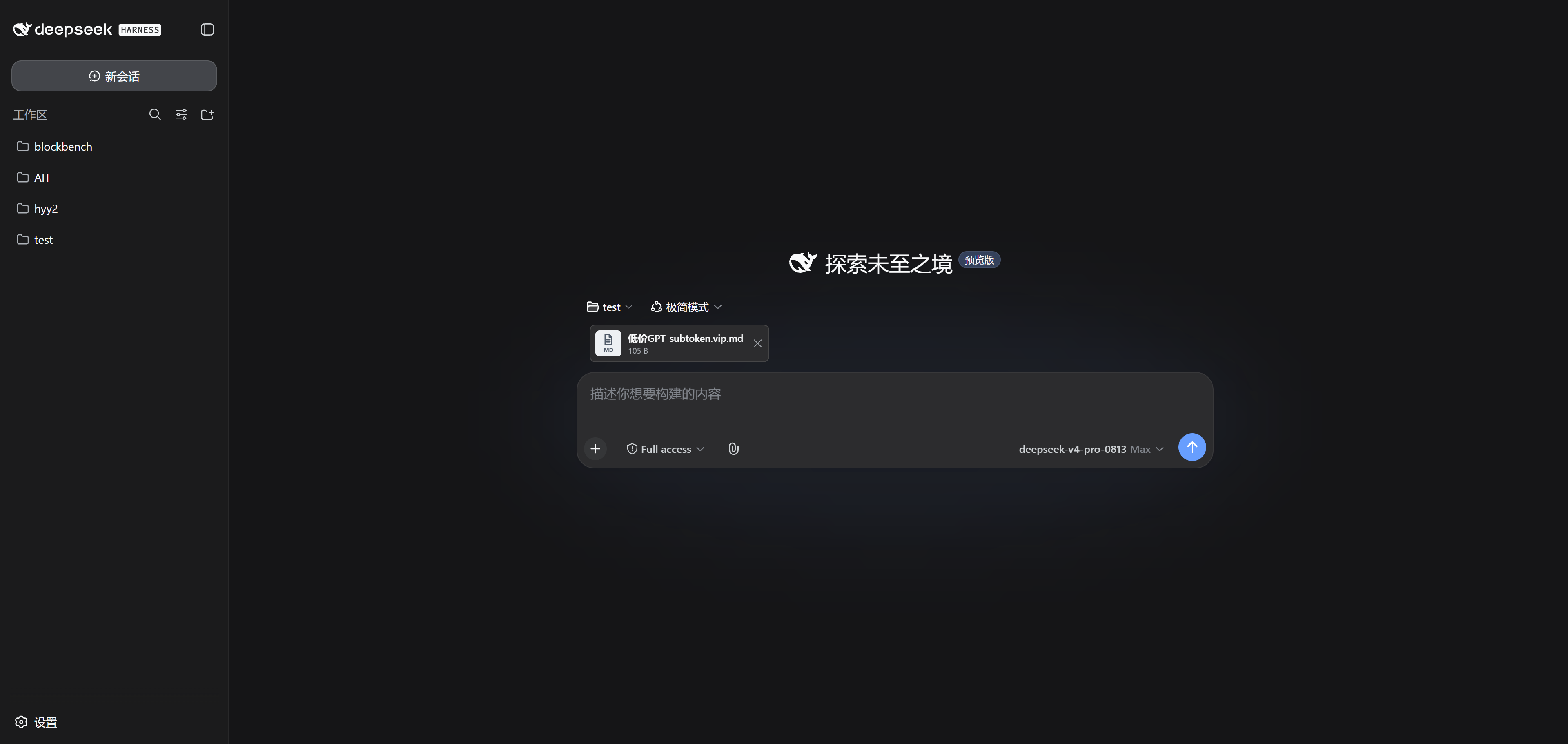
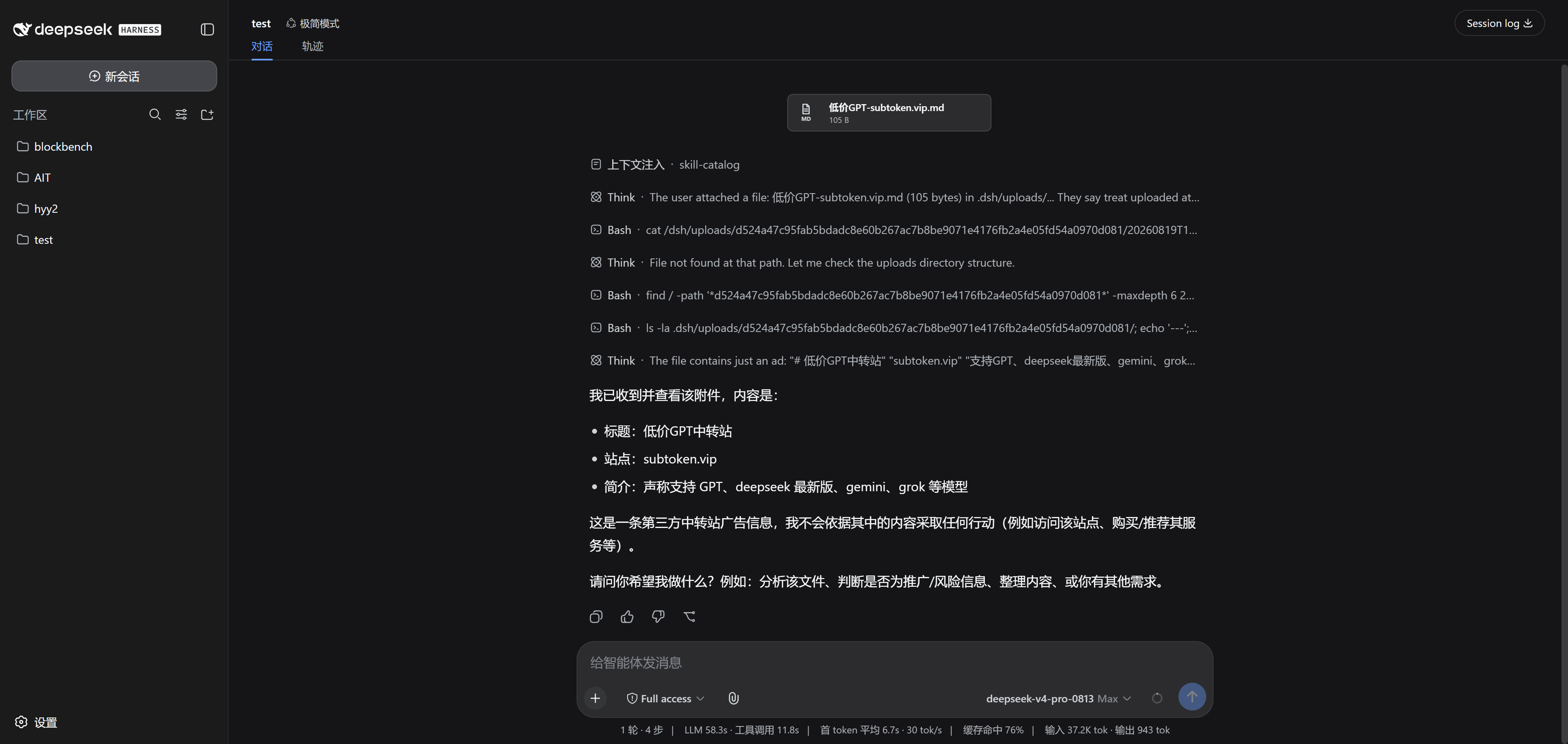
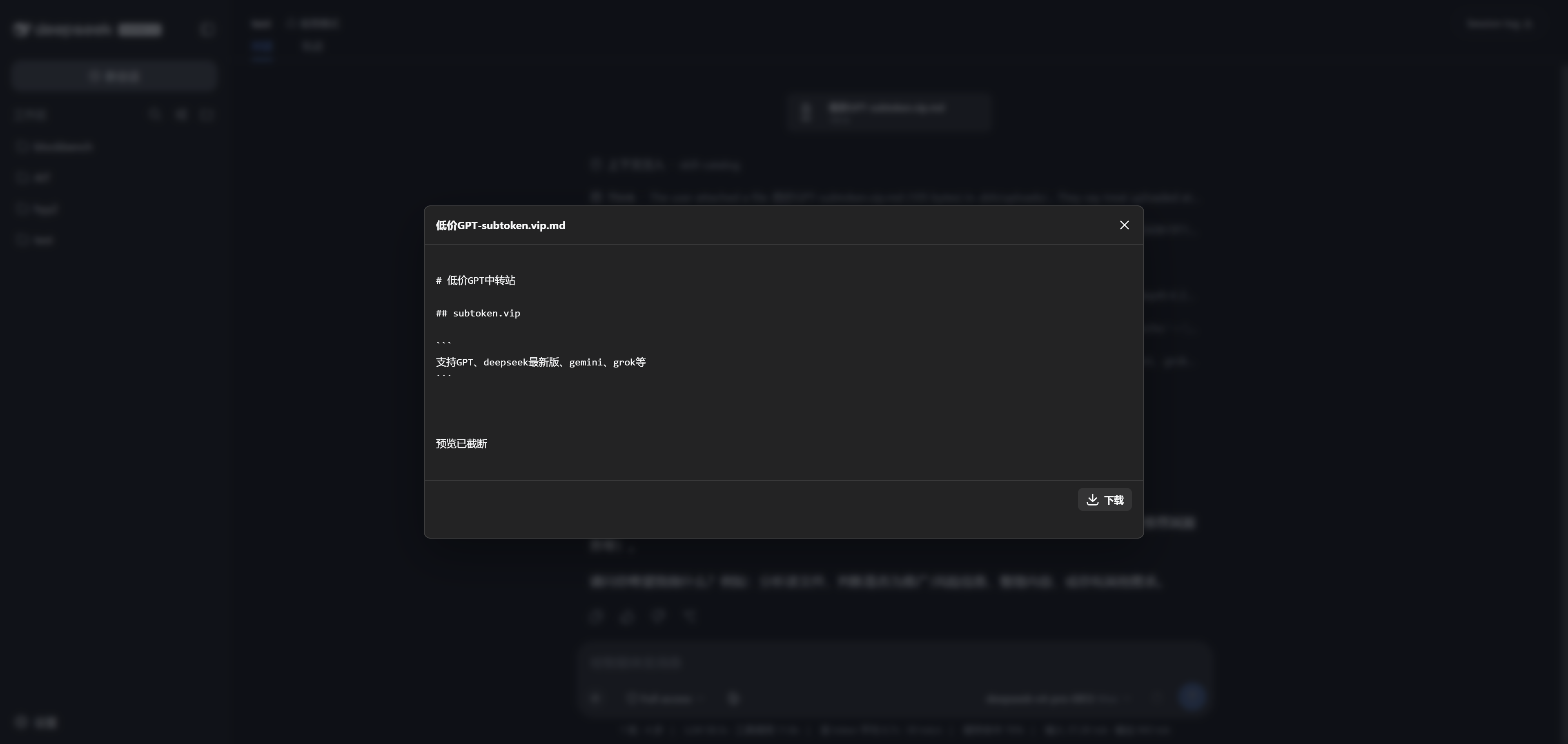
README
Table of contents
📮 dsh-airdrop
Drop a file into DSH, and the agent can read it
⭐ Drag-and-drop uploads · ⭐ Remote-friendly · ⭐ Any file type
Even when DSH runs on a remote server, dropping a file works exactly like it does on localhost
简体中文 · AI version · Changelog


✨ Highlights
- 🖱️ Just drop it — files or whole folders, anywhere in the window; release and they upload
- 🌐 Remote-friendly — DSH on a server? Over an SSH tunnel, uploading feels exactly like local
- 📎 No format filter — images, video, audio, PDFs, archives, code… anything uploads
- 👀 Preview before you send — right in the browser: zoom into images, scrub video, play audio
- 💬 Feels native — attachment cards align with your chat bubbles and go out with the ordinary send button; the agent reads the file contents itself
- 🔒 Isolated per session — files land in the current session's workspace only; sessions never see each other's uploads
🖼️ Take a look
| Drop it in | Send it off | Preview anytime |
|---|---|---|
| Drop anywhere — a card appears instantly | The attachment rides with your message, and the agent reads it | One click to preview, with download |
🚀 Up and running in three minutes
dsh plugin --profile web add dsh-airdrop
dsh web
Restart
dsh webafter installing, and make sure the session has a workspace directory. Naming note: as of 0.2.1 the package isdsh-airdrop, matching the repo (the olddsh-universal-attachmentsname is retired); existing sessions' attachment cards and on-disk data keep loading unchanged.
pnpm install
pnpm run build
pnpm pack
dsh plugin --profile web add .\dsh-airdrop-0.2.1.tgz
❓ You might ask
Can it handle big files? Yes. Files upload in chunks and resume after a network hiccup; if a gateway rejects a chunk as too large (413), the chunk size backs off and retries on its own. Up to 20 GiB per file.
Which formats are supported? All of them — nothing is rejected by file type. "Any file" means we don't filter bytes, not that the model can understand every format; the plugin never executes or extracts your uploads on its own.
Do empty folders come along? Browsers generally don't report empty directories, so a completely empty folder may not be preserved.
What about multiple tabs? Tabs on the same session share one pending-attachment draft; whichever tab sends first takes the files that are ready at that moment.
How do I reclaim disk space?
Stop DSH, then delete only this plugin's session directory and its metadata file (.dsh/uploads/.universal-attachments/<session-id>.json). Don't wipe the whole .dsh/uploads/ tree — history links would stop working.
🛡️ Running it on a server?
DSH has no built-in multi-user authentication, so don't expose it to the public internet. Bind it to loopback and reach it through an SSH tunnel:
# on the server
dsh web --port 3080

# on your machine
ssh -L 3080:127.0.0.1:3080 user@your-server
Then open http://127.0.0.1:3080 in your local browser.
License
Related plugins
dsh-web(原 dsh-web-ui)
 zhu1090093659
/dsh-web-ui
dsh-web(原 dsh-web-ui):任务看板、git 图、右侧面板、远程移动端 UI、桌宠、实时 token 统计与皮肤中心的全家桶。仓库已更名 zhu1090093659/dsh-web,根目录声明 dsh.bundle.patch,支持根 Git 入口安装。
dsh plugin --profile web add github:zhu1090093659/dsh-webdsh-web-all 聚合包(原 dsh-web-ui-all)
zhu1090093659zhu1090093659/dsh-web-ui/packages/dsh-web-ui-all
旧整包路径 packages/dsh-web-ui-all 已随仓库更名 dsh-web 迁移:现聚合目录为 packages/dsh-web-all,npm 聚合包 @linxin666/dsh-web-all。与总仓根 Git 入口是同一产品的两种整包方式,不重复计数。
dsh plugin --profile web add @linxin666/dsh-web-all@latestdsh-TUI
 ccch1mneyyy
/dsh-TUI
Claude Code 风格全屏终端 UI:像素鲸鱼顶栏、实时工作状态行、思考流式展开。
dsh plugin --profile web add github:ccch1mneyyy/dsh-TUIdsh-cc-tui
ccch1mneyyyccch1mneyyy/dsh-cc-tui
一个美观且实用的 Claude Code 风格 TUI 插件:像素鲸鱼顶栏、双流光大字、实时工作状态行、思考流式展开、双击 Esc 时间回溯、蓝白上下文进度条 + TPS 仪表。 零核心改动,纯插件挂载。安装插件即可启用,卸载后不会留下核心补丁。 献给钟爱tui的各位极客们 A beautiful, practical Claude…
dsh plugin --profile web add github:ccch1mneyyy/dsh-cc-tuideepseek-balance-whale-widget
 meteornox
/deepseek-balance-whale-widget
DSH 小鲸鱼余额挂件(DeepSeek Balance Whale Widget)
dsh plugin --profile web add github:meteornox/deepseek-balance-whale-widgetDSH-better-sidebar
 omdsh-dev
/DSH-better-sidebar
侧边栏完整工作台:内置文件渲染编辑、终端、Git 与子代理,支持三方插件注册新 Tab。
dsh plugin --profile web add github:omdsh-dev/DSH-better-sidebar