
Workflow & Automation
dshx
dongsheng123132/dshx · ★ 1
 dongsheng123132
Machine-friendly DeepSeek Harness adapter with cwd, stdin, timeout, stable JSON — CLI + Codex/Agent plugins
README body is shown in Chinese.
安装
dsh plugin --profile web add github:dongsheng123132/dshxGitHub 源码安装:首次需按提示配置 allowBuilds 构建授权后重试
For install and environment setup, plus plugin development tutorials, see DSH community docs ↗
README
Table of contents

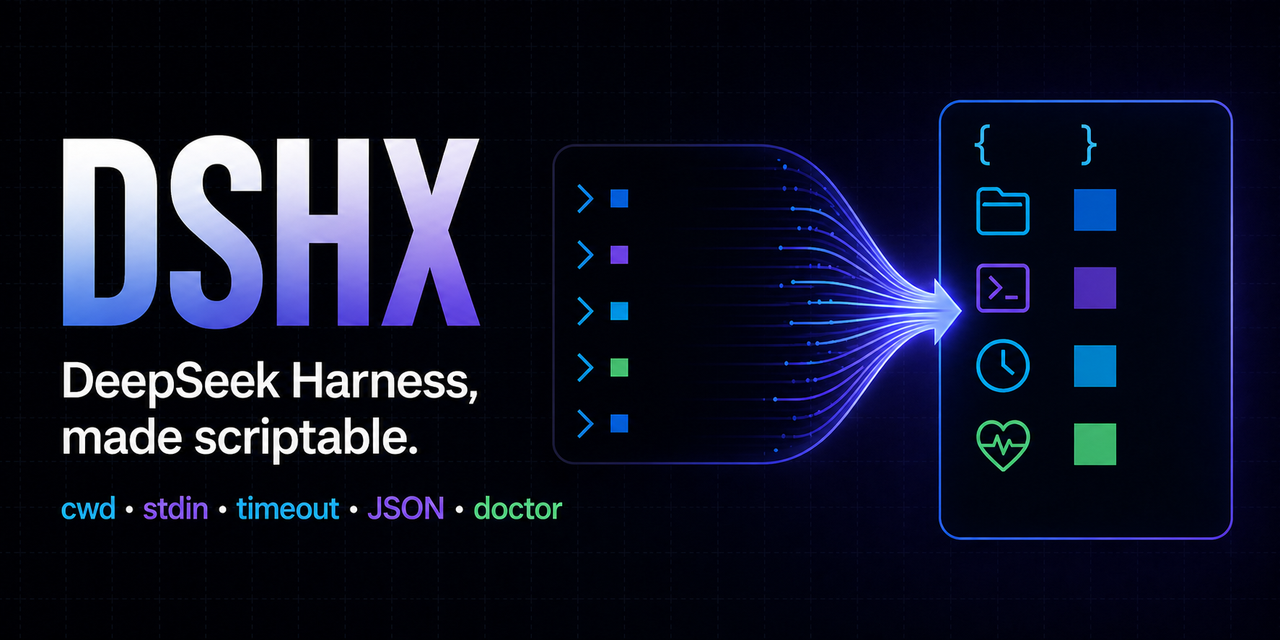
dshx 是 DeepSeek Harness 的机器友好调用层。
DeepSeek 负责 Harness Core;dshx 补齐脚本和其他 AI 更容易依赖的外部契约:
--cwd:显式工作目录--stdin:从管道读任务--json:稳定 JSON 结果--timeout:有界等待和进程树清理doctor:检查 Node、dsh、凭据是否就绪,但绝不打印 Key- stdout 只放结果,stderr 只放诊断;非 TTY 不输出 spinner/ANSI
DeepSeek Harness 仍处于 Developer Preview,可能发生破坏性变化。
dshx 0.2.1锁定@deepseek-ai/dsh 0.1.0-rc.6,升级前必须重新跑测试。
安装
从 npm 安装:
npm install -g @hfshfg/dshx
也可以锁定 GitHub Release 安装:
npm install -g github:dongsheng123132/dshx#v0.2.1
需要 Node.js 22.19+ 或 24+。
安装到 Codex 插件市场
codex plugin marketplace add dongsheng123132/dshx --ref v0.2.1
codex plugin add dshx@dshx
安装为通用 Agent Skill
npx skills add dongsheng123132/dshx --skill dshx --full-depth
该 Skill 已公开收录到 skills.sh,可被 Codex、Claude Code、Cursor、Kimi Code、OpenCode 等支持 Agent Skills 的客户端发现和安装。
相关工具
安装或运行环境不确定时,先用 harness-doctor 做只读体检;它能同时检查 DSH、Claude Code、Codex 和 OpenClaw,并生成脱敏支持包。
需要对外介绍本项目时,可直接复用 docs/launch-kit.md 中的中英文首发文案和 30 秒演示脚本。
使用
一次性任务:
dshx run --cwd ./my-project "运行测试,定位失败原因并修复"
管道输入和 JSON:
cat task.md | dshx run --stdin --cwd ./my-project --json
PowerShell:
Get-Content .\task.md -Raw | dshx run --stdin --cwd .\my-project --json
体检:
dshx doctor --json
JSON 契约
成功:
{
  "ok": true,
  "exit_code": 0,
  "upstream_exit_code": 0,
  "reason": "completed",
  "cwd": "D:\\project",
  "text": "任务完成……",
  "diagnostics": null,
  "error": null,
  "duration_ms": 12345,
  "dsh_version": "0.1.0-rc.6"
}
失败仍在 stdout 输出一个 JSON 对象,进程退出码为 1;参数错误退出码为 2。稳定的 reason 当前包括:
completedfailedtimeoutinterruptedoutput_limitinvalid_inputruntime_error
凭据
Headless 模式沿用 DeepSeek Harness 的环境变量:
DEEPSEEK_API_KEY=sk-...
DEEPSEEK_BASE_URL=https://...   # 可选
dshx doctor 只报告凭据是否存在,不会输出凭据内容。任务文本也不会被写入日志或 JSON 之外的额外文件。
当前限制
官方 headless profile 目前只接受一个命令行位置参数。dshx --stdin 能让管道调用更方便,但内部仍需把任务交给上游 argv,因此暂时把任务限制在 24,000 字符以内。更长的说明请放进工作目录中的文件,再让任务引用该文件。
dshx 不提供持续聊天 TUI。人类交互请使用:
dsh web
开发
npm test
npm run check
测试使用假的 dsh fixture,不消耗 API Key,也不会修改真实工作目录。
License
MIT。DeepSeek Harness 是 DeepSeek AI 的独立开源项目,dshx 不是官方产品。
Related plugins
rea
 morluto
/rea
逆向工程 CLI/MCP 工具(rea-agents):用 agent 逆向应用行为到原生二进制。独立工具而非 DSH 插件——仓库根 package.json 无 dsh 字段,本条目仅作外部工具参考。
npx rea-agents@latest setupArchify DSH 集成
 tt-a1i
/archify/integrations/deepseek-harness
Archify 的 DeepSeek Harness 集成:经 @tt-a1i/archify-dsh 适配包安装,在 dsh 中生成经校验的自包含交互式架构图、流程图、时序图、数据流图与生命周期图。安装信息基于已发布的 1.0.0;候选 1.1.0 与未发布的源码修复不计入。
dsh plugin --profile web add @tt-a1i/archify-dsh@1.0.0dsh-plugin
 Q00
Q00/ouroboros/integrations/dsh-plugin
通过 DSH MCP 客户端挂载 Ouroboros 的纯配置包,在 DSH 中提供 36 个涵盖需求访谈、Seed、执行、评估与演化流程的工具。
dsh plugin --profile web add github:Q00/ouroboros#path:/integrations/dsh-pluginanswer-me-with-html
 QingYunA
/answer-me-with-html
Answer hard questions with a one-page HTML: the model writes a short Markdown draft; the bundled CLI handles templates, SVG auto-layout and an STE controlled-writing check.
dsh plugin --profile web add 'github:QingYunA/answer-me-with-html#aab9ea19f50f038054eeb60475bbb7ea26f149e3'dashi-taskboard
 chuspeeism
/dashi-taskboard/integrations/deepseek-harness
现代化可灵活嵌入的任务面板,支持 Codex、DeepSeek Harness
dsh plugin --profile web add 'github:chuspeeism/dashi-taskboard#9aa1f4e7936d841748ed4e0fc7781b57ae6ae6cc&path:/integrations/deepseek-harness'dsh-agent-teams
 NanmiCoder
/dsh-agent-teams
AgentTeams 多智能体团队。
dsh plugin --profile web add github:NanmiCoder/dsh-agent-teams