
UI Enhancements
dsh-skin-appearance
vim0x3c/dsh-skin-appearance · ★ 5
 vim0x3c
An appearance plugin that preserves native DeepSeek Harness controls and adds an Appearance Customization page to settings.
Repository is no longer available (checked 2026-11-15). This entry is retained for tracking and cannot be installed.
README
Table of contents
Language: 中文 | English
An appearance plugin for DeepSeek Harness.
It keeps the Harness controls native and adds an Appearance settings page with:
- eight bundled image themes;
- a local wallpaper picker that downsizes images before storing them;
- automatic palette extraction with distinct light and dark appearances for uploaded wallpapers;
- theme-specific styling for the sidebar, new-session button, plugin entry, and composer;
- independent wallpaper opacity and blur controls, defaulting to 100% opacity and 0 px blur;
- Host-backed persistence across web restarts; and
- one-click reset to the native Harness appearance.
Theme gallery
| DeepSeek-chan · Abyss Echo | QQ2008 · Crystal Blue |
|---|---|
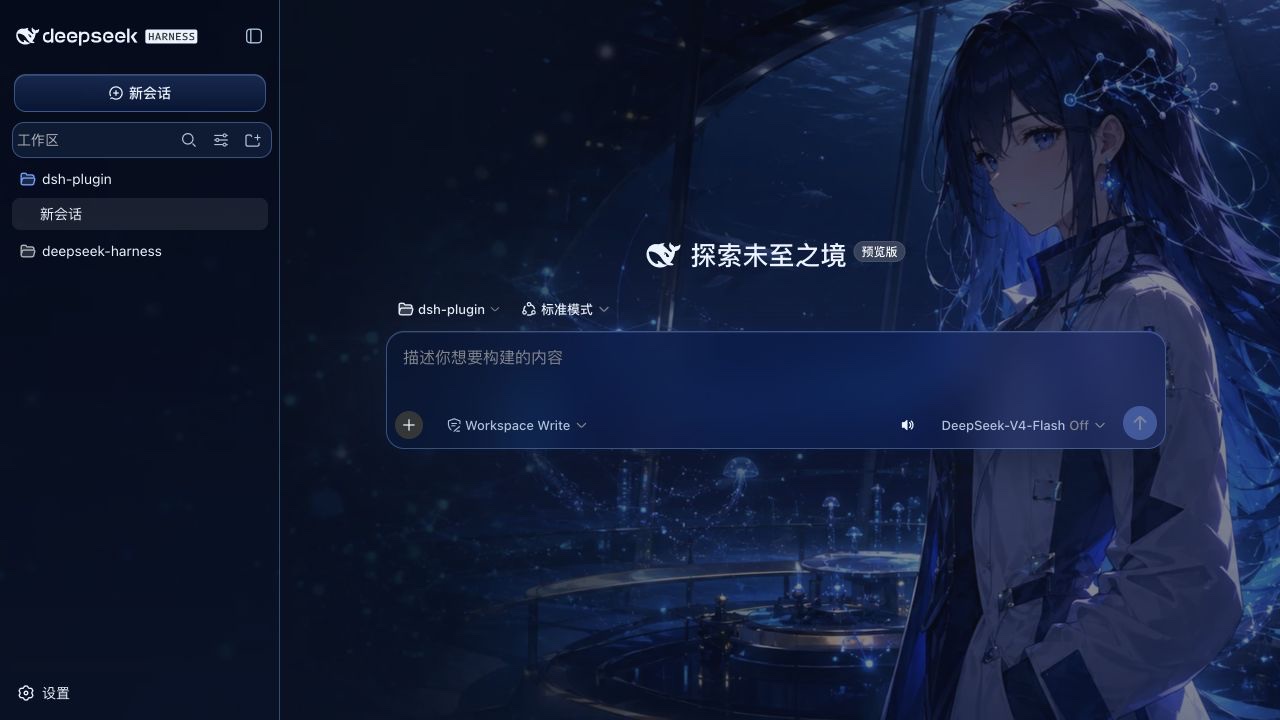 |
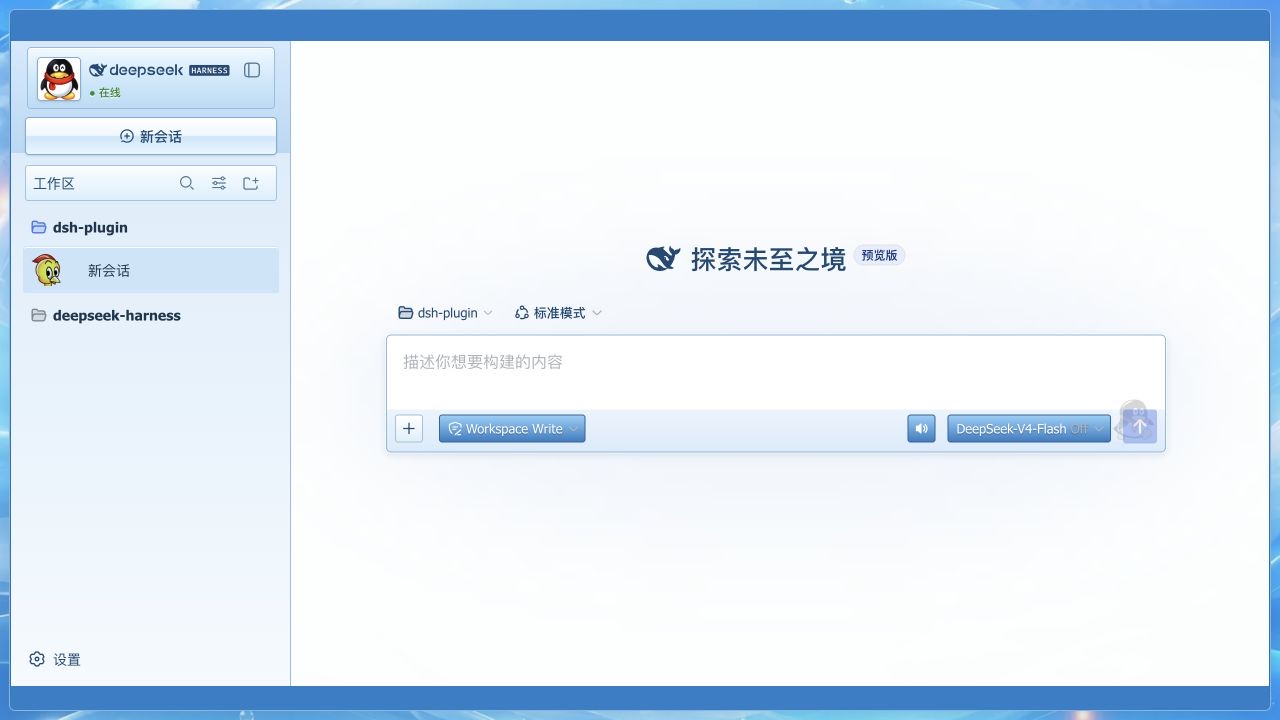 |
| Cloud Lab | Ink Algorithm |
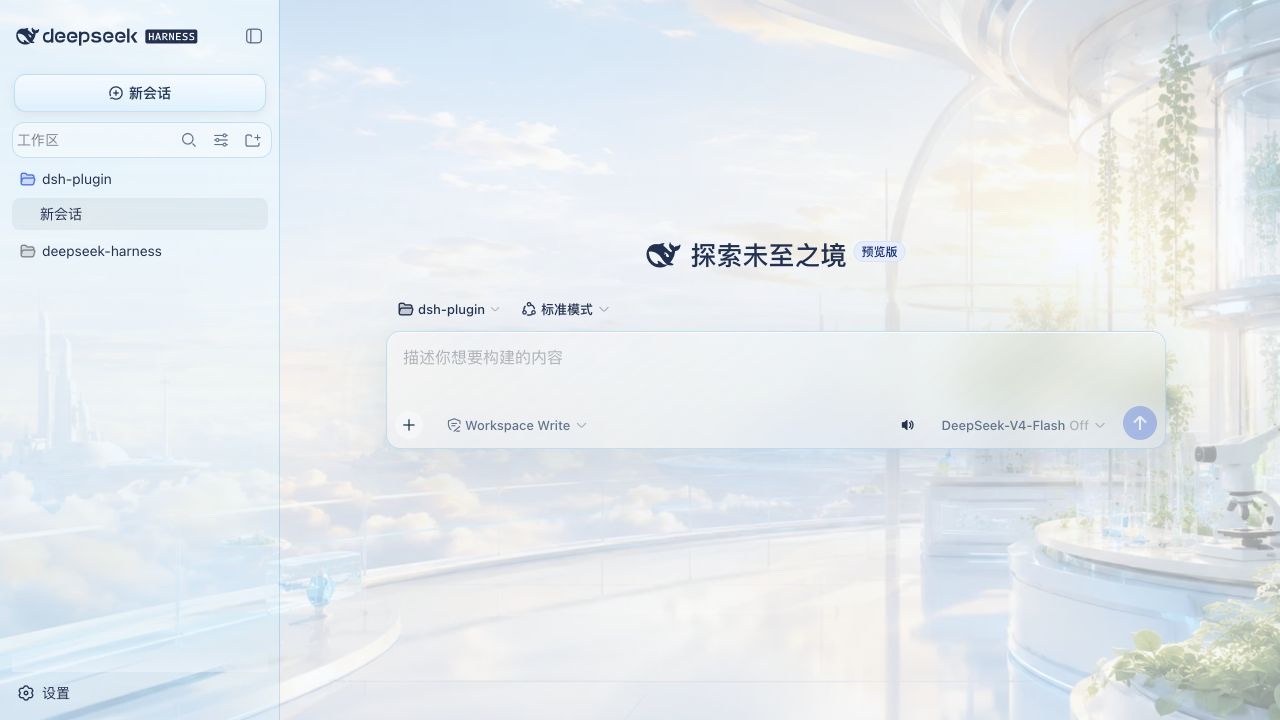 |
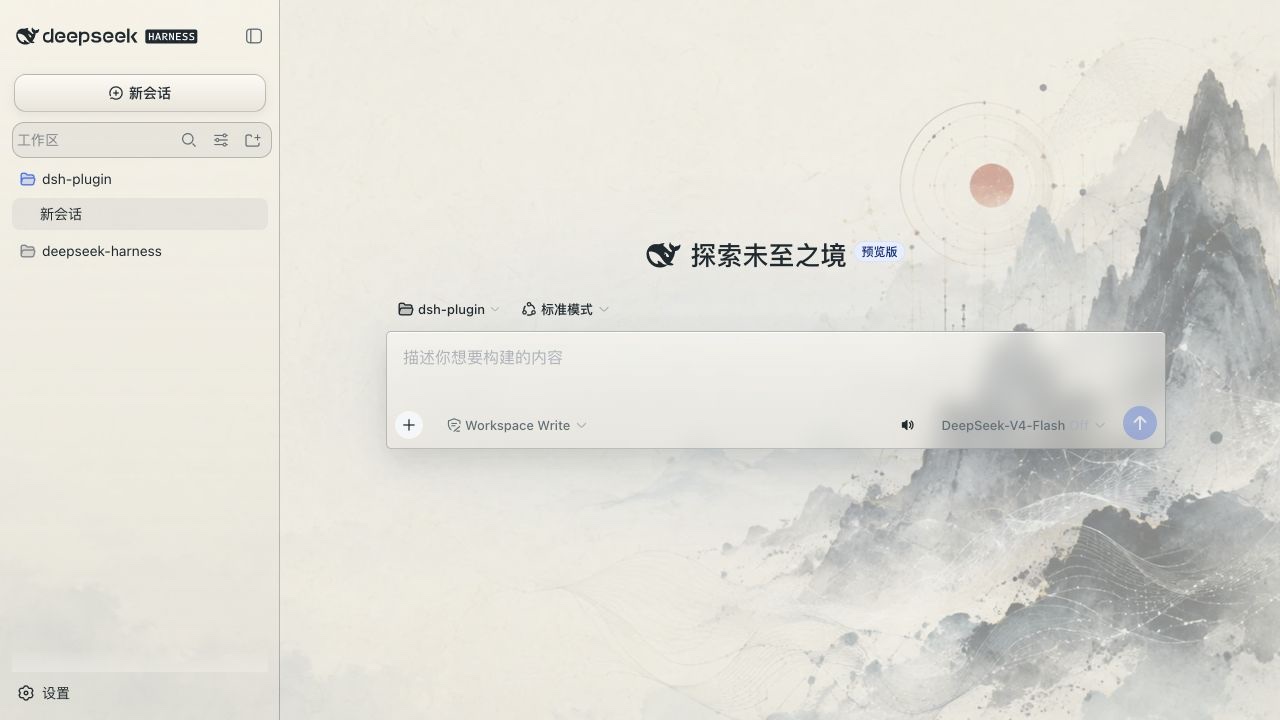 |
| Abyss Starport | Deep-sea Song |
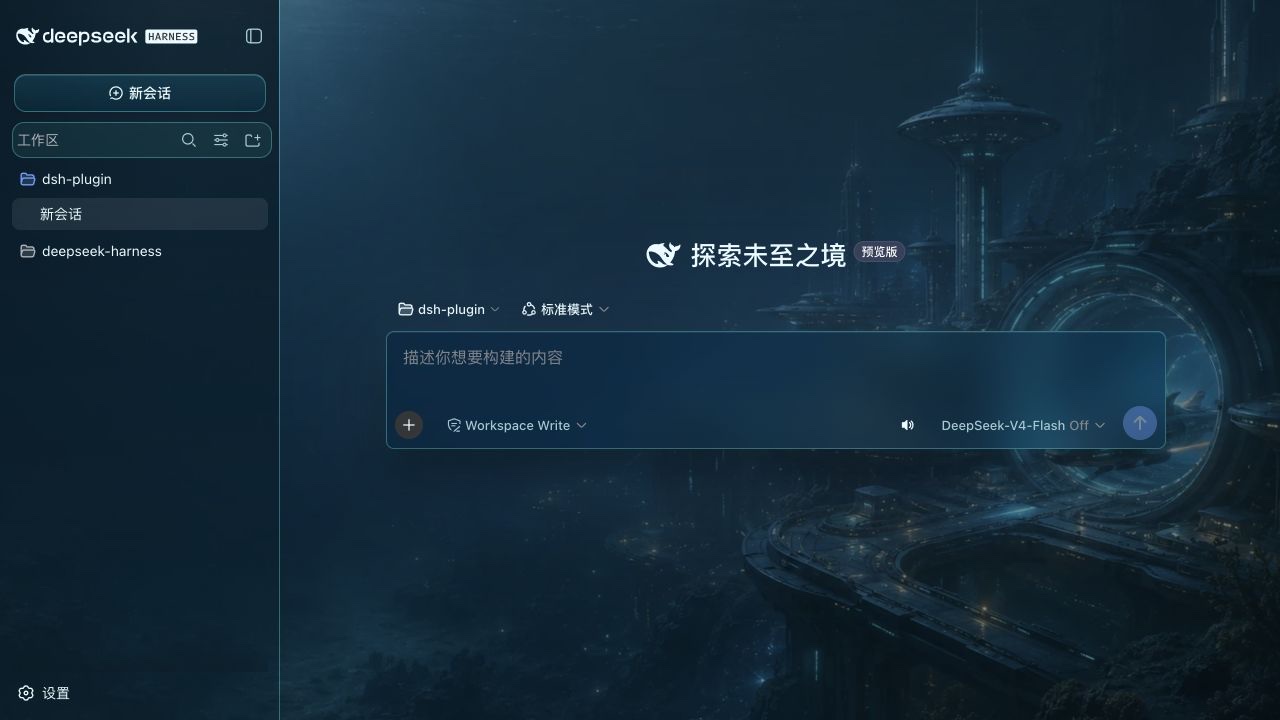 |
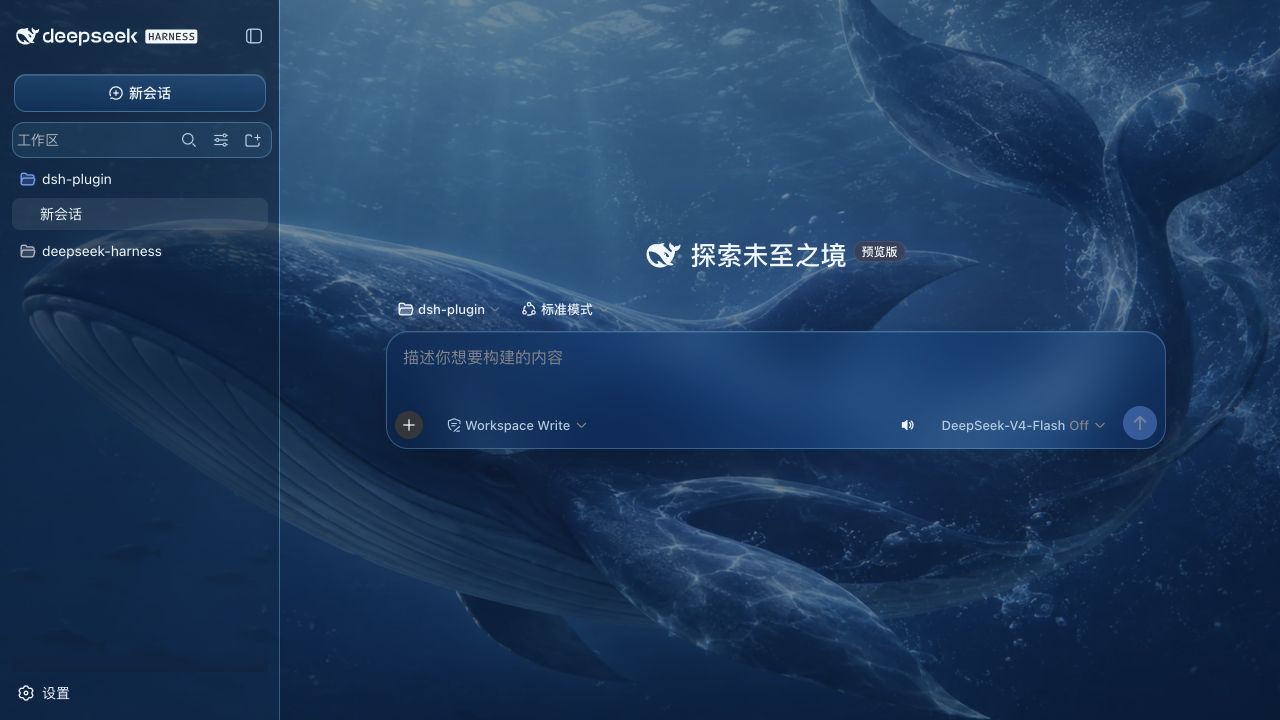 |
| Intelligence Orbit · Ink | Intelligence Orbit · Dawn |
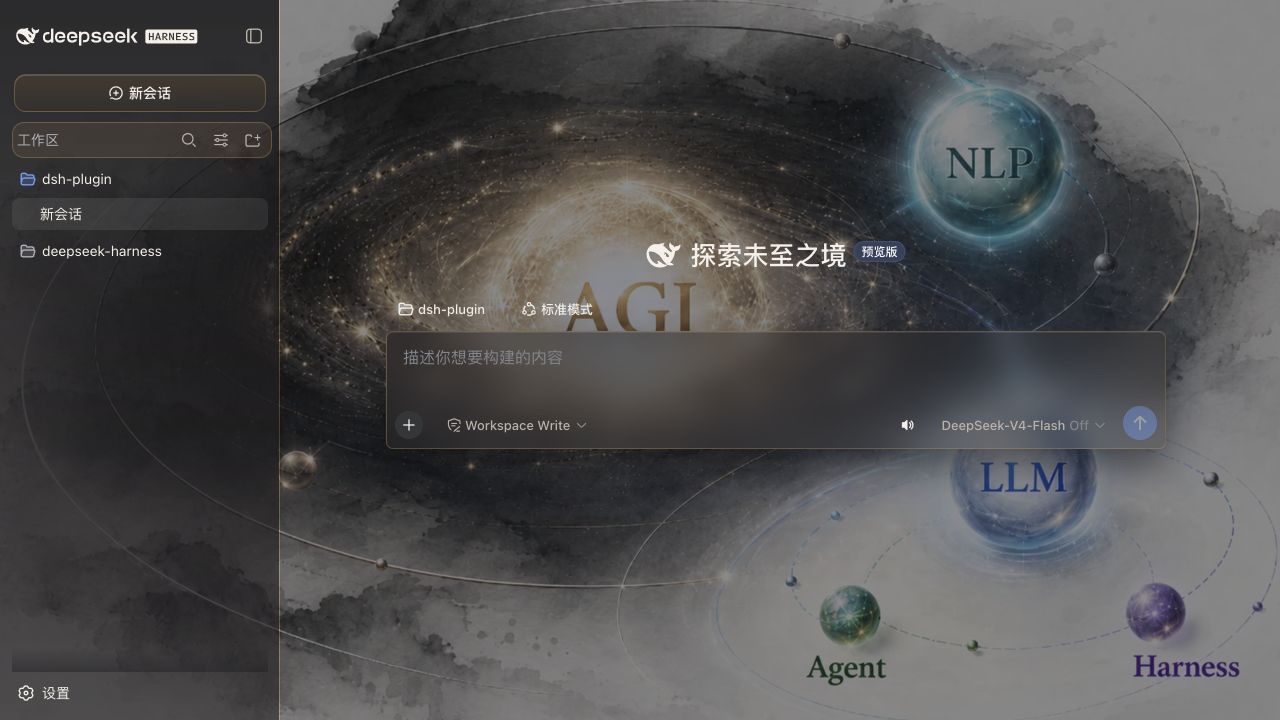 |
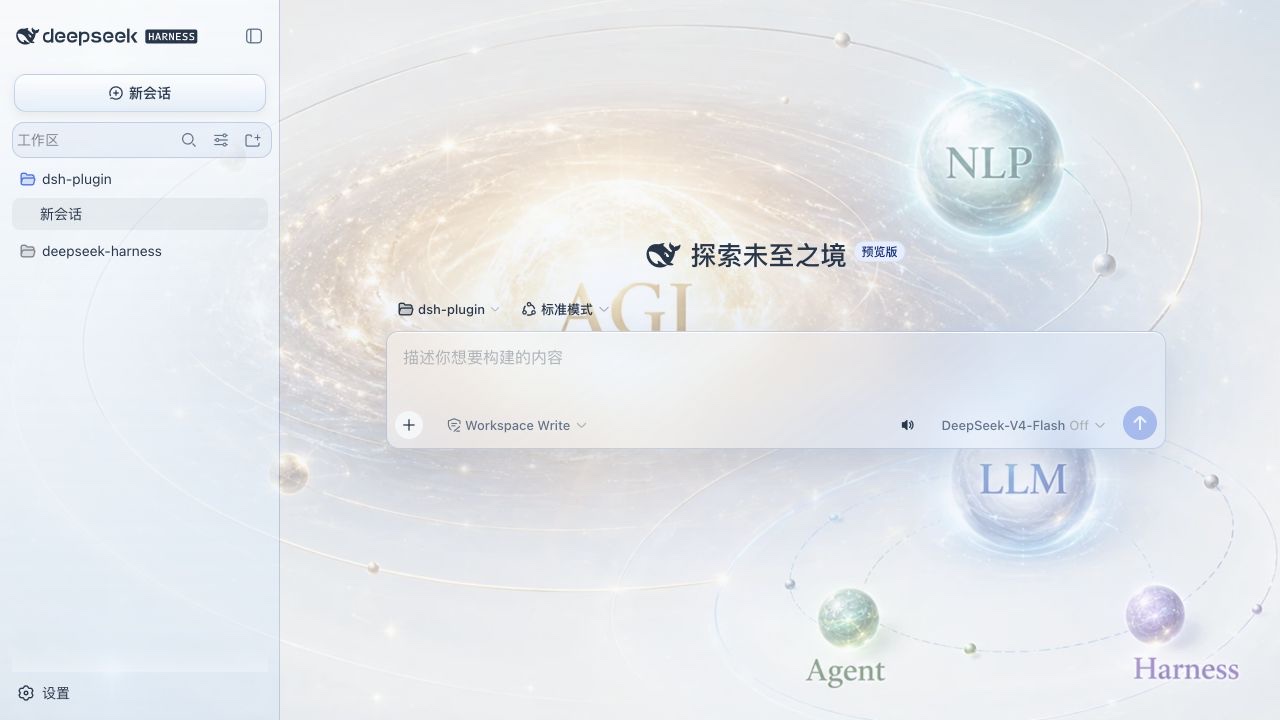 |
Install
The plugin is a dsh bundle. Install it into the web profile with the Harness CLI:
dsh plugin --profile web add /path/to/dsh-skin-appearance
dsh web
The dsh.bundle.patch declaration adds the plugin to the profile layer stack. On the next web boot, its browser bundle is discovered through the dsh.client declaration and the new Appearance page appears in Settings.
For a published package, replace the local path with the package name:
dsh plugin --profile web add dsh-skin-appearance
Design
The Node half registers the appearance settings namespace using the Harness settings service. The browser half contributes a settings.section slot, applies dual-mode token overrides through ctx.theme, and owns a wallpaper layer covering the whole app root. All eight themes provide their own surface styling for the sidebar, session list, new-session action, plugin entry, and composer. QQ2008 adds a dedicated classic-blue window frame, while custom wallpapers use an adaptive light/dark glass recipe.
Uploaded images are decoded and compressed to a JPEG data URL with a 1600 px long-side limit before they enter the settings document. A separate 48 px sample produces the dominant accent, a hue-separated secondary color, and readable surface/text colors for both light and dark modes. All presets and uploaded wallpapers follow the Harness Light / Dark / System preference without changing the selected skin. Switching back to Default removes every plugin-owned token and surface override.
The wallpaper layer itself never uses backdrop-filter; blur is limited to bounded interface surfaces so streaming and scrolling remain responsive.
Development
This package follows the standalone client-plugin build shape used by Harness:
pnpm install
pnpm build
To test it against a source checkout of Harness, build Harness first, then install this directory into its web profile:
cd /path/to/deepseek-harness
pnpm install
pnpm build
dsh plugin --profile web add /path/to/dsh-skin-appearance
dsh web
The package deliberately declares Harness services as peer dependencies. This keeps the plugin on the same Cordis, settings, theme, and React instances as the host application instead of bundling duplicate service identities into the browser bundle.
License
MIT.
Related plugins
dsh-web(原 dsh-web-ui)
 zhu1090093659
/dsh-web-ui
dsh-web(原 dsh-web-ui):任务看板、git 图、右侧面板、远程移动端 UI、桌宠、实时 token 统计与皮肤中心的全家桶。仓库已更名 zhu1090093659/dsh-web,根目录声明 dsh.bundle.patch,支持根 Git 入口安装。
dsh plugin --profile web add github:zhu1090093659/dsh-webdsh-web-all 聚合包(原 dsh-web-ui-all)
zhu1090093659zhu1090093659/dsh-web-ui/packages/dsh-web-ui-all
旧整包路径 packages/dsh-web-ui-all 已随仓库更名 dsh-web 迁移:现聚合目录为 packages/dsh-web-all,npm 聚合包 @linxin666/dsh-web-all。与总仓根 Git 入口是同一产品的两种整包方式,不重复计数。
dsh plugin --profile web add @linxin666/dsh-web-all@latestdsh-TUI
 ccch1mneyyy
/dsh-TUI
Claude Code 风格全屏终端 UI:像素鲸鱼顶栏、实时工作状态行、思考流式展开。
dsh plugin --profile web add github:ccch1mneyyy/dsh-TUIdsh-cc-tui
ccch1mneyyyccch1mneyyy/dsh-cc-tui
一个美观且实用的 Claude Code 风格 TUI 插件:像素鲸鱼顶栏、双流光大字、实时工作状态行、思考流式展开、双击 Esc 时间回溯、蓝白上下文进度条 + TPS 仪表。 零核心改动,纯插件挂载。安装插件即可启用,卸载后不会留下核心补丁。 献给钟爱tui的各位极客们 A beautiful, practical Claude…
dsh plugin --profile web add github:ccch1mneyyy/dsh-cc-tuideepseek-balance-whale-widget
 meteornox
/deepseek-balance-whale-widget
DSH 小鲸鱼余额挂件(DeepSeek Balance Whale Widget)
dsh plugin --profile web add github:meteornox/deepseek-balance-whale-widgetDSH-better-sidebar
 omdsh-dev
/DSH-better-sidebar
侧边栏完整工作台:内置文件渲染编辑、终端、Git 与子代理,支持三方插件注册新 Tab。
dsh plugin --profile web add github:omdsh-dev/DSH-better-sidebar