Tools & Capabilities
dsh-article-review
Biogod2020/dsh-article-review · ★ 1
 Biogod2020
Annotation-driven Markdown manuscript review with proposals and human review baselines
An English summary is not available; the Chinese summary is shown.
安装
dsh plugin --profile web add 'dsh-article-review@0.2.2-alpha.17'从 npm 安装预构建包
For install and environment setup, plus plugin development tutorials, see DSH community docs ↗
README
Table of contents
description: "Read, annotate and revise Markdown manuscripts in DSH with AI proposals, word-level diffs and persistent review baselines." kind: "package-bundle"
DSH Article Review
English | 中文
Read, annotate and revise Markdown manuscripts alongside your DSH conversation. AI submits revision proposals; you inspect the changes, accept or reject them, or request another revision.
Across multiple revision rounds, each paragraph stays compared with the last version you marked reviewed, so you can see what still needs your attention.
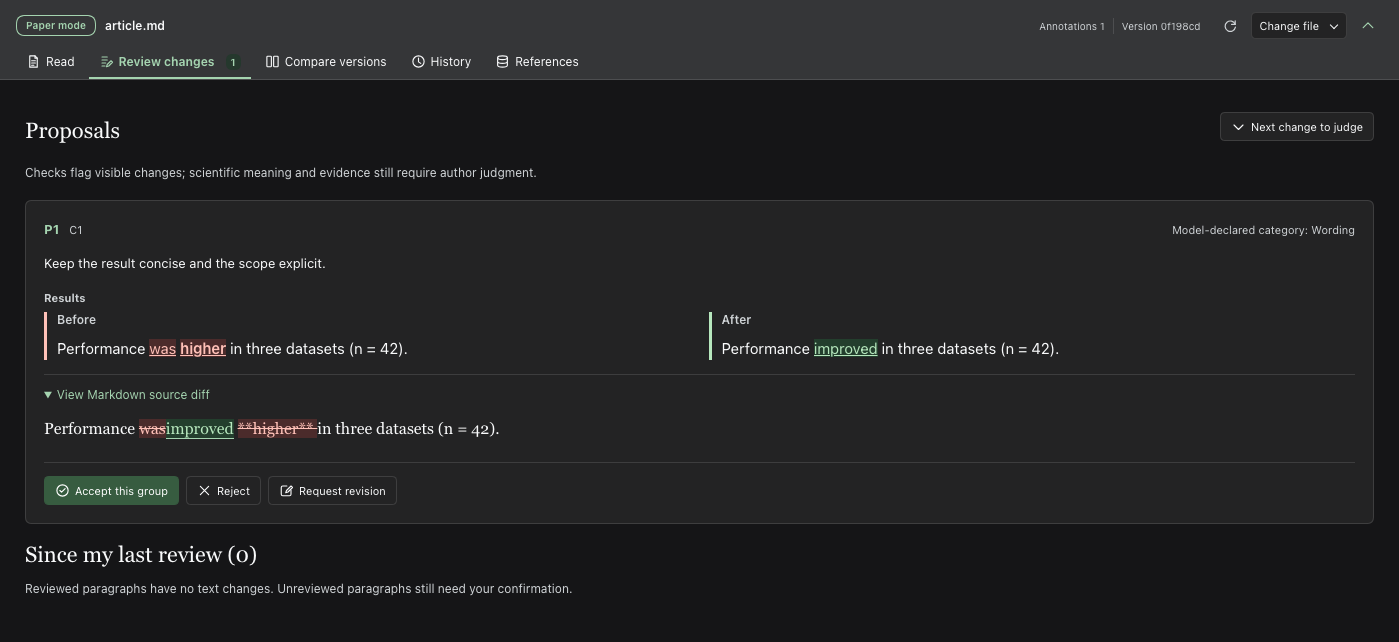
Screenshots use fictional manuscripts; proposals include real model runs.
Features
- Start from an article — import PDF, DOCX, LaTeX, TXT, Markdown, HTML or pasted prose with
paper-project-start; preserve the source, prepare available figures and open the reader. - Read and annotate — highlights, underlines, comments and manuscript search.
- Read text with figures — whole figures or AI-prepared panels beside their paragraphs; optional section pages retain your reading position. See the reading guide.
- Revise with AI — propose replacements, insertions or deletions; revise pending proposals. Supports headings, lists and tables.
- Track your review — mark and lock reviewed paragraphs; track later changes.
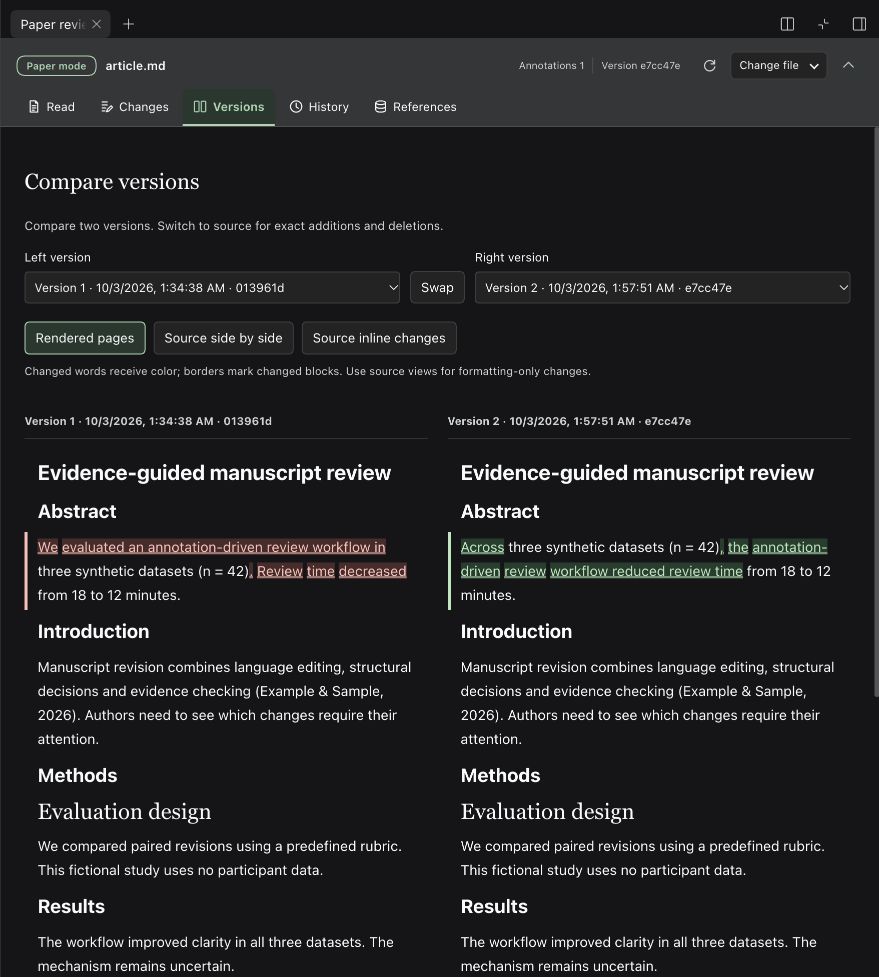
- Compare versions — word-level comparisons and exact Markdown source diffs.
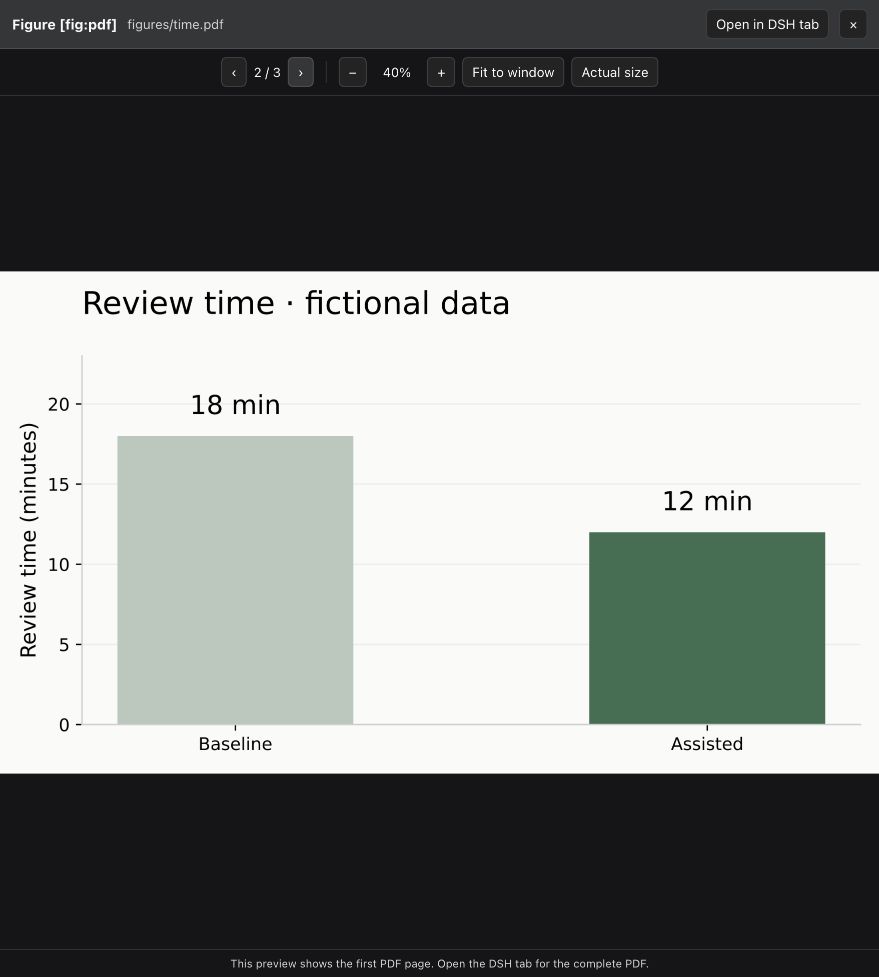
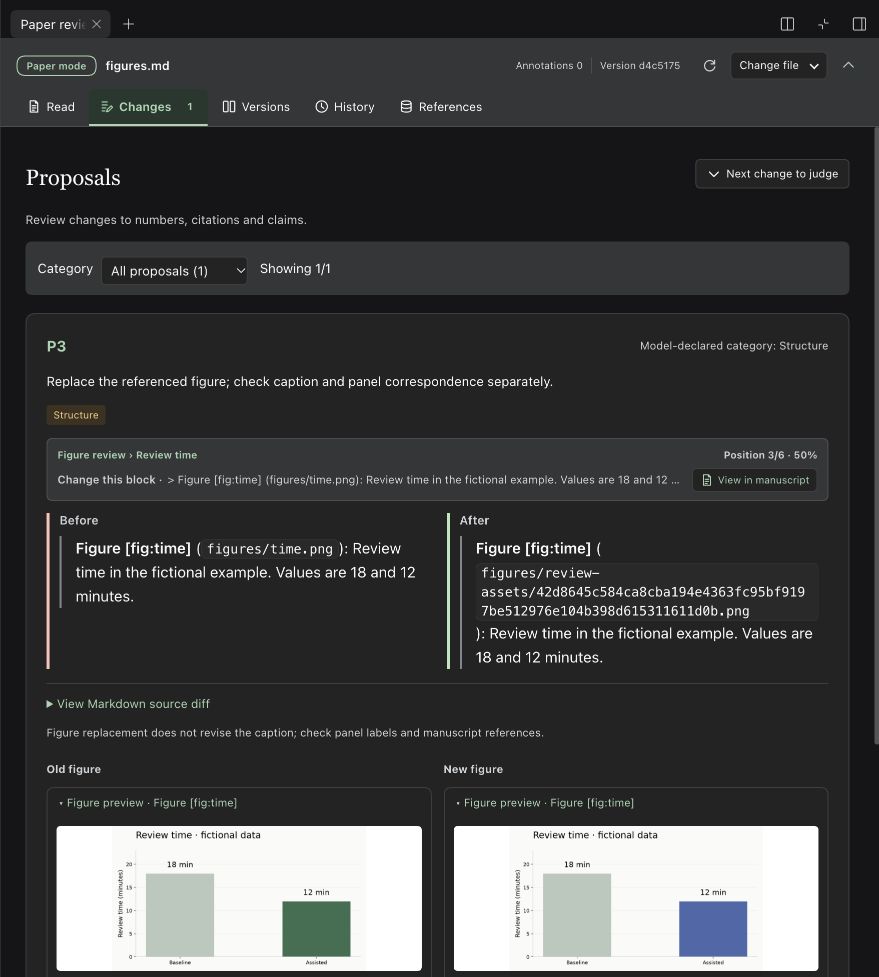
- Review figures — preview and propose replacements; keep before/after copies.
- Preview companion documents — open the manuscript or workspace files in DSH’s native preview alongside the review.
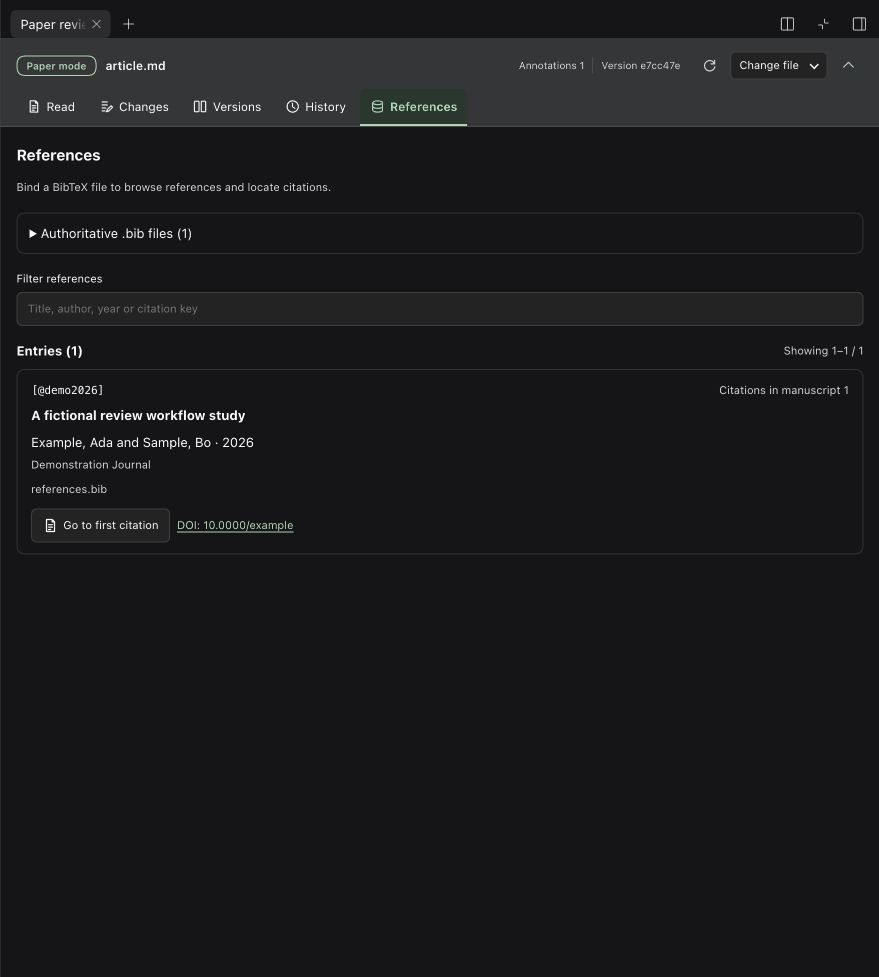
- Manage references — bind BibTeX, jump to citations and check new citation keys.
Install
Version 0.2.2-alpha.17 supports DSH Web 0.2.1-alpha.4 and Desktop 0.2.0-rc.2 / 0.2.1-rc.2 / 0.2.1-rc.3 / 0.2.1-rc.4 / 0.2.2-alpha.2. Uses your existing model configuration.
The registry’s latest tag points to 0.2.2-alpha.17. pnpm 11 may choose an older release during its default 24-hour waiting period. For a fresh release today, pin dsh-article-review@0.2.2-alpha.17 or use the package-only opt-in; after the waiting period, use the bare name.
Desktop App
The App includes its runtime; no separate Node installation is needed.
Open Plugins in the App's left sidebar, then click Add plugin.
Paste the npm package name:
dsh-article-reviewAfter installation, click Enable now and follow any restart prompt.
Choose a local workspace and open a conversation. In the right sidebar, choose Read, annotate and revise.
Click Browse workspace → Choose local file to open a Markdown manuscript. The system dialog belongs to the App; the selected file must be inside this conversation's workspace. BibTeX and replacement figures use the same Desktop picker.
Desktop uses its own desktop profile. Installing into the web profile does not install into the App. If you previously installed @deepseek-ai/dsh-experimental-paper-review from GitHub, uninstall that package in Plugins before installing the npm package above and restarting. Workspace review records in .paper-review/ continue to be used. macOS Desktop has been exercised; see platform requirements for Windows.
Choose the official npm registry or the mainland China mirror. If the mirror has not synced this version, use the official registry. GitHub installation is also available as github:Biogod2020/dsh-article-review#v0.2.2-alpha.17. If GitHub times out, download the prebuilt release archive and enter its absolute local path in Plugins → Add plugin, without extracting or building it. Tags through v0.2.1-alpha.1 retain the old package name; install one package name at a time.
Web
DSH 0.2.2-alpha.2 requires Node.js 24.9 or later. Earlier supported DSH versions retain their own Node.js requirements (22 ≥22.19 or 24+):
dsh plugin --profile web add dsh-article-review
dsh web
Restart a running Web profile after installation. For GitHub installation, use the prebuilt tag; main contains development source.
Start reviewing
For a document or pasted article, choose Import article in the reader's file controls, or invoke /paper-project-start in the conversation and identify the source. Conversion creates a separate project in the conversation workspace. The first run uses uv to prepare document tools there. Text-only articles skip figure preparation; scans require OCR and verification. See the import guide.
- Choose Read, annotate and revise in the right sidebar and open a Markdown manuscript.
- Select text, annotate it, attach the notes to the conversation and send your request.
- In Review changes, accept, reject or request a revision; check the result and mark it reviewed.
Accepting updates the manuscript and keeps your review baseline. Back up .paper-review/ with the manuscript and exclude it from public Git history. Paragraph locks apply within this plugin.
Screenshots
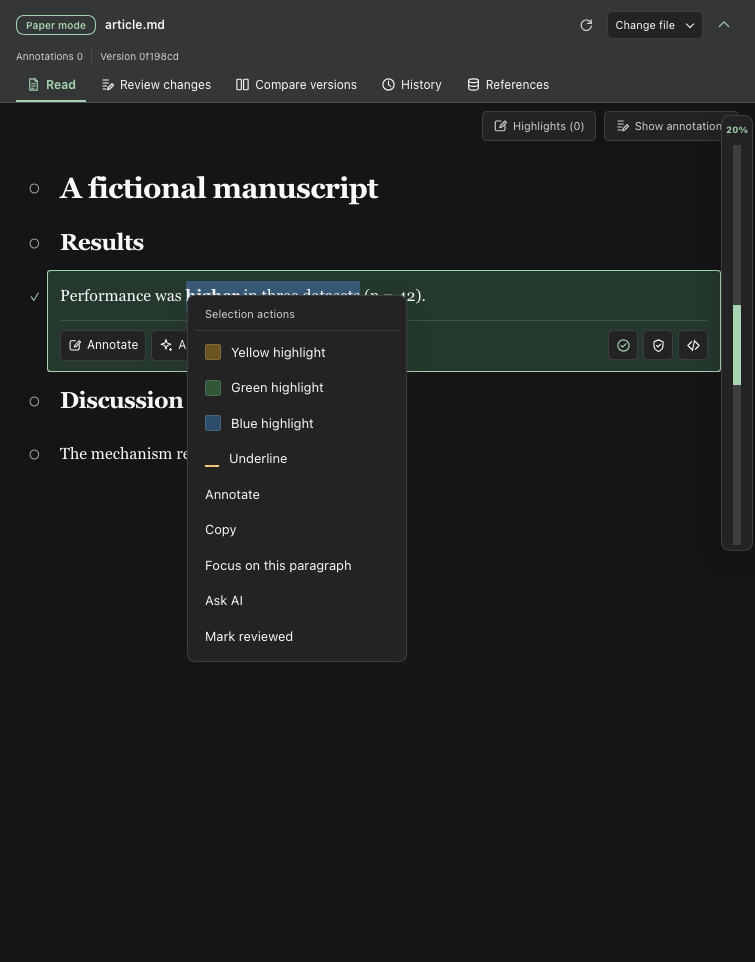
Select text and right-click to highlight or annotate.
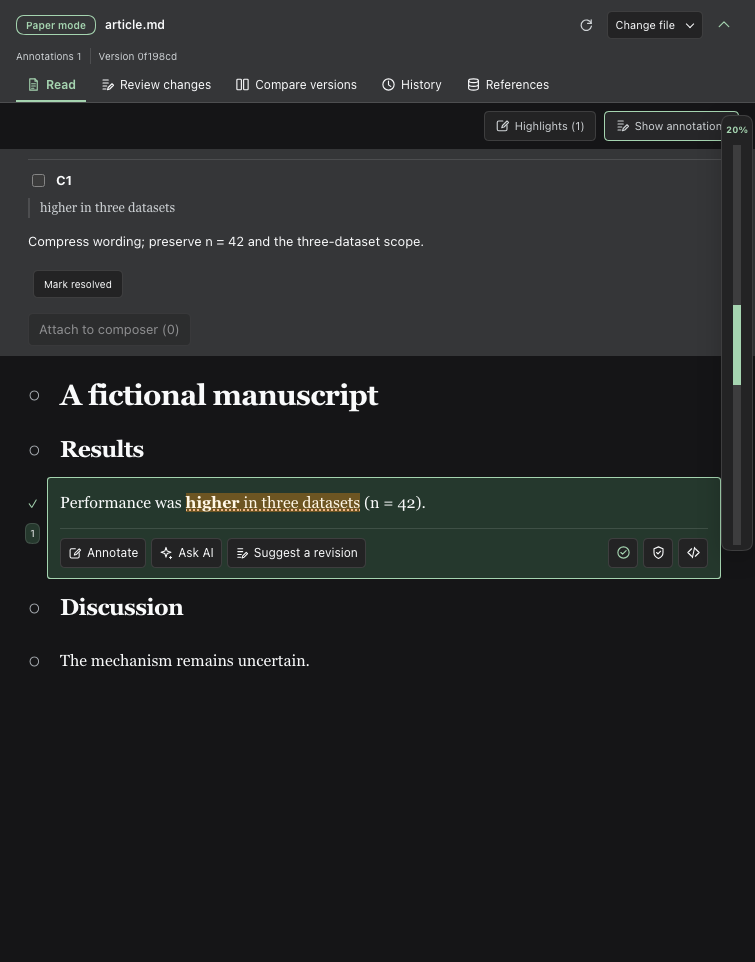
Save annotations and attach revision requests to the conversation.
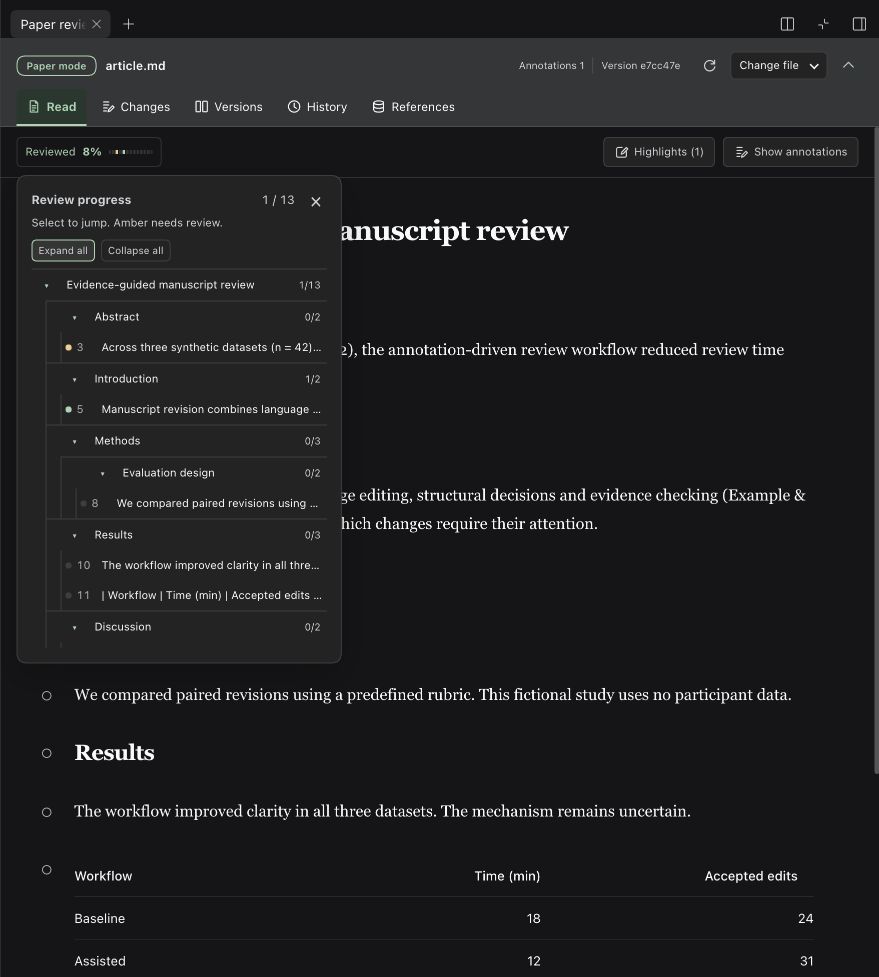
Check review progress and jump to sections or paragraphs.
Compare two versions and see changed words directly.
Preview PDFs, review figure replacements and browse references.
Compact reading on narrow screens.
Documentation
- User guide — operations and configuration.
- Development and compatibility — builds, tools and persistence.
Edit Markdown manuscripts; figures support images and PDFs. See other formats and platforms.
Related plugins
dsh-weknora
 Tencent
/WeKnora/packages/dsh-weknora
把 WeKnora 知识库接入 dsh 的四个只读工具:列出知识库、混合检索原文片段、按顺序还原单篇文档,以及直接取用 WeKnora 自己带引用的 RAG 或 ReAct agent 回答(含可续聊的 session id)。
Added:
dsh plugin --profile web add @wxg-prc-cpg/dsh-weknoratreg
 superdesigndev
/treg
给 Agent 的工具目录:按「要做的事」检索约 2,600 个外部接口(SEO 与 SERP、外链、社交、人物与公司信息补全、广告库、抓取),查看参数与单次调用价格后直接调用,凭据由服务端注入。附带技能,MCP 行在未设置 TREG_TOKEN 前保持禁用。
Added:
dsh plugin --profile web add github:superdesigndev/tregdsh-anchored-standard
 xiaobright
/dsh-anchored-standard
两阶段 DeepSeek Harness 预设:先 Minimal 对齐的 bootstrap,再切完整 Standard 工具(Project2 98/99)
Added:
dsh plugin --profile web add github:xiaobright/dsh-anchored-standardDSHA-dshapp
 DSH-APP
/DSHA/app/src/main/assets/app-integration
DSHA 后台任务、网页返回和草稿恢复适配
Added:
dsh plugin --profile web add 'github:DSH-APP/DSHA#a6d4de140acc7a085d6afd4b9d413404e004b939&path:/app/src/main/assets/app-integration'Deepseek-Harness-EAC
 zouyuxuan122
/Deepseek-Harness-EAC
把官方 deepseek-ai/deepseek-harness(@deepseek-ai/dsh,一切皆插件的 agent harness) 封装为开箱即用的 Windows / Linux 桌面客户端,并在其上拥抱社区万象:皮肤、插件、工具、记忆——你所能想到的,一键皆可装。
Added:
dsh plugin --profile web add github:zouyuxuan122/Deepseek-Harness-EACAI-Novel-Writer
 EthanYoQ
/AI-Novel-Writer
本地优先 AI 小说创作工作台,提供 Windows/macOS 桌面版与 DeepSeek Harness 插件开发预览,支持角色、大纲、章节蓝图、审稿修稿和本地模型。
Added:
dsh plugin --profile web add github:EthanYoQ/AI-Novel-Writer