Tools & Capabilities
dsh-creator-mode-plus
aa2246740/dsh-creator-mode-plus · ★ 0
 aa2246740
A fail-closed DeepSeek Harness Creator Mode+ bridge backed by the external dshx supervisor.
安装
dsh plugin --profile web add 'dsh-creator-mode-plus@0.3.13'从 npm 安装预构建包
For install and environment setup, plus plugin development tutorials, see DSH community docs ↗
README
Table of contents
Plugin-only boundary: official DSH source and artifacts are read-only, including copies and worktrees. Use public extension points; missing APIs never authorize a Host patch. Takeover, approval and --force cannot override CORE_SOURCE_IMMUTABLE.
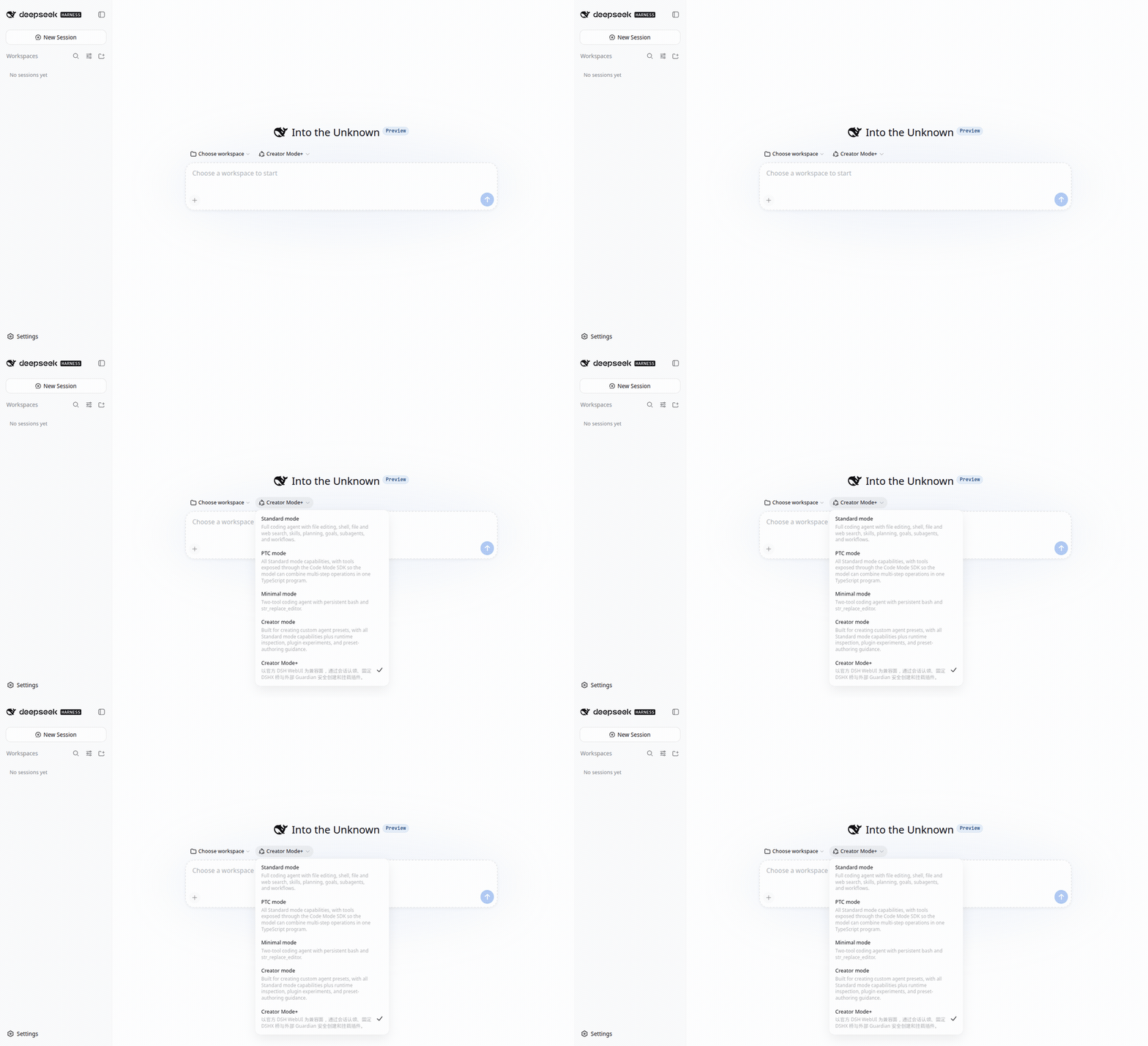
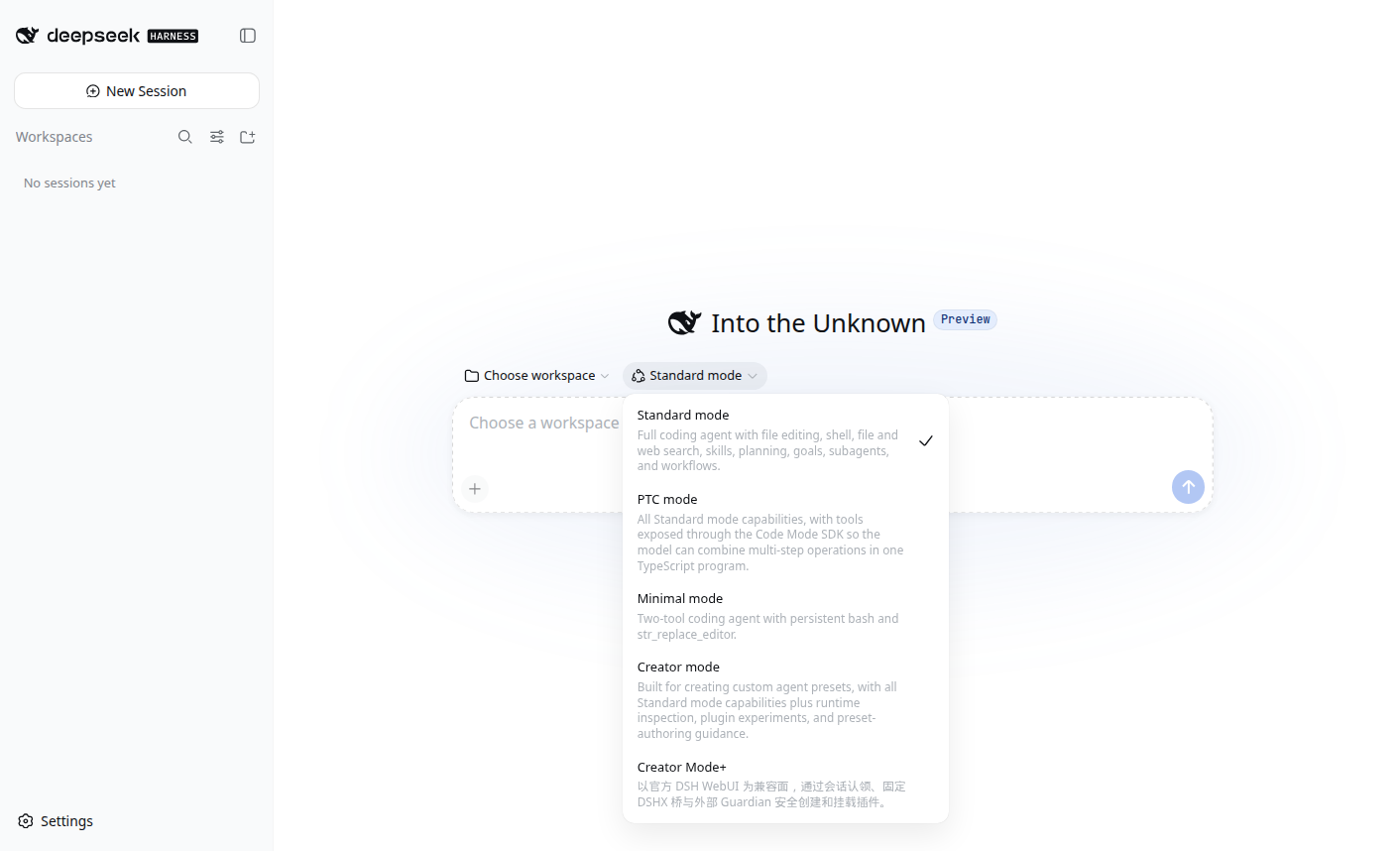
Pick Creator Mode+ in a normal DeepSeek Harness Web session. Ten fixed tools scaffold, check, mount, and uninstall a file-backed plugin in a safe order.
This source is paired with Harness dsh-v0.2.0-rc.2 (SHA 639ed015397290b3745d163aafe02ffee4aa3f84). The plugin peer range is >=0.2.0-rc.1 <0.2.1. It accepts 0.2.0-rc.2 and stable 0.2.0, rejects 0.2.0 alphas, and rejects 0.1.7-rc.2. The bridge compatibility range stays DSHX >=0.9.1 <0.10.0; 0.9.2 fits, and 0.9.0 and 0.7.9 are rejected. The desk pin, peer range, and human-confirmed takeover capability are checked before use. Session recovery listens on agent/created. The ten fixed tools are unchanged.
Use it in a conversation
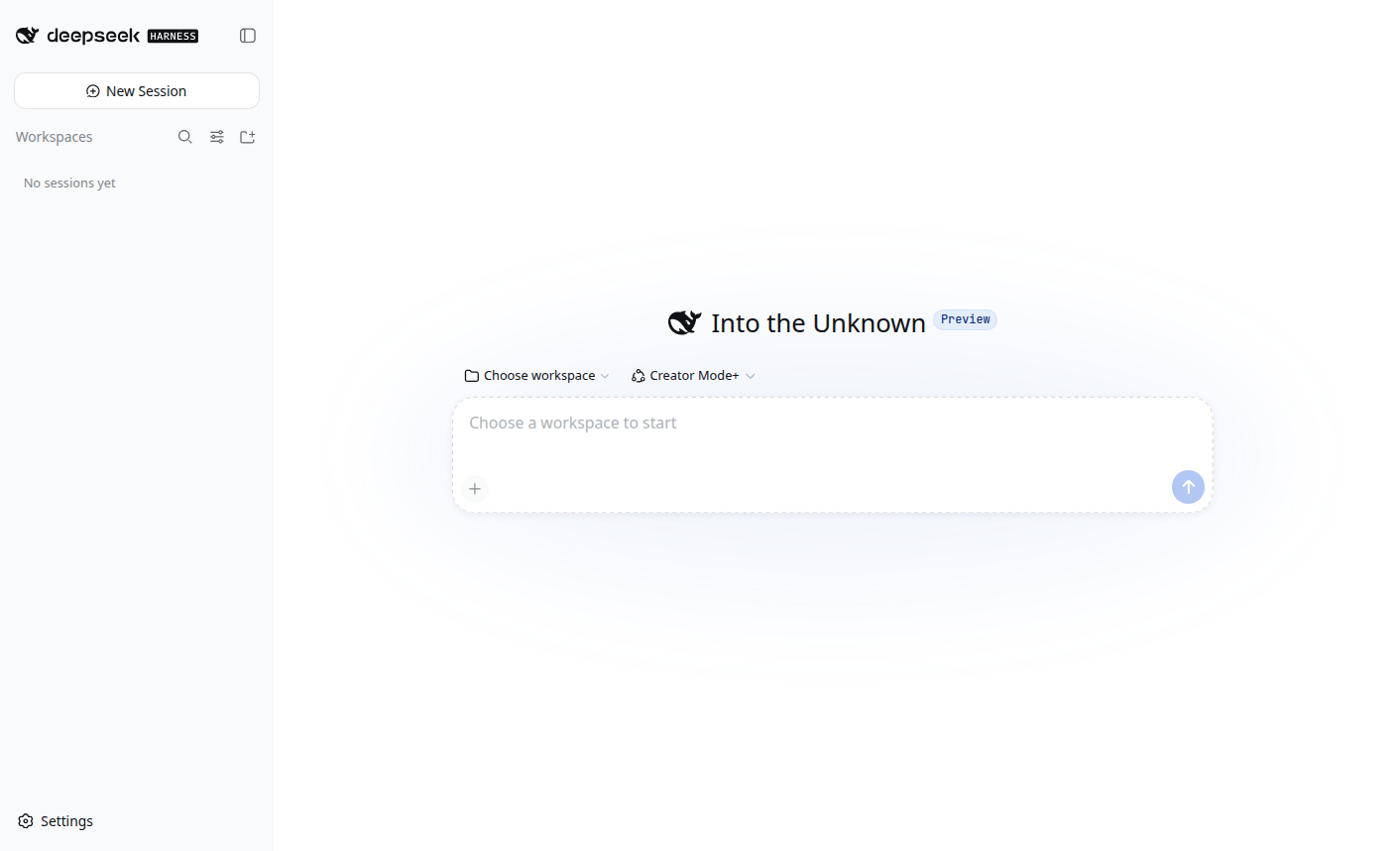
Select a workspace and Creator Mode+, then state the feature and delivery target:
Create a page counter plugin and install it in this DSH. Then add a server tool to it.
The Agent creates source, builds, checks, selects activation and continues. Server changes use same-process hot reload; a new client entry needs a page refresh. Correct build failures before retrying. A missing browser adapter blocks its UI check only. An explicit installation request carries through these steps.
Install
DSH Studio desktop app (recommended)
Open Settings → Plugins → Add plugin and enter this in “Package name or address”:
github:aa2246740/dsh-creator-mode-plus#v0.3.10
The desktop plugin manager owns the Desktop profile and bundled package manager. This release includes built artifacts; normal use needs no clone, build, or DSHX installation. Follow the app if it asks you to reload or reopen after installation. Then choose Creator Mode+ in a new session.
Web CLI
dsh plugin --profile web add github:aa2246740/dsh-creator-mode-plus#v0.3.10
This official CLI command writes only the web profile; it cannot modify the Desktop App profile. For an already-running Web Host, reopen that Host once and reload the page.
Creator Mode+ uses DSHX inside a conversation to develop, check, and activate the user's own plugins. That capability is not a prerequisite to install Creator Mode+, and it never permits modifying official DSH source.
Source-development install
Only when editing this repository, use a local link and installer in a separate Harness checkout:
cd /path/to/deepseek-harness
git clone https://github.com/aa2246740/dsh-creator-mode-plus.git tools/dsh-creator-mode-plus
pnpm dsh plugin --profile web add link:./tools/dsh-creator-mode-plus
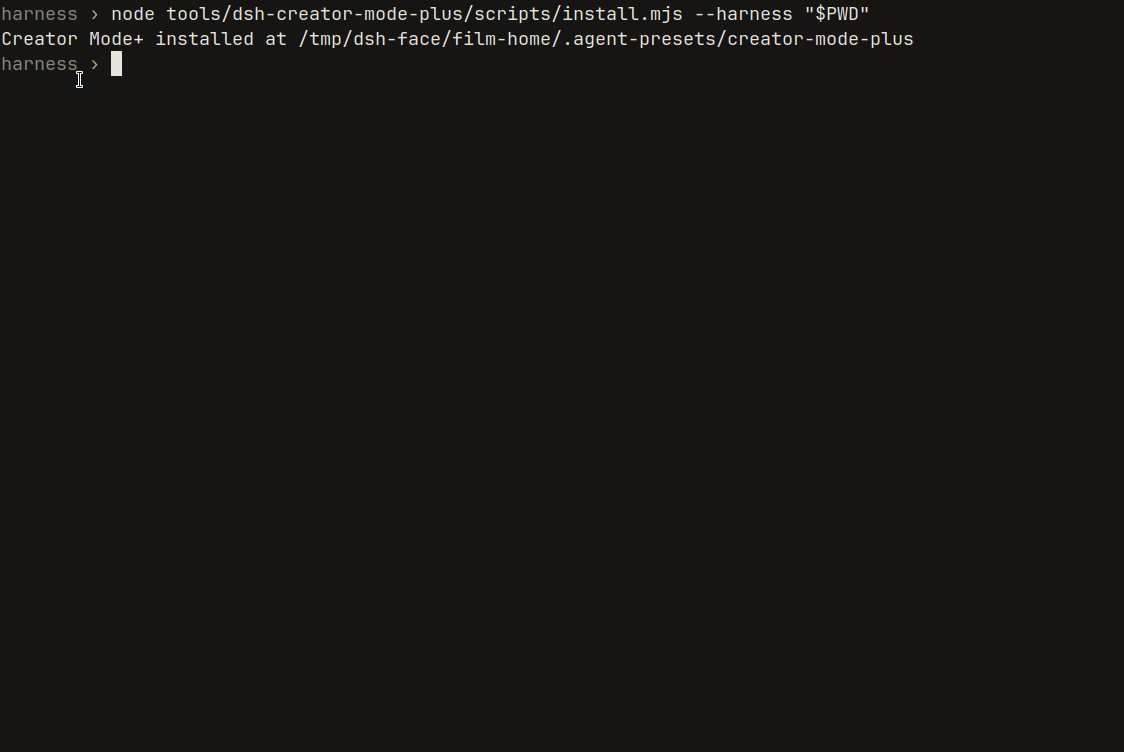
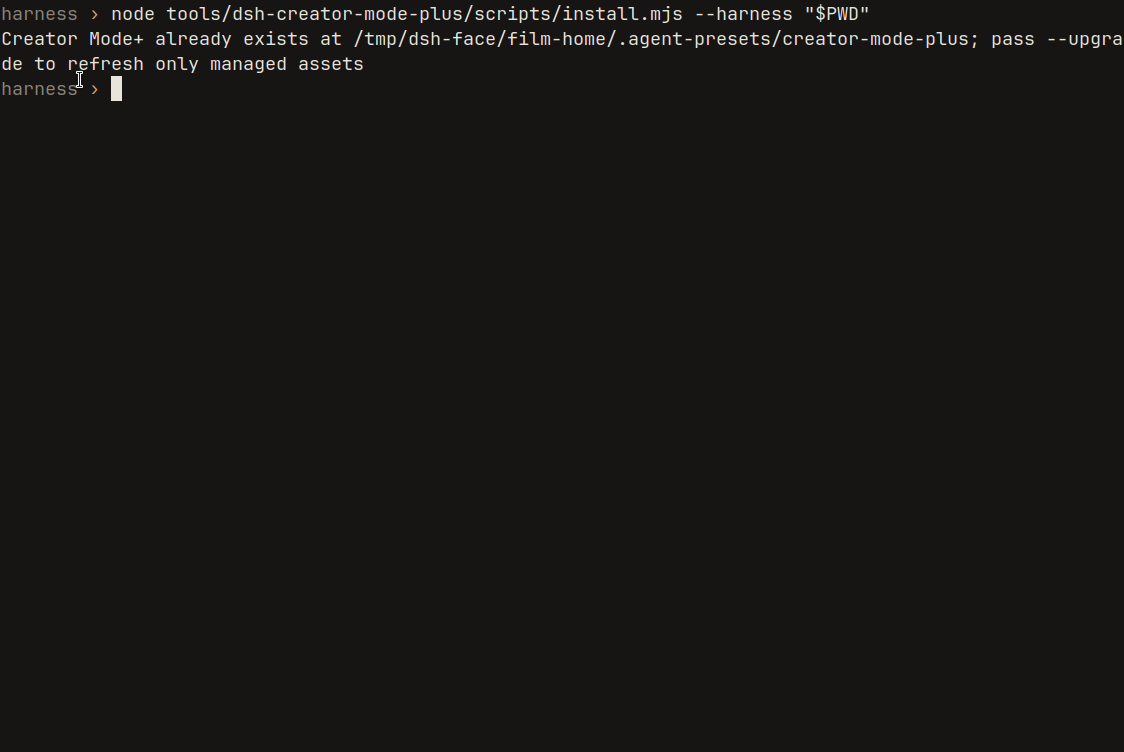
node tools/dsh-creator-mode-plus/scripts/install.mjs --harness "$PWD"
The installer derives a user preset from the shipped Standard patch, writes profiles/web/creator-mode-plus/agent.cordis.yml, and includes that file from the Web profile cordis.patch.yml. It leaves the shipped Standard and Creator presets alone and does not write .agent-presets. Open the official WebUI, confirm Creator Mode+ is in the mode list, and try it in a new session. Adding a profile dependency is not by itself a reason to restart the Host.
Contracts: Bridge v2 and DSHX v0.7 alignment.
The ten tools
| Tool | What |
|---|---|
dshx_browser_open |
Open the authenticated WebUI through the session-approved adapter, then continue UI verification |
dshx_status |
Read supervisor and Host. No process changes |
dshx_claim_plugin |
This session owns one plugin |
dshx_scaffold |
Create a project in the session workspace. Does not overwrite |
dshx_check |
Check interfaces, build artifacts and activation prerequisites |
dshx_activation_plan |
Select activation for the changed component |
dshx_activate_new_client |
Install a new client and verify its entry |
dshx_remove_plugin |
Unload from the current Host, then clear the profile. Source stays |
dshx_hot_reload |
Activate server code changes |
Whole-plugin removal goes through dshx_remove_plugin only. Running the installer again on an existing install does not overwrite.
Harness inventory is read-only through update plan. DSHX disables prepare, verify, apply and rollback for every caller, including the external supervisor.
Source-development upgrade
cd /path/to/deepseek-harness/tools/dsh-creator-mode-plus
git pull --ff-only
node scripts/install.mjs --harness /path/to/deepseek-harness --upgrade
npm run verify:dshx -- --harness /path/to/deepseek-harness
Develop
npm test
npm run check
DSHX_HARNESS=/absolute/path/to/deepseek-harness npm run test:native
npm run verify:dshx -- --harness /absolute/path/to/deepseek-harness
npm run verify:harness-install -- --harness /absolute/path/to/deepseek-harness
License
MIT.
dshx_request_takeover({name}) asks through the current conversation’s user-question UI, then drains old work and atomically transfers ownership. This requires the human-confirmed-creator-takeover capability in addition to the version range.
Related plugins
dsh-weknora
 Tencent
/WeKnora/packages/dsh-weknora
把 WeKnora 知识库接入 dsh 的四个只读工具:列出知识库、混合检索原文片段、按顺序还原单篇文档,以及直接取用 WeKnora 自己带引用的 RAG 或 ReAct agent 回答(含可续聊的 session id)。
Added:
dsh plugin --profile web add @wxg-prc-cpg/dsh-weknoratreg
 superdesigndev
/treg
给 Agent 的工具目录:按「要做的事」检索约 2,600 个外部接口(SEO 与 SERP、外链、社交、人物与公司信息补全、广告库、抓取),查看参数与单次调用价格后直接调用,凭据由服务端注入。附带技能,MCP 行在未设置 TREG_TOKEN 前保持禁用。
Added:
dsh plugin --profile web add github:superdesigndev/tregdsh-anchored-standard
 xiaobright
/dsh-anchored-standard
两阶段 DeepSeek Harness 预设:先 Minimal 对齐的 bootstrap,再切完整 Standard 工具(Project2 98/99)
Added:
dsh plugin --profile web add github:xiaobright/dsh-anchored-standardDSHA-dshapp
 DSH-APP
/DSHA/app/src/main/assets/app-integration
DSHA 后台任务、网页返回和草稿恢复适配
Added:
dsh plugin --profile web add 'github:DSH-APP/DSHA#a6d4de140acc7a085d6afd4b9d413404e004b939&path:/app/src/main/assets/app-integration'Deepseek-Harness-EAC
 zouyuxuan122
/Deepseek-Harness-EAC
把官方 deepseek-ai/deepseek-harness(@deepseek-ai/dsh,一切皆插件的 agent harness) 封装为开箱即用的 Windows / Linux 桌面客户端,并在其上拥抱社区万象:皮肤、插件、工具、记忆——你所能想到的,一键皆可装。
Added:
dsh plugin --profile web add github:zouyuxuan122/Deepseek-Harness-EACAI-Novel-Writer
 EthanYoQ
/AI-Novel-Writer
本地优先 AI 小说创作工作台,提供 Windows/macOS 桌面版与 DeepSeek Harness 插件开发预览,支持角色、大纲、章节蓝图、审稿修稿和本地模型。
Added:
dsh plugin --profile web add github:EthanYoQ/AI-Novel-Writer