
Tools & Capabilities
dsh-dir-tree
bentong-chain/dsh-dir-tree · ★ 1
 bentong-chain
浮窗工作区目录树插件:拖拽路径、懒加载、搜索。Floating workspace directory-tree with drag-drop paths.
Manifest details
安装
dsh plugin --profile web add 'dsh-dir-tree@0.1.0'从 npm 安装预构建包
For install and environment setup, plus plugin development tutorials, see DSH community docs ↗
README
Table of contents
简体中文 | English
A DeepSeek Harness (DSH) floating workspace directory-tree plugin: drag-and-drop file/folder paths into the chat box, lazy loading, search, file-type icons, and auto-follow when switching workspace/session.
📚 Full three-form showcase repo (install & internals comparison of dynamic / persistent / standard bundle): dsh-plugin-dir-tree
Features
- 📁 Floating directory tree of the current session's workspace, minimizable at the bottom-right corner
- 🌲 Lazy loading: click
▶to expand subdirectories; large directories stay responsive - 🖱️ Drag files/folders into the chat box; the full path is filled in automatically
- 📋 Double-click to copy a path; single-click to select
- 🔍 Search filter for file names
- 🎨 File-type icons + directory 📁/📂 blue highlight + indented tree lines
- 🔄 Switches workspace/session and the tree follows automatically
- 🪟 Draggable floating window position
Screenshots
Main UI (floating window + directory tree)
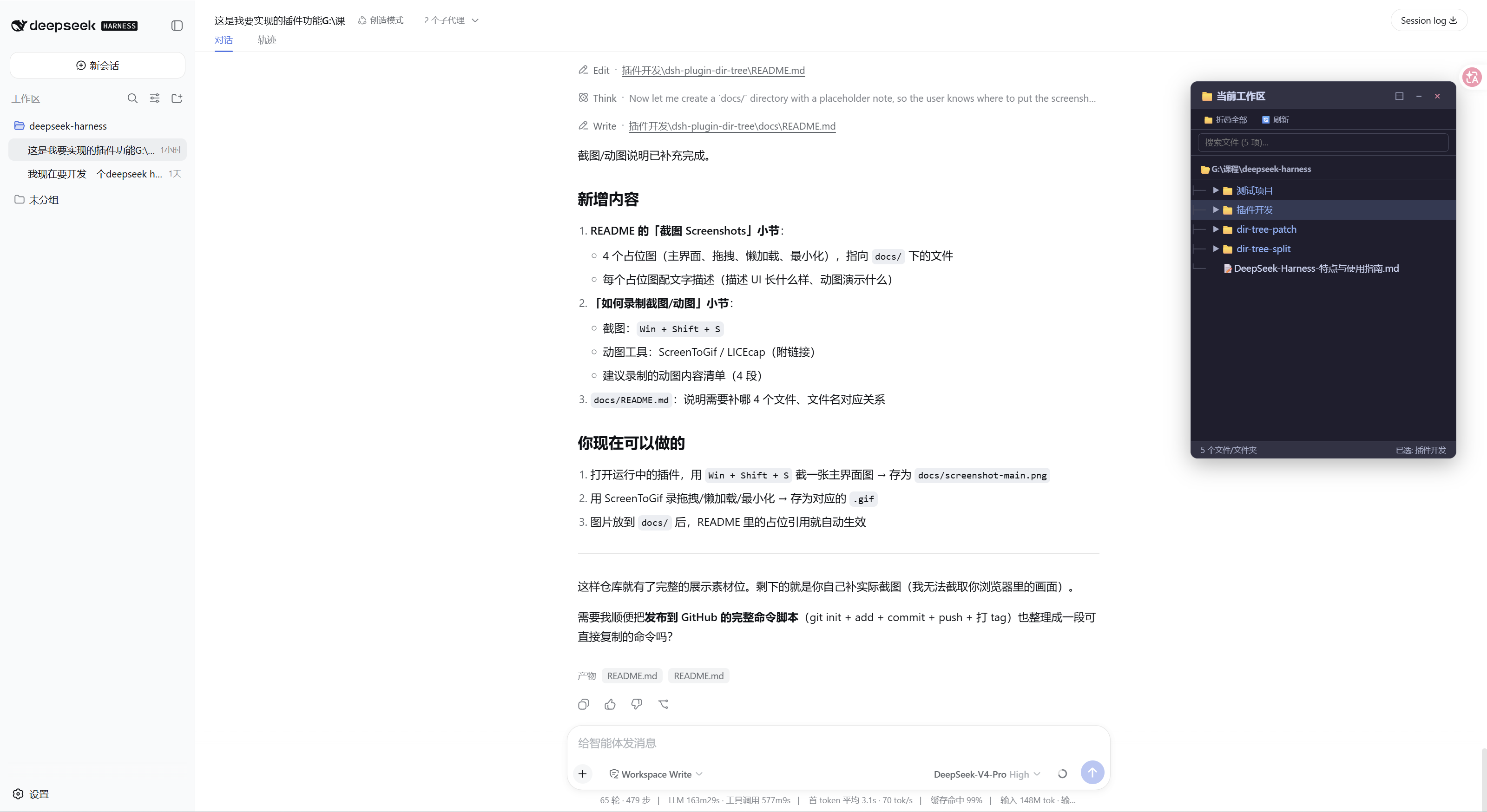
The floating window "📁 Current Workspace" sits in the bottom-right corner: the full path on top, the tree below — directories in blue with a 📁 icon and a ▶ expand arrow, files with type icons.
Drag a path into the chat box (animation)
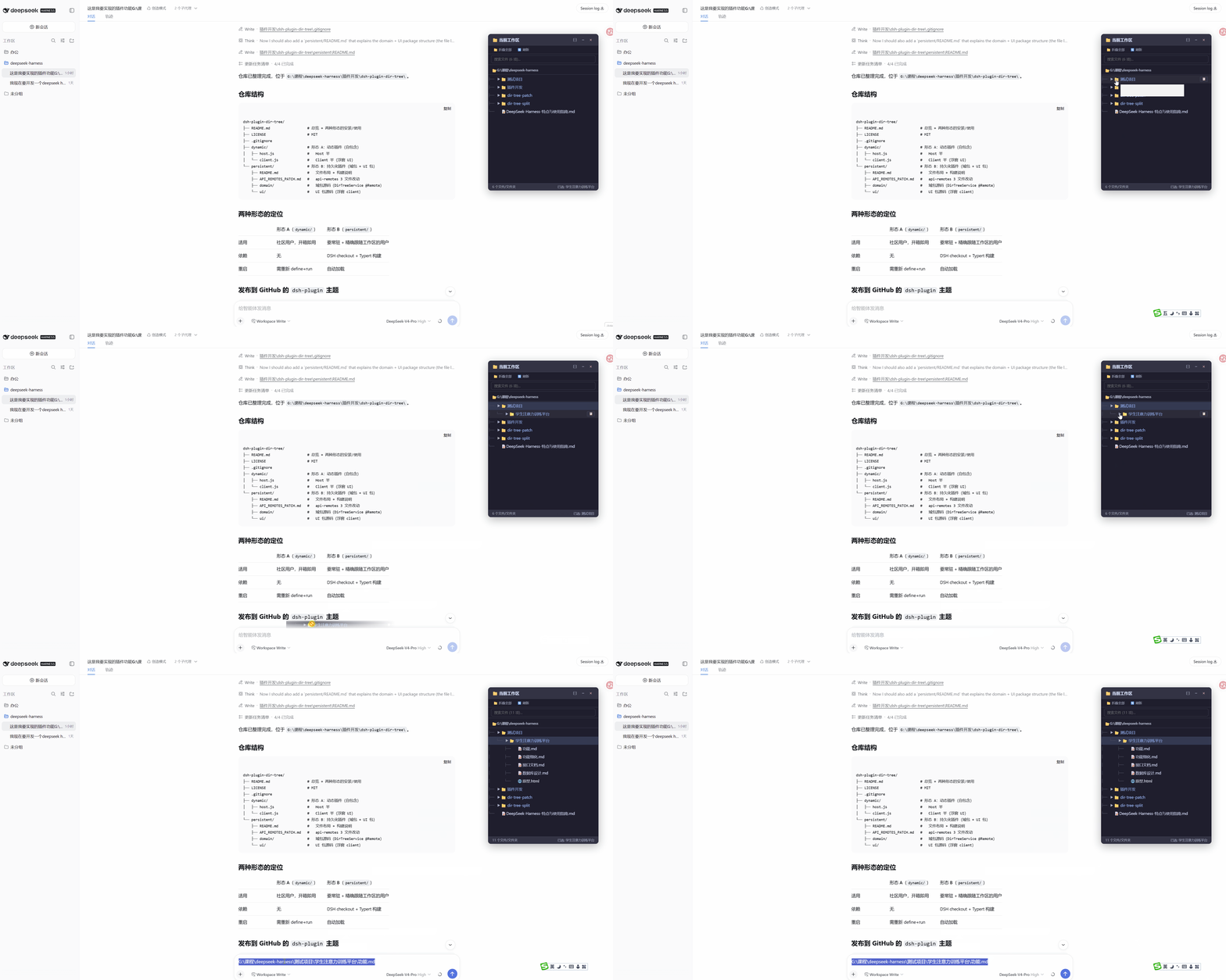
Drag any file/folder node into the chat input box; the full path is filled in automatically.
Lazy-load expansion (animation)
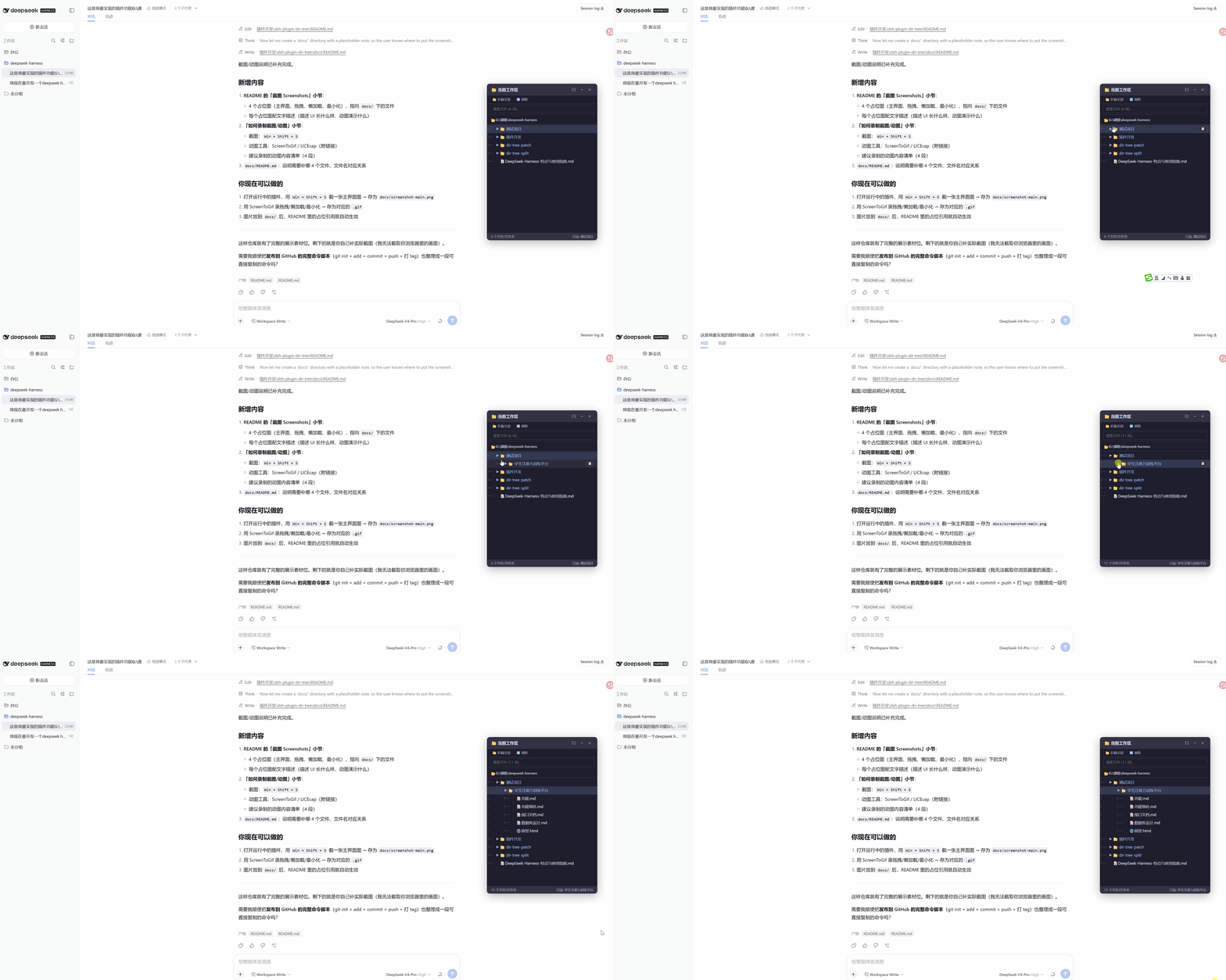
Click the ▶ of a folder to expand its children; only the current level is loaded, so large directories stay responsive.
Minimize / Restore
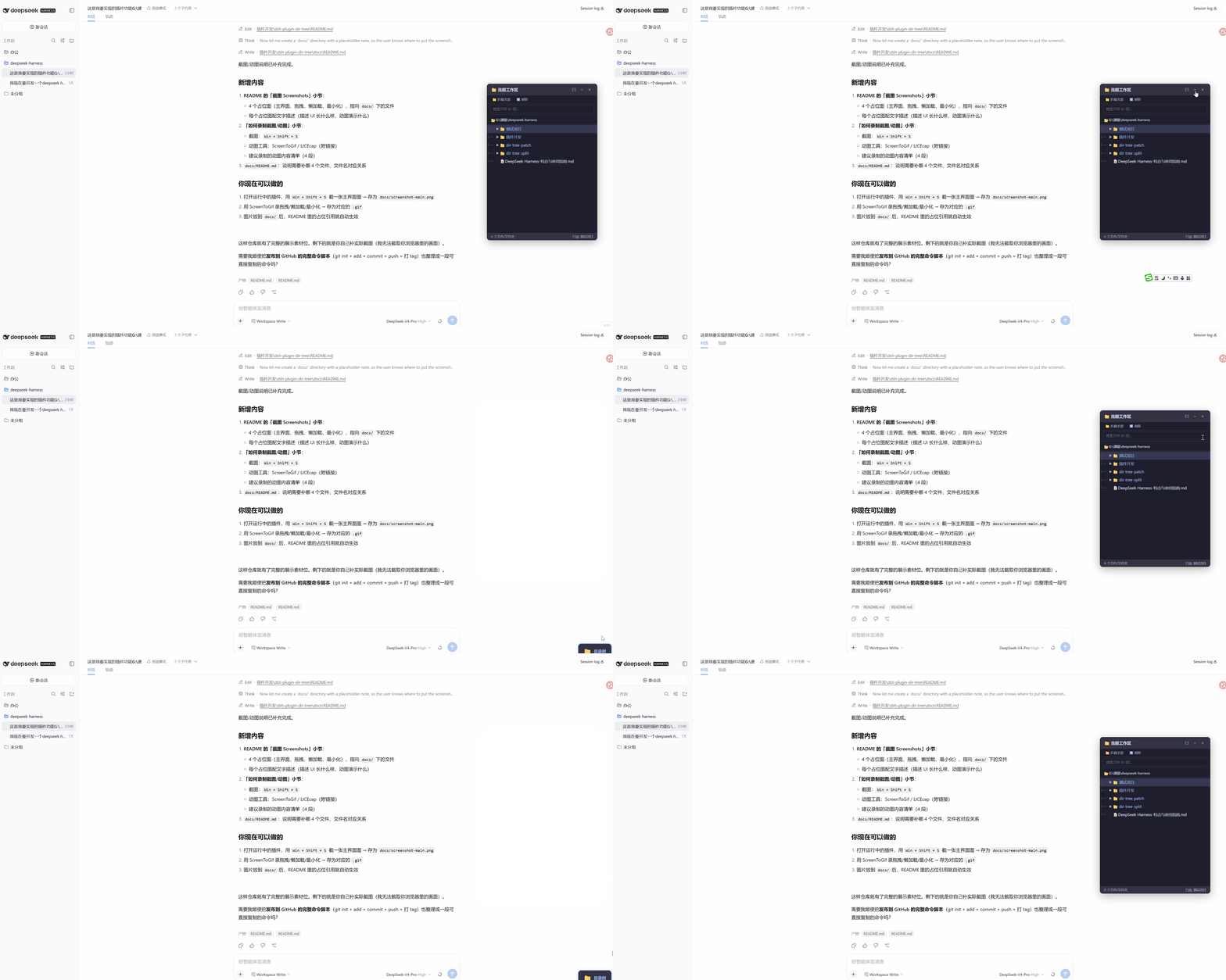
Click − or × to collapse the window; a blue "📁 Directory Tree" button appears in the bottom-right corner. Click it to restore.
Installation
This is a standard bundle for DSH — install with dsh plugin add, with no source checkout, no editing of built-in packages, and no Creator mode.
0. Install/run DSH (pick one)
Option A: Global install (recommended for daily use)
npm install -g @deepseek-ai/dsh
Option B: Run temporarily with npx (no install, occasional trials)
npx @deepseek-ai/dsh web
| Option A: Global install | Option B: npx temporary run | |
|---|---|---|
| Installed to the system? | Yes, permanently | No, downloads and runs on demand |
| Command form | dsh ... (available directly) |
npx @deepseek-ai/dsh ... |
| First start | Fast | Slower (downloads the package first) |
| Version | Pinned to the globally installed version (manual updates) | Usually the latest on npm |
| Use case | Daily use | Occasional trials, keep the environment clean |
Both share the same
$DSH_HOME(default~/.dsh) and profile directory — plugins/sessions/config are fully interchangeable, so this doesn't affect the plugin install below.
1. Install the plugin
Option 1: Install from npm (recommended — no authorization needed)
The plugin is published on npm, one command:
dsh plugin --profile web add dsh-dir-tree
Option 2: Install from git (no npm publish involved)
dsh plugin --profile web add github:bentong-chain/dsh-dir-tree
On first install you'll be prompted to add a build authorization to pnpm-workspace.yaml in your profile:
allowBuilds:
  dsh-dir-tree: true
Copy it and re-run dsh plugin --profile web add github:bentong-chain/dsh-dir-tree.
2. Start DSH (web UI)
dsh web is a hard-coded alias of dsh --profile web — fully equivalent; all three spellings start the same web profile (~/.dsh/profiles/web):
# Option A: after global install (recommended)
dsh --profile web        # or the equivalent alias: dsh web

# Option B: temporary npx run (equivalent to above)
npx @deepseek-ai/dsh web
No matter how you start it, the plugin loads normally — startup method doesn't matter.
Usage
- After starting DSH (
dsh --profile web/dsh web/npx @deepseek-ai/dsh web), the "📁 Current Workspace" floating window appears in the bottom-right corner - Click a folder's
▶to expand its subdirectories - Drag files/folders into the chat input box to fill in the full path
- Double-click to copy a path; use the search box to filter; click
−/×to minimize; restore via the bottom-right button
Structure
dsh-dir-tree/
├── package.json       # dsh.bundle + dsh.client + prepare build script
├── cordis.patch.yml   # inserts the plugin row
├── index.js           # Host half (connection.rpc.handle + node:fs directory listing)
├── client.js          # Client half source (floating UI + connection.rpc.call)
├── client.bundle.js   # build output (generated by prepare, not committed)
├── build.mjs          # prepare script: esbuild bundling of client.js
└── docs/              # README screenshots (main UI/drag/lazy-load/minimize)
Technical Notes
- RPC: uses
ctx.connection.rpc(a Client→Host channel available to third parties); no api-remotes, no Typert code generation. - Workspace tracking: the Client half reads the current session's
cwdfromctx.sessionsand passes it to the Host; it refreshes reactively when the workspace/session switches. - Directory detection: the Host uses
node:fs'sreaddir({ withFileTypes: true })to getDirent.isDirectory()directly — no per-entrystat, so large directories stay responsive. - ⚠️
exportsmust include./package.json: client-modules locates packages withrequire.resolve('<pkg>/package.json'); if anexportsfield is defined, any subpath not listed fails to resolve and the client half is silently skipped (no error, never reacheswindow.__DSH_BOOT__). Always include"./package.json": "./package.json". - ⚠️ The Client half must
import React from 'react': in a persistent client bundle, React is not a global — it must be fetched from the browser module table viarequire('react')(reactis one of the platform modules); referencing a globalReactthrowsReferenceErrorat apply time.
License
MIT
Related plugins
dsh-weknora
 Tencent
/WeKnora/packages/dsh-weknora
把 WeKnora 知识库接入 dsh 的四个只读工具:列出知识库、混合检索原文片段、按顺序还原单篇文档,以及直接取用 WeKnora 自己带引用的 RAG 或 ReAct agent 回答(含可续聊的 session id)。
dsh plugin --profile web add @wxg-prc-cpg/dsh-weknoratreg
 superdesigndev
/treg
给 Agent 的工具目录:按「要做的事」检索约 2,600 个外部接口(SEO 与 SERP、外链、社交、人物与公司信息补全、广告库、抓取),查看参数与单次调用价格后直接调用,凭据由服务端注入。附带技能,MCP 行在未设置 TREG_TOKEN 前保持禁用。
dsh plugin --profile web add github:superdesigndev/tregdsh-anchored-standard
 xiaobright
/dsh-anchored-standard
两阶段 DeepSeek Harness 预设:先 Minimal 对齐的 bootstrap,再切完整 Standard 工具(Project2 98/99)
dsh plugin --profile web add github:xiaobright/dsh-anchored-standardDeepseek-Harness-EAC
 zouyuxuan122
/Deepseek-Harness-EAC
把官方 deepseek-ai/deepseek-harness(@deepseek-ai/dsh,一切皆插件的 agent harness) 封装为开箱即用的 Windows / Linux 桌面客户端,并在其上拥抱社区万象:皮肤、插件、工具、记忆——你所能想到的,一键皆可装。
dsh plugin --profile web add github:zouyuxuan122/Deepseek-Harness-EACDSHA-dshapp
 DSH-APP
/DSHA/app/src/main/assets/app-integration
DSHA 后台任务、网页返回和草稿恢复适配
dsh plugin --profile web add 'github:DSH-APP/DSHA#a6d4de140acc7a085d6afd4b9d413404e004b939&path:/app/src/main/assets/app-integration'deepseek-harness-remote
 liguobao
/deepseek-harness-remote
基于 DeepSeek Harness 插件机制的多端远程访问方案,让桌面端与 Android 端安全连接并操作远程 Harness。(A multi-device remote access solution built on the DeepSeek Harness plugin system, enabling desktop and Android clients to securely connect to and operate a remote Harness.)
dsh plugin --profile web add github:liguobao/deepseek-harness-remote