
Tools & Capabilities
deepseek-harness-desktop
kalimustafa/deepseek-harness-desktop · ★ 0
 kalimustafa
One-click Windows desktop app for DeepSeek Harness
安装
dsh plugin --profile web add github:kalimustafa/deepseek-harness-desktopGitHub 源码安装:首次需按提示配置 allowBuilds 构建授权后重试
For install and environment setup, plus plugin development tutorials, see DSH community docs ↗
README
Table of contents
DeepSeek Harness Desktop
A one-click Windows desktop app for DeepSeek Harness.
No Node.js setup · No command line · No browser tab

中文说明 · Latest release · Upstream project
[!NOTE] This is an independent community desktop wrapper, not an official DeepSeek release. DeepSeek Harness itself is an open-source project developed by DeepSeek AI.
What it does
DeepSeek Harness Desktop packages the official DeepSeek Harness Web UI inside an Electron window and includes its own Node.js runtime. A Windows user can install and launch it like a regular desktop application without installing developer tools or opening a terminal.
- One-click, per-user Windows installer
- Native desktop window with the DeepSeek Harness Web UI
- Bundled Node.js runtime and required dependencies
- Desktop and Start menu shortcuts
- Local service bound to
127.0.0.1on an available random port - Clean process shutdown and uninstall handling
- Local conversations, configuration, and logs under
%APPDATA%\DeepSeekHarness
Screenshots
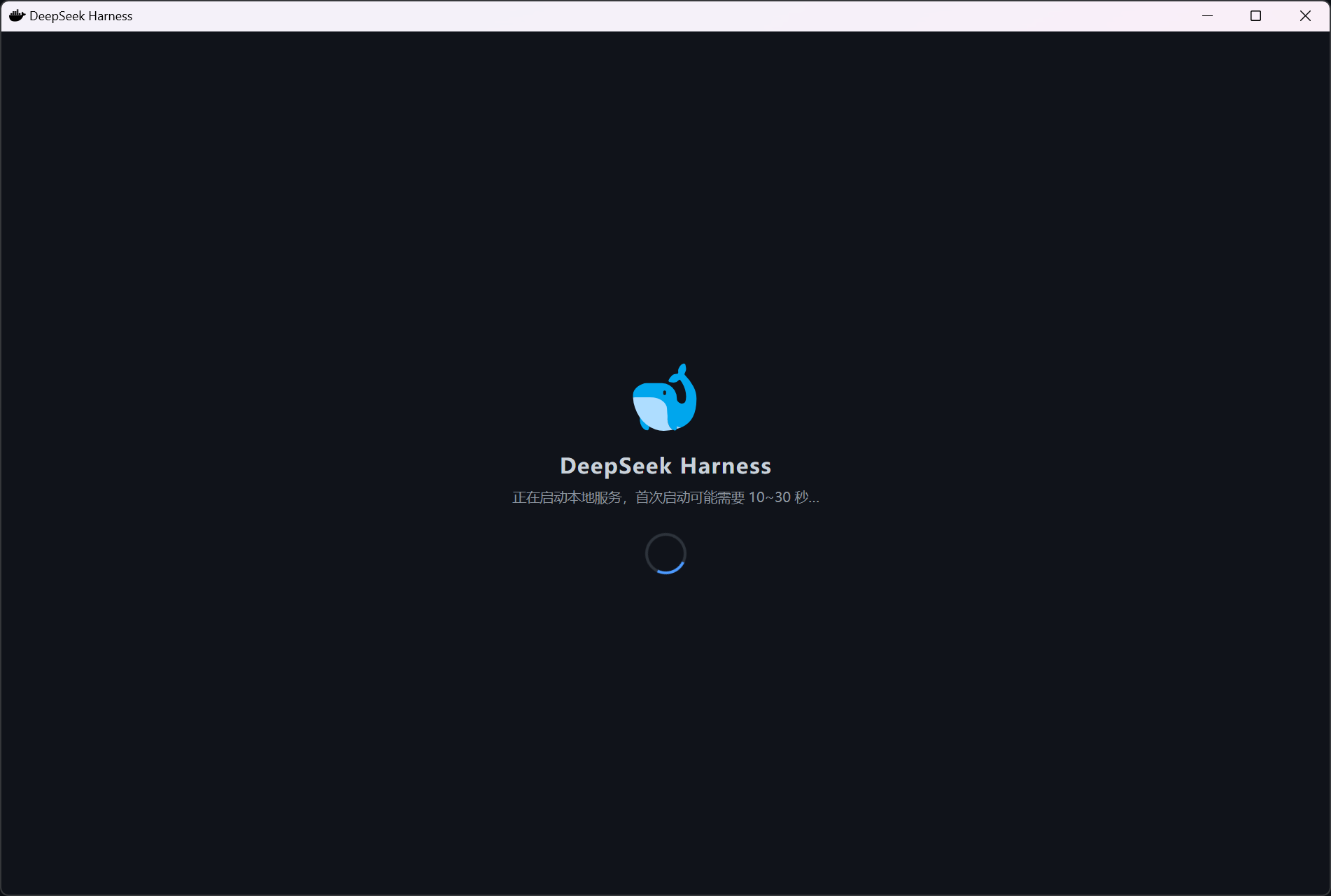
Startup
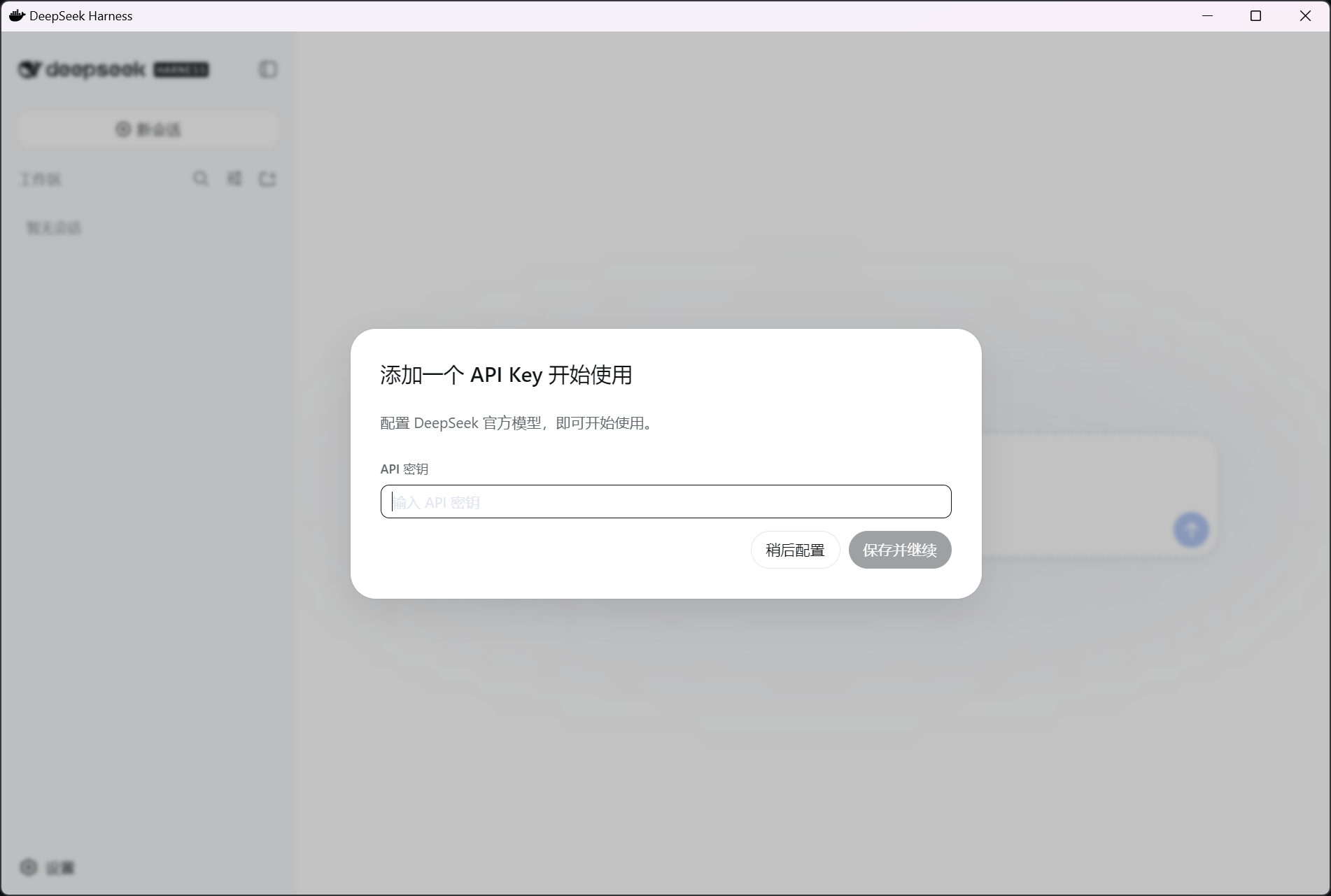
API key setup
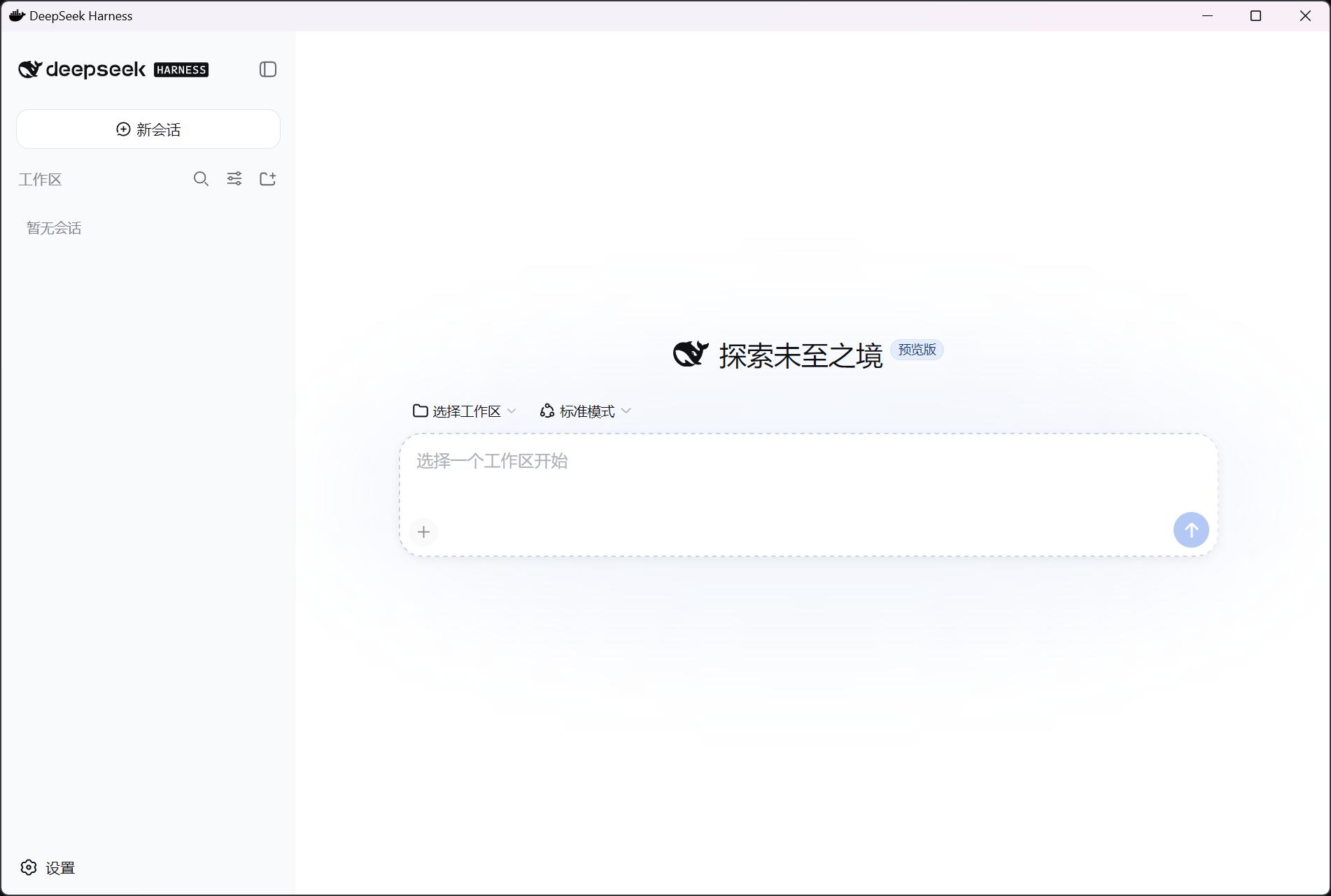
Workspace
Download and install
- Download DeepSeekHarness-Setup-1.0.0.exe.
- Double-click the installer. No administrator permission is required.
- If Windows SmartScreen appears, choose More info → Run anyway. Version 1.0.0 is not code-signed.
- Wait for the app to launch. The first startup may take 10–30 seconds.
- Add your own DeepSeek API key when prompted.
The installer SHA-256 is published in SHA256SUMS.txt and alongside the GitHub Release.
Build from source
Requirements: Windows 10/11, Node.js 18 or later, npm, and PowerShell.
git clone https://github.com/kalimustafa/deepseek-harness-desktop.git
cd deepseek-harness-desktop
.\build-exe.ps1
The build script installs locked dependencies, copies the local Node executable into the application runtime, removes binaries for other platforms, and creates:
release\DeepSeekHarness-Setup-1.0.0.exe
To use npm and Electron mirrors in mainland China:
$env:DSH_USE_CHINA_MIRRORS = "1"
.\build-exe.ps1
Development
npm ci
npm start
Run the packaged install/smoke/uninstall test after building:
.\scripts\e2e-test.ps1
Data and privacy
- The app requires an internet connection to call the model provider.
- Your API key is not included in this repository or installer.
- Local app data is stored in
%APPDATA%\DeepSeekHarness. - The embedded web service listens only on the local loopback interface.
License and attribution
The desktop-wrapper source in this repository is released under the MIT License. DeepSeek Harness is a separate upstream MIT-licensed project; its code and packaged dependencies remain subject to their respective licenses. See Third-Party Notices.
Related plugins
dsh-weknora
 Tencent
/WeKnora/packages/dsh-weknora
把 WeKnora 知识库接入 dsh 的四个只读工具:列出知识库、混合检索原文片段、按顺序还原单篇文档,以及直接取用 WeKnora 自己带引用的 RAG 或 ReAct agent 回答(含可续聊的 session id)。
dsh plugin --profile web add @wxg-prc-cpg/dsh-weknoratreg
 superdesigndev
/treg
给 Agent 的工具目录:按「要做的事」检索约 2,600 个外部接口(SEO 与 SERP、外链、社交、人物与公司信息补全、广告库、抓取),查看参数与单次调用价格后直接调用,凭据由服务端注入。附带技能,MCP 行在未设置 TREG_TOKEN 前保持禁用。
dsh plugin --profile web add github:superdesigndev/tregdsh-anchored-standard
 xiaobright
/dsh-anchored-standard
两阶段 DeepSeek Harness 预设:先 Minimal 对齐的 bootstrap,再切完整 Standard 工具(Project2 98/99)
dsh plugin --profile web add github:xiaobright/dsh-anchored-standardDeepseek-Harness-EAC
 zouyuxuan122
/Deepseek-Harness-EAC
把官方 deepseek-ai/deepseek-harness(@deepseek-ai/dsh,一切皆插件的 agent harness) 封装为开箱即用的 Windows / Linux 桌面客户端,并在其上拥抱社区万象:皮肤、插件、工具、记忆——你所能想到的,一键皆可装。
dsh plugin --profile web add github:zouyuxuan122/Deepseek-Harness-EACDSHA-dshapp
 DSH-APP
/DSHA/app/src/main/assets/app-integration
DSHA 后台任务、网页返回和草稿恢复适配
dsh plugin --profile web add 'github:DSH-APP/DSHA#a6d4de140acc7a085d6afd4b9d413404e004b939&path:/app/src/main/assets/app-integration'deepseek-harness-remote
 liguobao
/deepseek-harness-remote
基于 DeepSeek Harness 插件机制的多端远程访问方案,让桌面端与 Android 端安全连接并操作远程 Harness。(A multi-device remote access solution built on the DeepSeek Harness plugin system, enabling desktop and Android clients to securely connect to and operate a remote Harness.)
dsh plugin --profile web add github:liguobao/deepseek-harness-remote